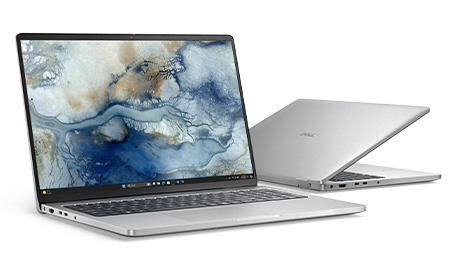
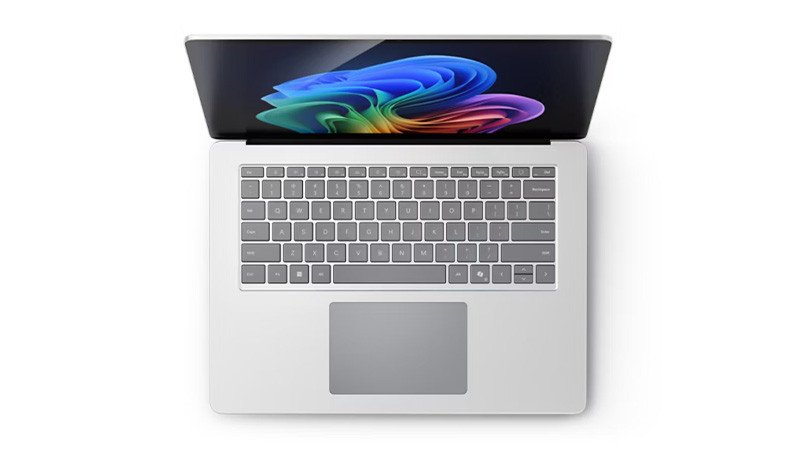
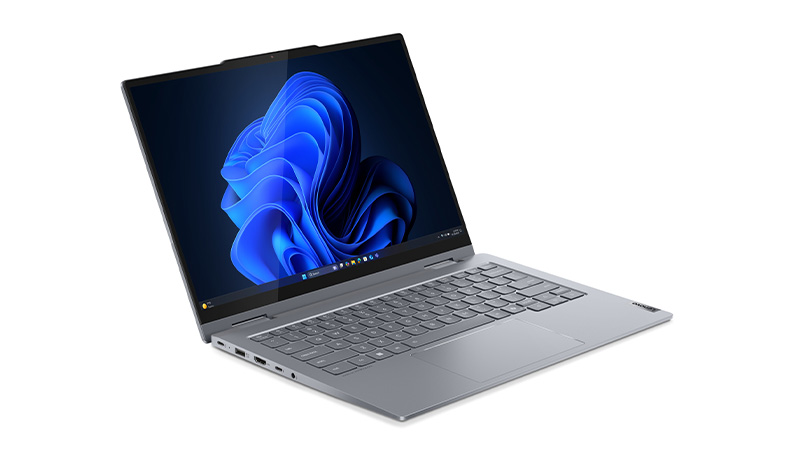
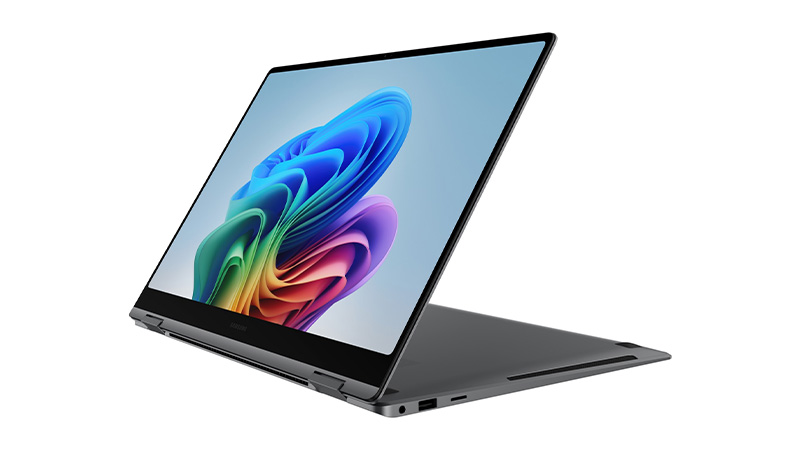
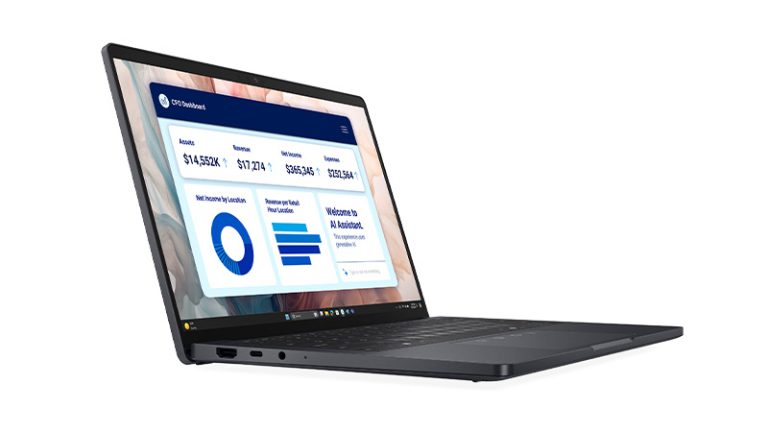
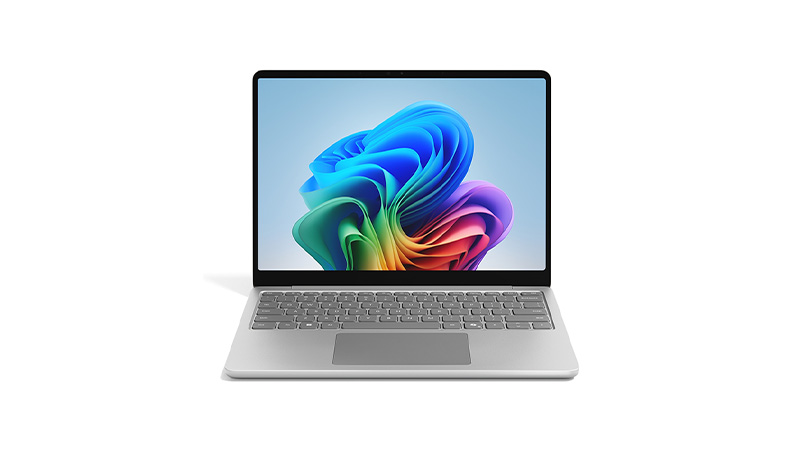
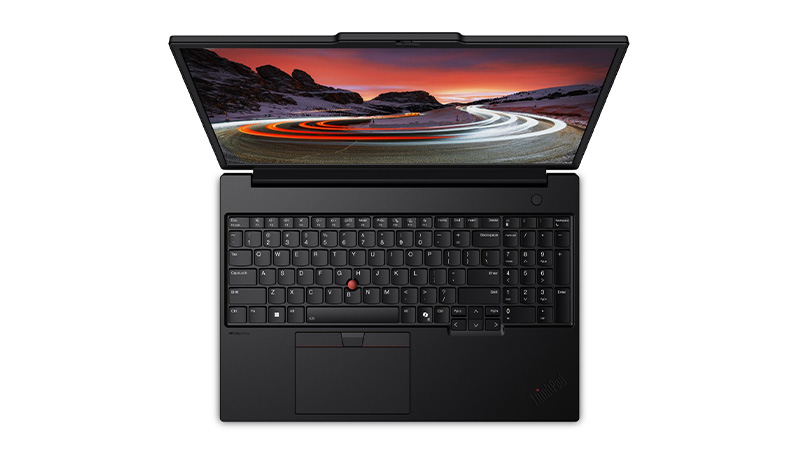
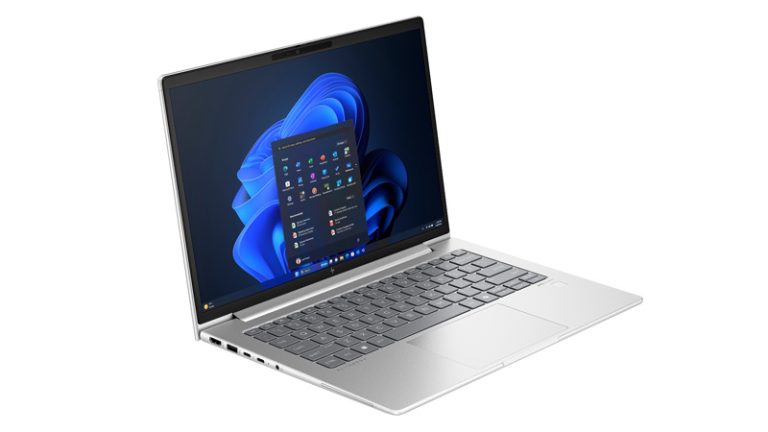
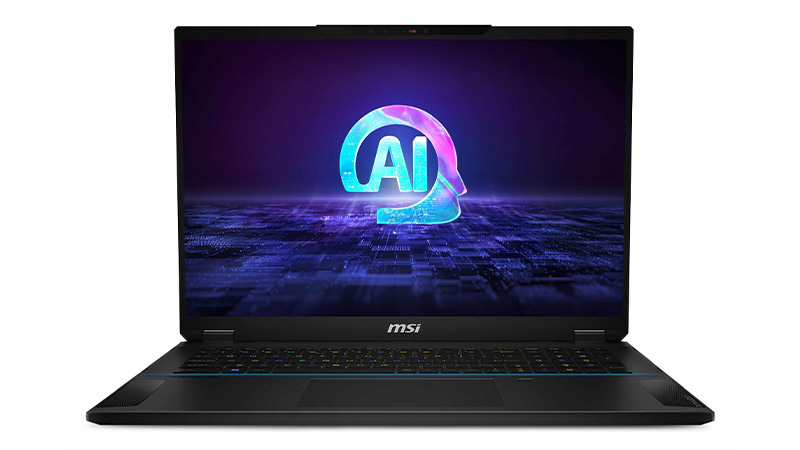
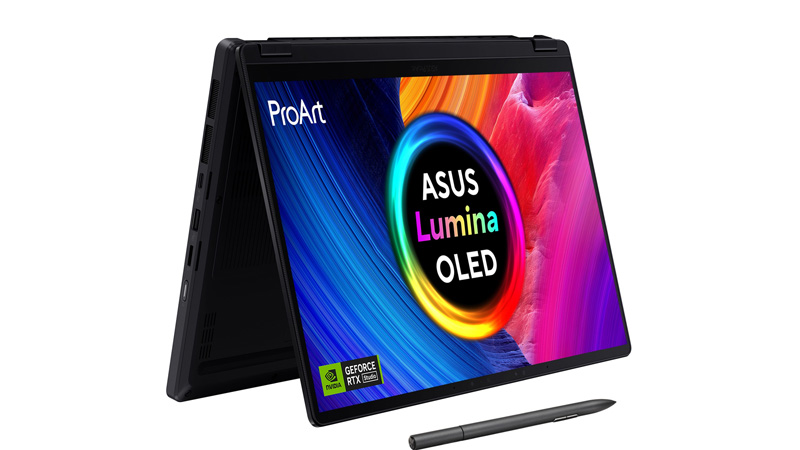
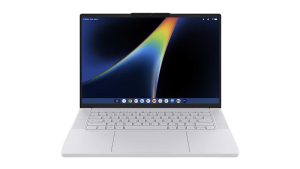
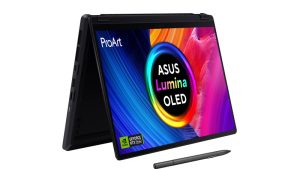
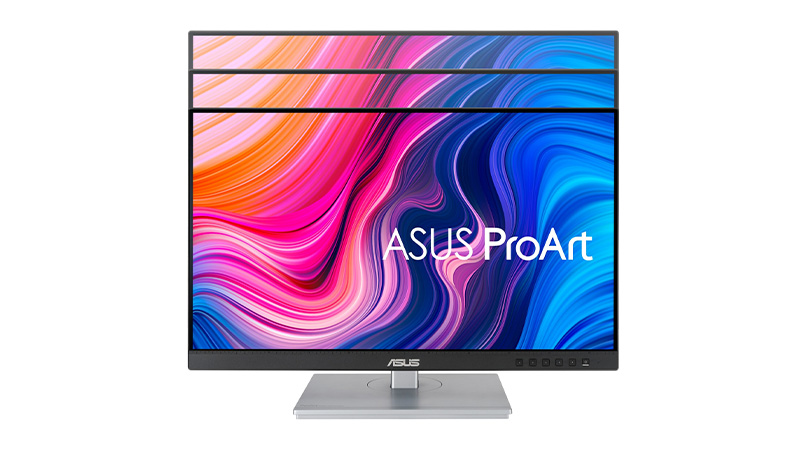
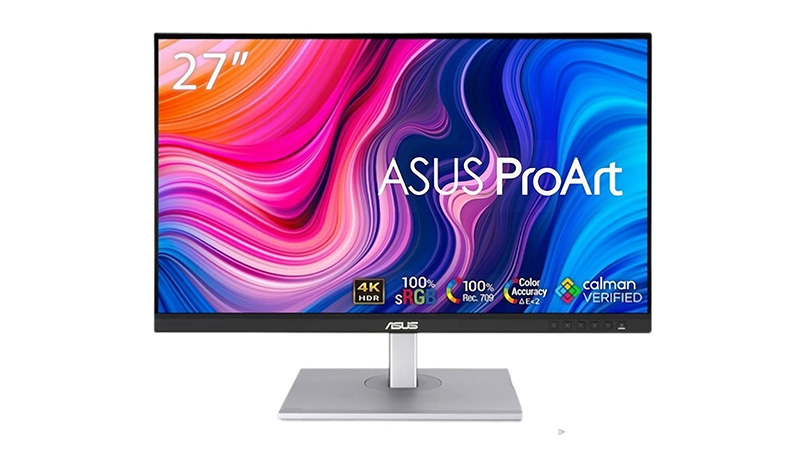
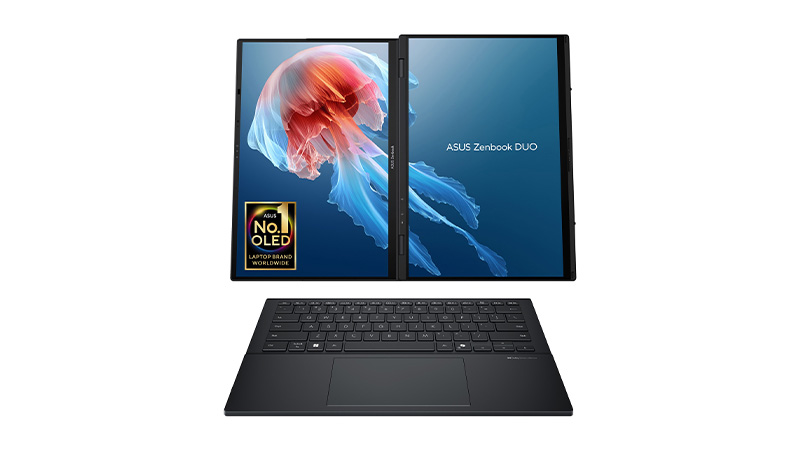
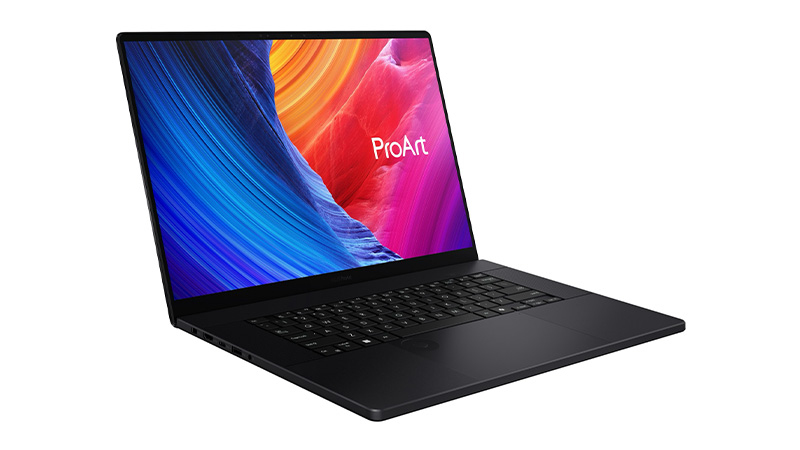
Powerful, reliable and built for modern work, ASUS devices help teams stay productive wherever they work. From ProArt creative solutions to innovative ZenBook laptops, ASUS combines performance and durability.
Explore a wide range of PC laptops from Dell, Lenovo, HP, Asus, and more — carefully selected to support the needs of modern teams. From procurement and deployment to ongoing support and secure end‑of‑life handling, everything is managed through one trusted provider, giving you simplicity, control, and cost certainty as your team grows.
Still paying a distant data centre monthly fees to summarise documents or index files? Discover how recent developments mean you can now bring many of your AI tasks on-device.
According to recent reports, 91% of IT leaders are reporting friction with their cloud AI providers. Unpredictable “inference fees” (paying every single time your team submits a prompt) and compliance issues are among the biggest headaches.
The good news is we now have a viable alternative.
Many of today’s highly capable AI models can run directly on the laptops and desktops your team uses every day. These AI models are:
Completely offline
Lightning-fast
And entirely behind your firewall
Here, we lay out how the AI landscape has rapidly shifted – with practical advice on kitting out your business with the hardware you need to reduce or even end costly cloud bills.
In brief: By cloud AI, we mean corporate systems and background automations that rent processing power from distant data centres. Every task sends your company data over the internet to a third-party server to do the heavy lifting.
How it differs from a web prompt: Opening a browser to ask ChatGPT or Gemini a quick question uses consumer-facing cloud AI tools. While these also run in the cloud, they are typically standalone applications.
The on-device difference: True local AI (also known as on-device AI) completely cuts out the internet trip, running the actual intelligence models on your office hardware.
Why more businesses are choosing on-device AI
1. The 10-billion parameter rule
The biggest myth in business tech is that you need a massive, trillion-parameter cloud model (translation: ultra-powerful, ultra-expensive AI) for standard office work.
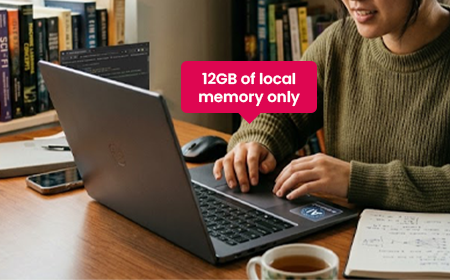
In reality, a recent Omdia report found that 57% of the AI models businesses typically run are lightweight, sub-10-billion parameter models. These don’t need a data centre; they need just 12GB of local memory. Many laptops today can handle that.
2. Apple’s AI masterstroke
The first wave of professional local AI relied on NVIDIA’s traditional, power-hungry PC graphics cards. It introduced businesses to a highly attractive, fixed-cost model: buy or lease the machine, and your local AI processing is essentially free.
But these devices had a hidden traffic jam: data had to shuffle slowly back and forth between separate memory pools, slowing everything down.
Apple got rid of that traffic jam entirely. Their chips share one big pool of memory instead of splitting it into separate pockets – so nothing has to wait in line.
The result: a 128GB MacBook Pro can run seriously powerful AI models (the kind that used to need a data centre) completely offline, right at your desk.
3. NVIDIA responds – and AMD enters the ring
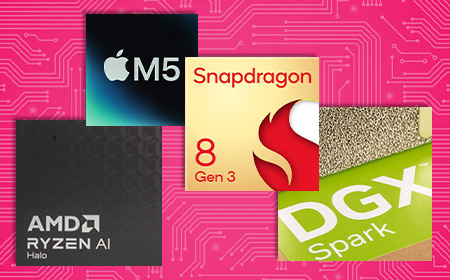
NVIDIA went all-in on power, launching RTX Spark to bring that same kind of on-device AI muscle to everyday Windows laptops.
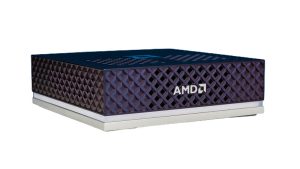
At the same time, AMD used its Halo platform to deliver powerful local AI performance without the extreme heat, power bills or high costs of a dedicated graphics card setup. AMD setups are generally more affordable too – making them the ultimate setup for department-wide rollouts.
The golden age of on-device AI
You no longer have to pick a side between a sleek macOS setup or the open flexibility of Windows to get absolute privacy and predictable costs.
The best options right now mean matching the right tool to the job:
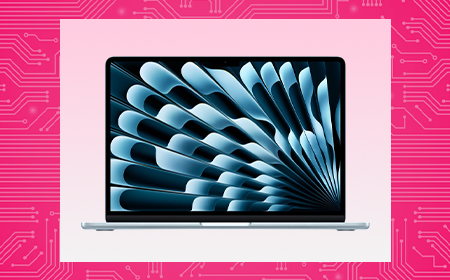
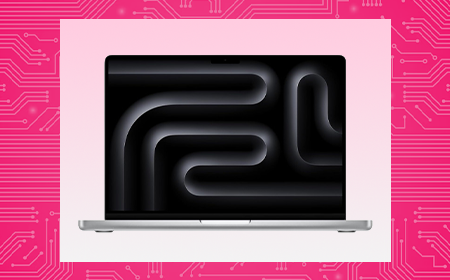
The memory powerhouse: Apple’s MacBook Pro and Mac Studio dominate for raw internal memory capacity, giving you the headroom to run serious local AI models entirely in memory – no data centre required.
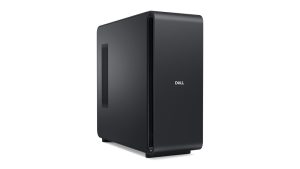
The specialist workhorses: High-end Windows desktops packed with NVIDIA graphics cards offer unmatched performance and the industry-standard software support that technical creators demand.
The fleet enablers:Ultra-portable laptops powered by AMD Halo chips give you the perfect mix of local AI speed, low power consumption and all-day battery life – with costs as much as 20% cheaper than competing options.
While many tasks can now run entirely on-device, having cloud “waiting in the wings” makes sense for all kinds of business.
Many operating systems are now smart enough to distribute workloads automatically. Your local hardware handles day-to-day work for free – and seamlessly taps into secure cloud servers only when you need the extra muscle for complex projects.
Why it works: 128GB shatters standard PC graphics bottlenecks, allowing developers to load advanced 70B and 122B parameter models natively into memory for near-instant code reviews.
Cloud reliance: Optional. Handles the vast majority of core engineering pipelines privately at the desk.
The professional services firm (up to 50 people)
The profile: Legal, financial or recruitment firms where data privacy is paramount and deep client archives must be instantly searchable 24/7.
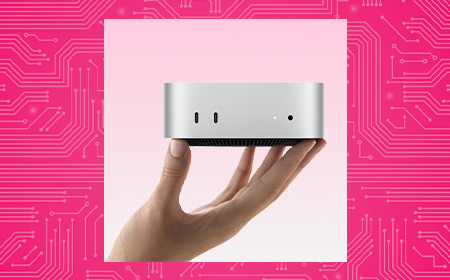
The hardware: Standard staff laptops supported by a fleet of Mac minis acting as “AI agent hubs”.
Why it works: The Mac mini is a silent, low-power background worker. In real-world enterprise rollouts, Apple reports that one customer cut three-year total cost of ownership by over half and energy consumption by 78% after migrating from cloud-based AI to local Mac minis.
Cloud reliance: Yes. Local hubs handle daily sorting securely behind your firewall, tapping the cloud only for heavy, cross-archive analysis.
How can we help?
Set up a 15-minute call with a HardSoft AI expert to find a leasing plan that works for you.
AI FAQs
Is running AI locally actually as good as using the cloud? For what your team does day-to-day, yes. In fact, running open-weight models (like Phi-4 or Llama 3.1 8B) locally is often much faster because you bypass internet delays and busy cloud servers.
What about data security? This is the single biggest win for small firms. When you run AI right on your own devices, data never leaves the machine. What stays on your computer cannot be leaked.
Isn’t the upfront cost of AI hardware too high for a small budget? It is a large upfront CapEx if you buy out of the box. That is why many businesses choose to lease.
The Business Guide to On-Device AI: How to Cut the Cloud Cord in 2026
Cloud AI bills are spiraling. New laptops and desktops now run powerful AI right on your team’s machines — cutting costs, locking down data and killing the monthly meter. Here’s how to build the right AI setup for your business.
Quick Summary
If you’ve spent the last two years watching your team test-drive AI tools, you’ve probably noticed two things: it’s incredibly powerful, and your cloud bills are becoming weirdly expensive.
In 2026, businesses are realising that sending every single prompt to a distant data centre is slow, pricey and a compliance minefield. That’s why the tide is turning toward AI independence — running powerful AI models directly on the laptops and desktops your team uses every day.
This guide pulls together everything you need to know: why businesses are switching, who’s building the best AI hardware right now (Apple, NVIDIA and AMD have all thrown their hats in), and exactly which setup fits your team.
We’ve been kitting out UK businesses for 40 years, so these aren’t generic picks — they’re the machines we actually put on people’s desks.
Let’s clear up the jargon, because three very different things get lumped together.
Consumer cloud AI is opening a browser to ask ChatGPT or Gemini a quick question. Handy, but a standalone service — not part of your core IT.
Enterprise cloud AI is the corporate platforms and background automations that rent processing power from distant data centres. This is where the costs live.
True on-device AI means the actual language models are installed and executed entirely within your physical hardware. If a tool needs an active internet connection to function, it isn’t on-device.
That last one is the game-changer — and it’s finally practical for everyday business machines.
The “Cloud Hangover”: Why Businesses Are Switching
The honeymoon period with cloud-based AI is ending. According to recent market data, a staggering 91% of enterprise IT leaders report significant issues with their cloud AI partnerships — citing data security, cost and disappointing performance. A pivot toward on-device AI tackles three headaches:
The “experimentation tax.” In the cloud, every time you ask AI to “summarise this report” or “fix this code,” a meter runs. These are inference costs — the price of the AI actually doing the work — and they’re wildly unpredictable as more staff pile in.
The privacy paradox. To use cloud AI, you send your data to a third party. Even with “enterprise” protections, 76% of organisations worry about data leakage. If you handle proprietary designs or sensitive client info, risk mitigation isn’t enough — you need risk elimination.
The visibility gap. It’s easy to track a monthly SaaS bill. It’s much harder to see the hidden costs — the hours your technical teams burn on security reviews and compliance paperwork just to get a project over the line.
Local AI also simply feels faster. There’s no internet round trip to a remote data centre, so responses often begin almost immediately.
The Privacy Advantage
At HardSoft, we talk a lot about architectural privacy. It sounds technical, but it’s dead simple: data that never leaves your computer cannot be leaked.
Run AI locally and your customer data, codebases and internal research stay behind your firewall. You can pull the internet cable out of the wall and everything still works — because all the capability and data is on your machine. No 20-page Data Processing Agreement required, because the data isn’t going anywhere.
In regulated sectors like healthcare, finance and law, where data sovereignty is a legal requirement rather than a nice-to-have, that’s enormous.
Understanding the “10 Billion Rule”
“Surely my laptop isn’t powerful enough to run a ‘real’ AI?” In 2024, you’d have been right. In 2026, you’re likely wrong.
One of the biggest myths is that you need a massive, trillion-parameter cloud model for everyday tasks. In reality, 57% of the AI tasks businesses run rely on lightweight models with fewer than 10 billion parameters — the ones handling routine data formatting, file indexing and document summaries.
Here’s the catch: most companies are still renting cloud space to run these lightweight models, racking up needless API bills. You’re paying for the big daddy but getting a (more than capable) minnow to do the work.
A 10-billion-parameter model doesn’t need a data centre. It only needs around 12GB of memory to run well, because modern AI formats shrink big models so they run locally without a noticeable drop in quality (it’s called quantisation, if you’re curious). Most high-end business laptops today handle this with ease.
Jargon alert — “parameters.” Think of these as the brain cells of an AI. The headline-grabbing models have trillions, but an AI with 10 billion cells is more than smart enough for conversational AI, complex summarisation and even advanced coding assistance.
The Contenders: Apple vs NVIDIA vs AMD
The best news for business? This is no longer a one-horse race. In just eight short months the market has completely transformed, and there’s now an AI-ready machine tailored to every role in your company.
Apple: the unified memory long game
It’s a common misconception that Apple jumped on the AI bandwagon. In fact, the company started baking “neural engines” — parts dedicated purely to AI — into its chips back in 2017. Every lesson learned went into the M-series processors that power today’s MacBooks, where the CPU, GPU and Neural Engine all work together.
Apple’s secret weapon is Unified Memory Architecture (UMA). In a traditional PC, the processor and the graphics card have separate pools of memory, and shuttling data between them creates a bottleneck. Apple gave the whole chip one massive, shared, high-speed reservoir instead. That’s why a 128GB MacBook Pro can run a 70-billion-parameter model with ease — no cloud required. Need to go bigger? The Mac Studio, with up to 512GB of unified memory, chews through models over 100 billion parameters right at your desk.
This isn’t “toy model” territory, either. Forward-thinking firms are now running massive open-weight models locally with output quality practically indistinguishable from top-tier cloud models — at zero per-token cost and with absolute privacy.
The Mac mini as a 24/7 “AI agent hub”
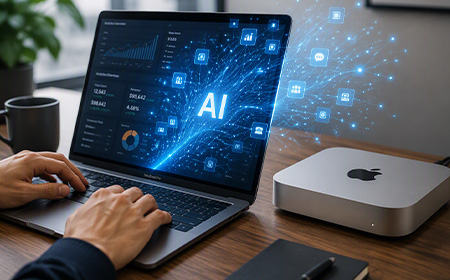
One of the most interesting trends of 2026 is the humble Mac mini as an “AI agent hub” — a small, quiet, low-power machine running background AI 24/7, organising files and monitoring data while you sleep. Under the latest macOS you can even daisy-chain several together into a private AI supercomputer in the corner of the office. For some firms, moving routine tasks off the cloud and onto local minis has cut total cost of ownership by more than 50%.
Bonus: Apple’s Private Cloud Compute handles the occasional oversized task on secure Apple Silicon servers without retaining your data afterwards — and it’s included natively in Apple Intelligence, no extra token fees.
NVIDIA: raw power and universal compatibility
NVIDIA took the early crown by dropping powerful discrete GPUs straight into Windows workstations, letting businesses stop paying per-token cloud fees and start running models in-house. And it isn’t backing down.
Interestingly, 56% of organisations using Macs for local AI also deploy NVIDIA hardware — they’re not switching teams, they’re building hybrid fleets to get the best of both.
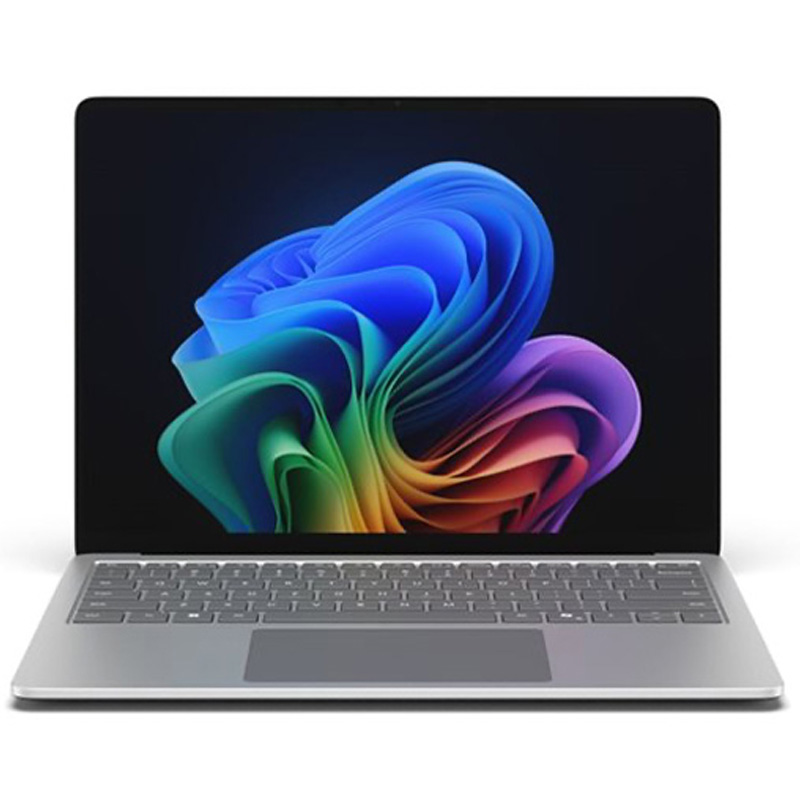
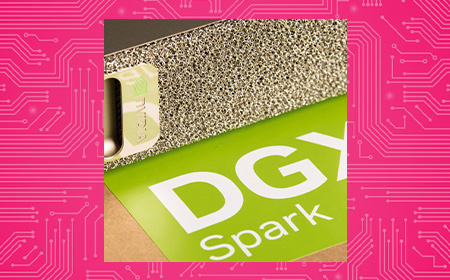
NVIDIA’s real trump card is compatibility: because most of the world’s AI software is built for its tech, technical teams prefer it for heavy-duty projects. It’s also pushed into mobile with the RTX Spark platform, powering AI-ready Windows laptops like the Surface Laptop Ultra.
The biggest surprise of 2026 has been the rapid rise of AMD. Rather than chase the biggest, most power-hungry chip, AMD built a brilliant middle ground: significantly more AI performance than a standard office laptop, but without the heat, noise and eye-watering energy bills of a top-tier rig.
Its new Halo chip lineup launches at roughly 20% cheaper than competing NVIDIA options — which makes AMD-powered devices ideal for wide-scale company rollouts, not just a treat for the developers.
It lets whole teams effortlessly run the 57% of everyday AI tasks that don’t need a massive, expensive tech stack.
Cloud vs Local: Where Do Your Tools Actually Run?
To build a smart hardware strategy, you need to know which tools need the internet and which run entirely offline.
The full model files sit on your hardware and process data entirely offline, behind your firewall, with total privacy.
The 2026 rule of thumb: use cloud platforms for massive, creative or web-scale research where data sensitivity isn’t a barrier. For routine automation, private company data and 24/7 background agents, run open-weight models locally on your leased hardware to kill subscription costs and guarantee privacy.
Jargon alert — “open-weight model.” Standard cloud AI keeps its system locked away behind an internet wall. An open-weight model hands you the finished, fully trained settings so you can run it 100% offline with total privacy.
Match the Hardware to Your Team
The smartest businesses right now aren’t just buying “faster computers” — they’re building targeted technology portfolios. Think of the switch you made to Netflix: you didn’t rip the aerial off the roof, you kept the BBC and ITV too.
Here, the cloud is Netflix and your local machines are the trusty aerial. Whatever your team size, the goal is identical: absolute privacy, predictable costs and flawless performance.
Business Type
Recommended Hardware
Why It Works
Cloud Use?
Agile team of 10 — creative, marketing, consulting
Sovereign, high-memory local processing for sensitive R&D
Definitely — for ultra-massive, multi-layered workloads
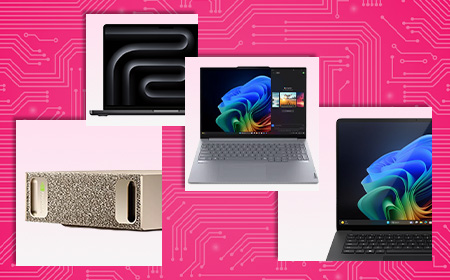
The strategy today is never about buying the most expensive machine available — it’s about matching the right tool to the job. For raw memory capacity, the Mac Studio and MacBook Pro are hard to beat. For specialist engineering, NVIDIA workstations offer industry-standard software support. For a mobile workforce, AMD ultra-portables and Copilot+ Windows laptops deliver local AI speed with all-day battery.
Is on-device AI really as good as the cloud? For what most businesses do day-to-day, yes — and it’s often faster, because you’re not waiting on a busy cloud server to respond.
Does “on-device” mean we can’t use the cloud at all? Not at all. The future is hybrid. Modern operating systems are smart enough to process everyday tasks locally for free, then tap secure cloud infrastructure only when you need the extra muscle. You get local privacy and infinite cloud scale.
Isn’t the upfront hardware cost too high? You’re trading a never-ending monthly bill for a fixed cost you can manage. Buying outright is a big CapEx hit, though — which is exactly why leasing is so popular (more below).
What about data security? This is the single biggest win. What never leaves your computer cannot be leaked to third-party servers. No complex data agreements, no exposure.
So the future is hybrid? That’s where we’d put our money. On-device AI brings speed, security and savings; cloud AI is your super-sub for when things get heavy.
Leasing AI Supercomputers With HardSoft
Here’s the honest bit: the hardware that makes on-device AI possible isn’t cheap to buy outright. A capable AI workstation runs anywhere from £2,000 to £7,000+, and buying a fleet of them is a serious capital hit. That’s why the shift to local AI and the shift to leasing go hand in hand — you swap unpredictable cloud fees for one fixed, predictable monthly cost.
We’ve spent 40 years helping businesses get the right tech at the right time — from global brands like LG and Levi’s to hundreds of fast-growing smaller firms. It’s IT leasing, reinvented.
Whether you’re kitting out a creative team of ten or building a private AI supercomputer cluster, the question is no longer if your business should run AI locally — it’s where. Explore the full range of NVIDIA-powered supercomputers, Copilot+ PCs and Apple Intelligence machines ready to lease today, and cut the cloud cord for good.
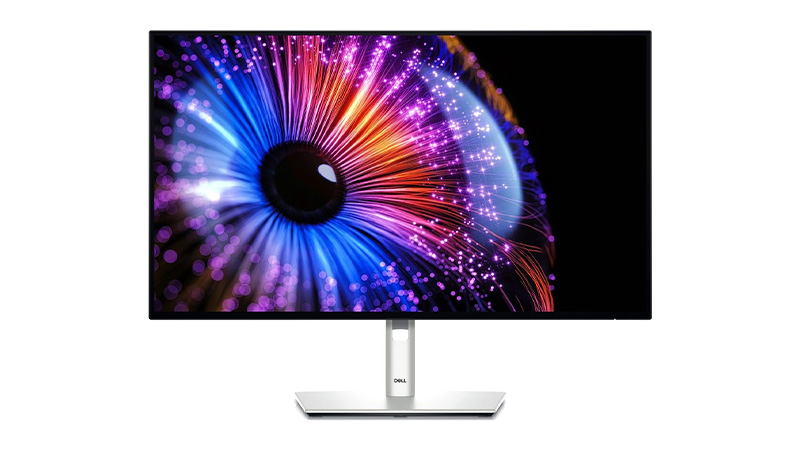
Plan ahead with Coming Soon IT leasing designed to keep your business ready for the next generation of AI-powered technology. Explore upcoming business laptops, AI PCs, workstations, professional monitors and mobile devices from leading brands including Dell, Microsoft Surface, ASUS and Samsung. With flexible leasing and the latest innovations in performance, connectivity and productivity, your team will be ready for what's next.
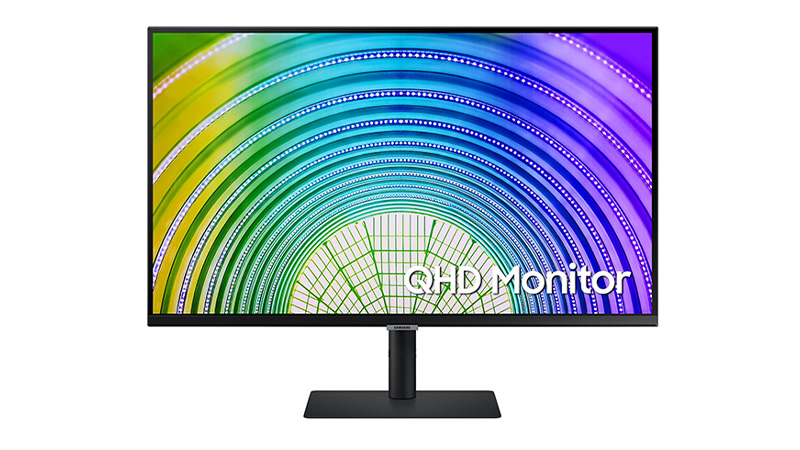
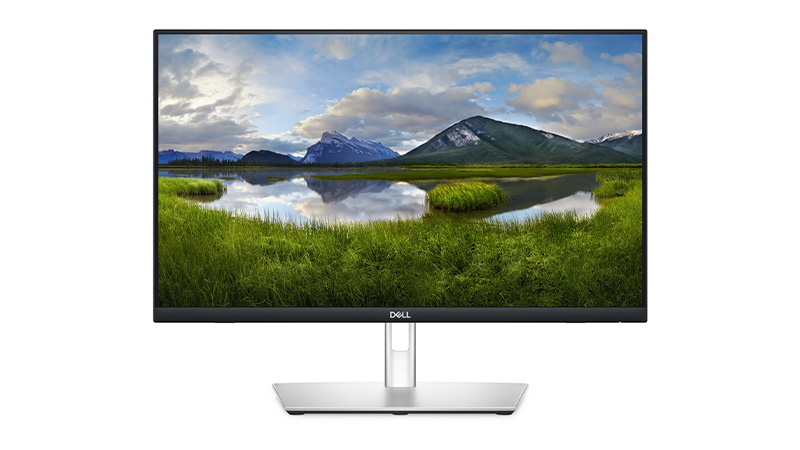
Explore 24-inch monitors from leading brands including Dell, Samsung, Philips, and ASUS. Our range features Full HD and QHD displays, USB-C connectivity, energy-efficient monitors, and professional-grade screens such as the ASUS ProArt PA247CV and Dell Pro Plus USB-C Hub Monitor. Whether you're looking for a business monitor, creative display, or everyday office screen, these 24-inch monitors deliver sharp visuals, reliable performance, and flexible connectivity for modern workspaces.
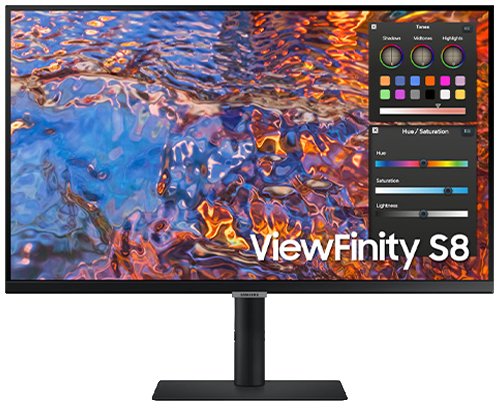
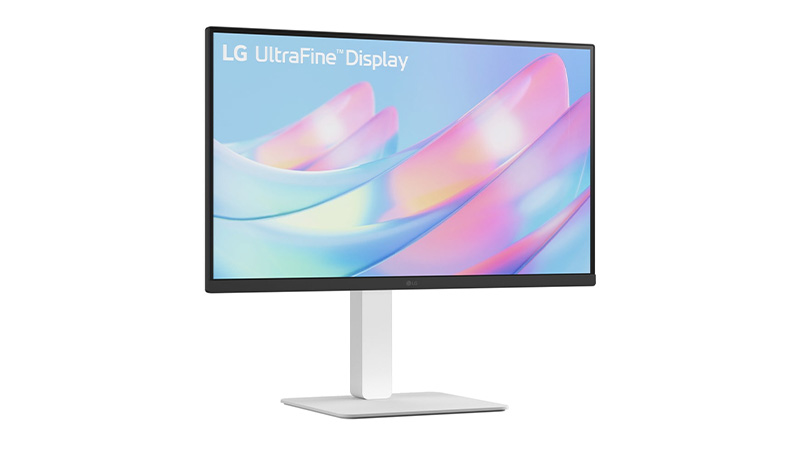
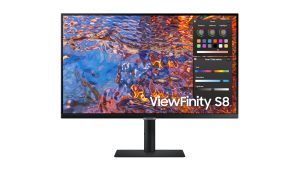
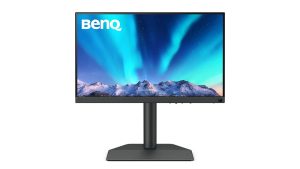
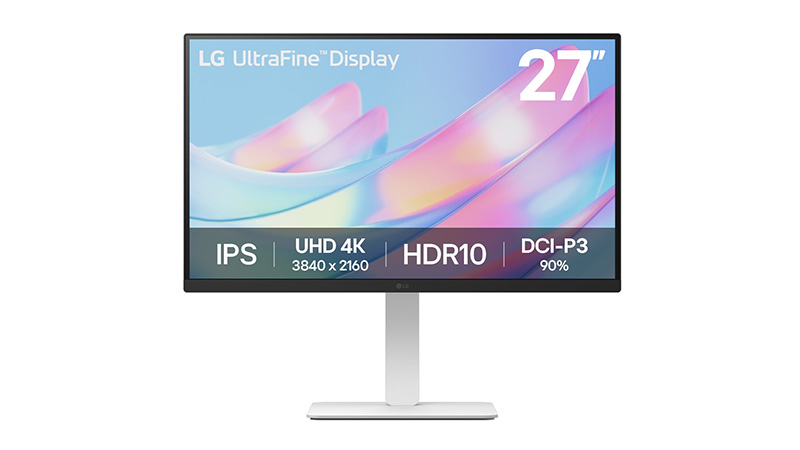
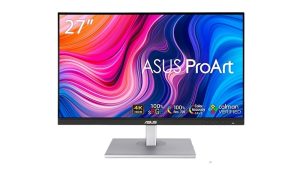
Lease a 4K monitor for your business and give your team ultra-sharp UHD resolution (3840 x 2160) without the upfront capital costs. Our 4K monitor leasing range includes trusted brands such as Asus ProArt, LG UltraHD, Dell UltraSharp, Samsung and BenQ, covering everything from 27" all-rounders to the 32" Asus ProArt PA32UCE for colour-critical work.
Ultra-sharp 4K resolution for detailed, multi-tasking workflows
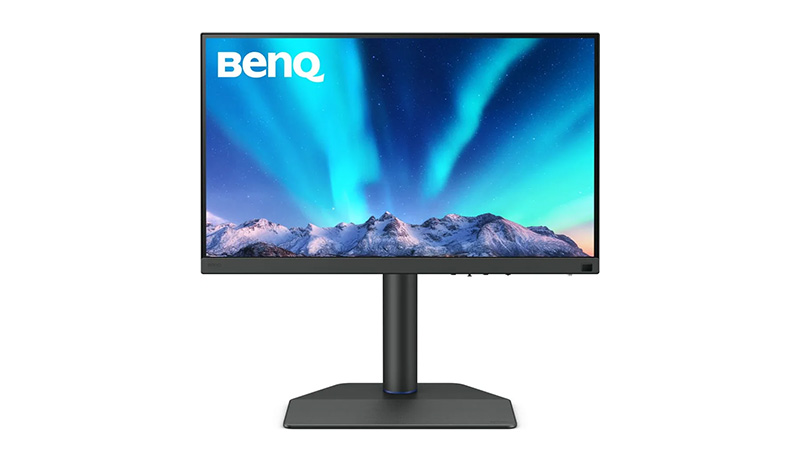
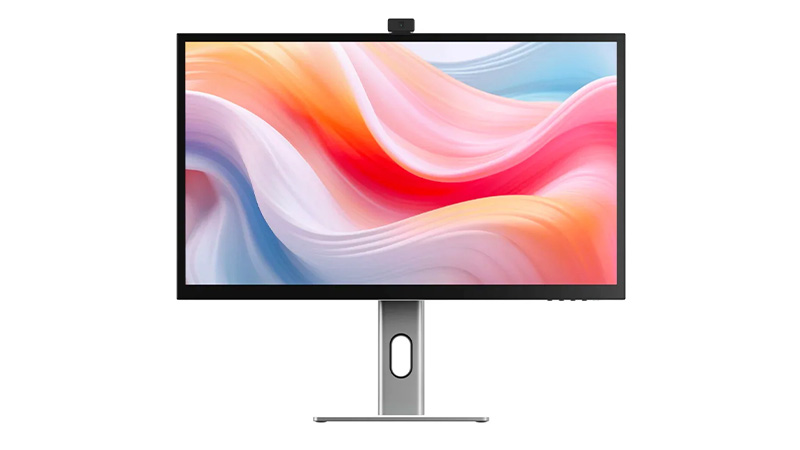
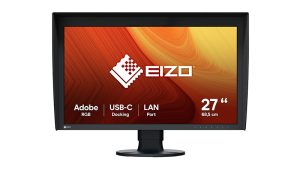
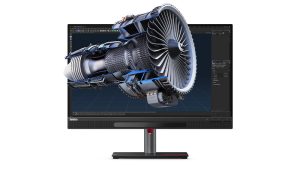
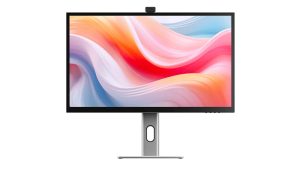
Find the ideal 27-inch monitor for business, creative work, and professional collaboration. This range includes 5K touchscreen displays from ALOGIC, colour-accurate ASUS ProArt and EIZO ColorEdge monitors, Dell conferencing displays, Lenovo ThinkVision 3D monitors, and BenQ 4K photography screens. Designed for designers, photographers, content creators, and modern workplaces, these 27-inch monitors deliver exception image quality, productivity features, and immersive viewing experiences.
27" display with sharp QHD/4K resolution for improved productivity


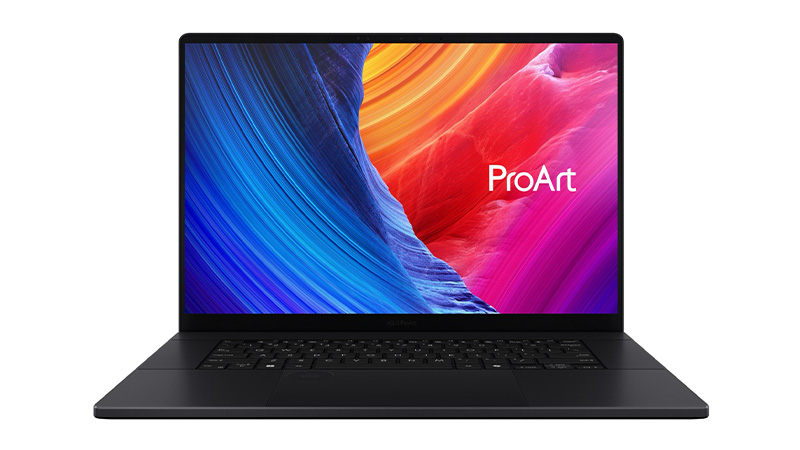

 Price per week £10.30See product
 Price per week £2.65See product
 Price per week £4.75See product
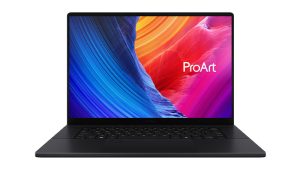 Chip AMD Ryzen 9 AI HX 370Memory 32GBStorage 2TBPrice per week £23.39See product
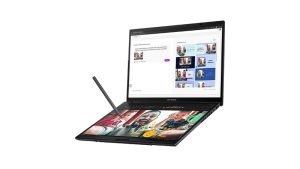 Chip Intel Core Ultra 9 285HMemory 32GBStorage 2TBPrice per week £15.17See product