

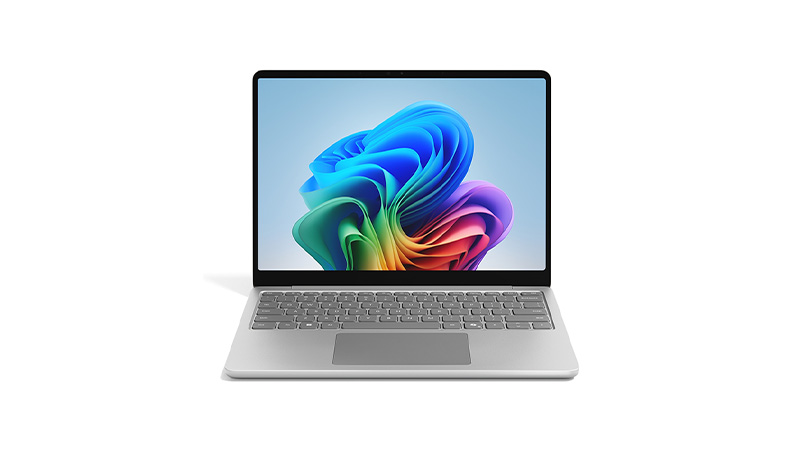
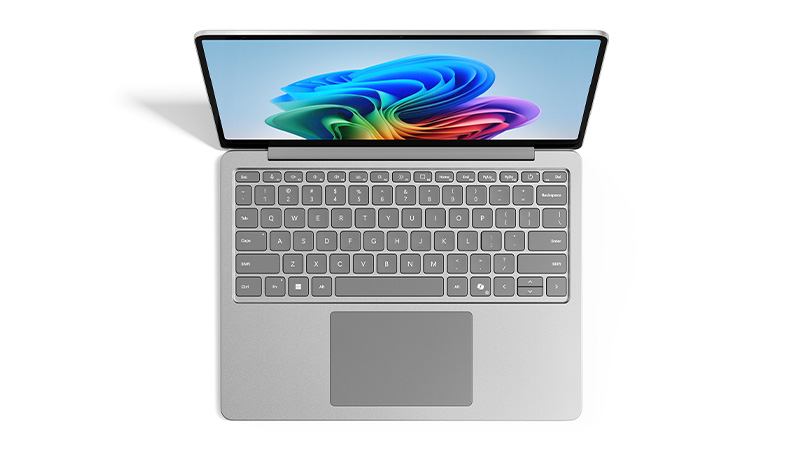
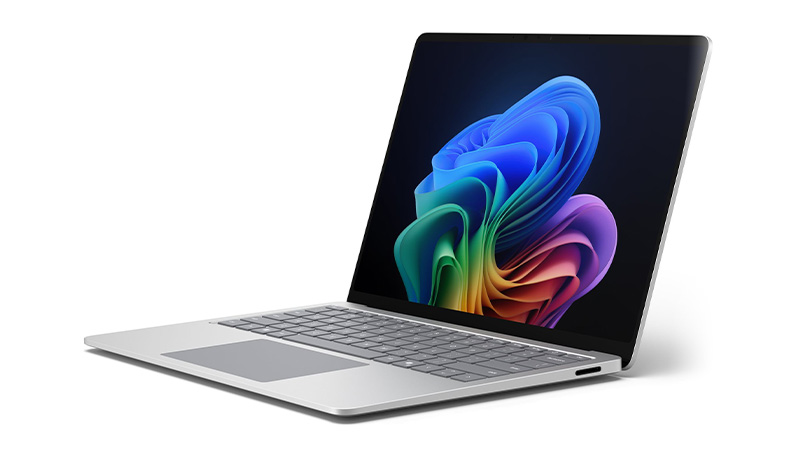
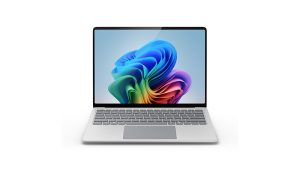
The Microsoft Surface Laptop combines sleek design, powerful performance, and enterprise-grade security to deliver a premium Windows experience. Built for today’s fast-paced workplaces, it seamlessly supports productivity, collaboration, and AI-powered workflows—whether in the office, at home, or on the move.




What's the difference between a Surface Laptop and a Surface Pro?
The Surface laptop is a traditional clamshell laptop with a built-in keyboard, while the Surface Pro is a detachable 2-in-1 tablet that becomes a laptop with an optional keyboard cover. The Pro offers more flexibility for touch and pen input, while the laptop suits users who want a conventional laptop experience.
How long does a Surface Laptop last?
Surface laptops are generally built for longevity, though how long yours actually lasts in practice depends on the model, usage, and how well it’s maintained. Battery efficiency has also improved notably on newer Copilot+ PC models compared to older generations. See why battery life is better on Copilot+ PCs for more detail.
Will AI features affect battery life on a Surface Laptop?
AI features (Copilot+ capabilities) run on a dedicated Neural Processing Unit, so they’re designed to have minimal impact on battery life compared with running the same tasks on the CPU. However, heavy and sustained AI workloads will still draw more power than light everyday use
Is the Surface Pro suitable for remote and hybrid workers?
Yes, the Surface Pro’s portability, detachable design and long battery life make it well suited to hybrid workers who move between home, office and travel. It’s tablet mode is also useful for presentations and note-taking in meetings.
What types of work is the Microsoft Surface Pro best suited for?
The Surface Pro suits client-facing and mobile roles like sales and real-estate, thanks to its 2-in-1 design. The optional pen is useful for drawing and precise input, and built-in 5G support staff working on the go. It’s less suited to heavy creative or resource-intensive work, where other devices perform better.







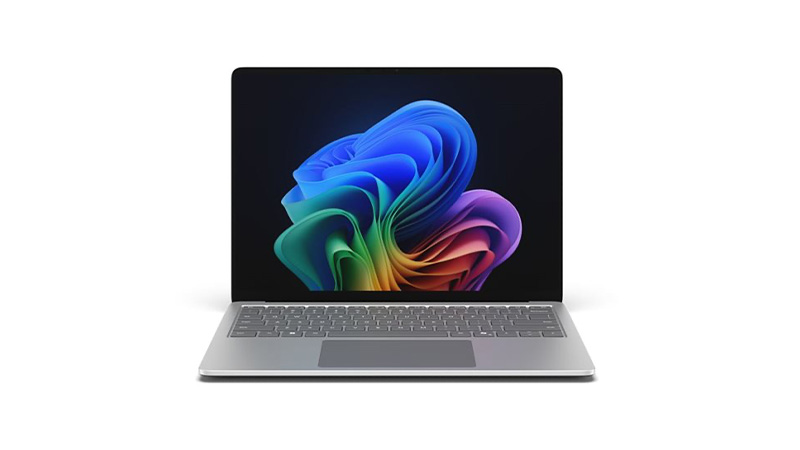
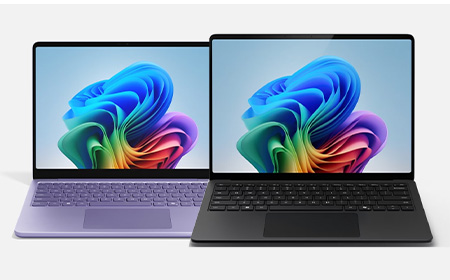

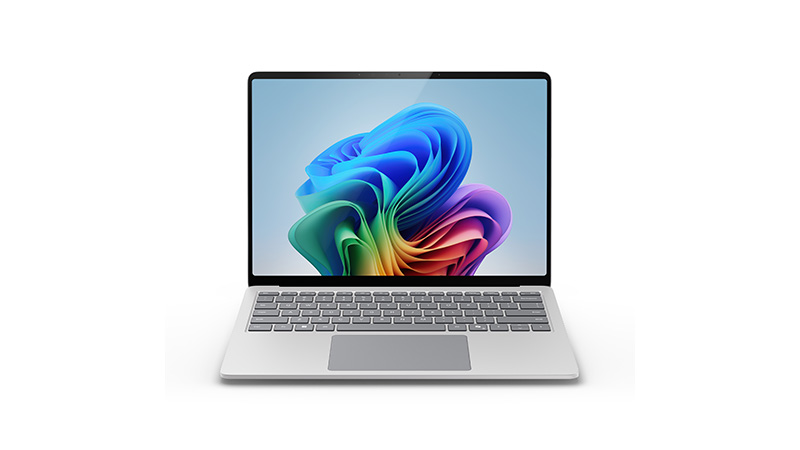
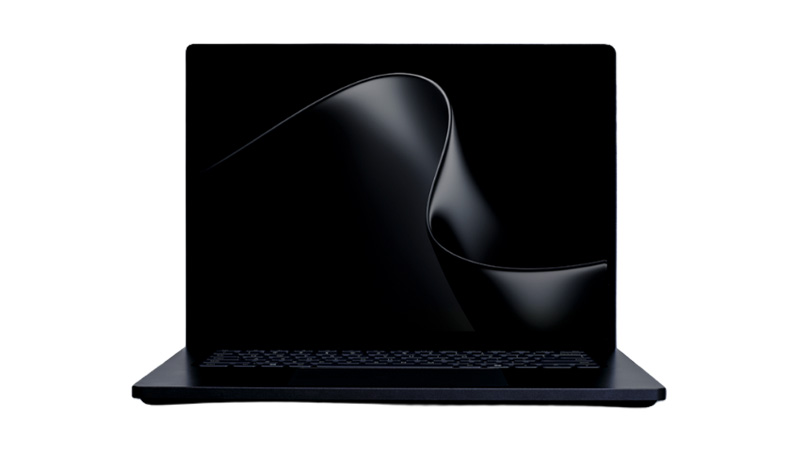
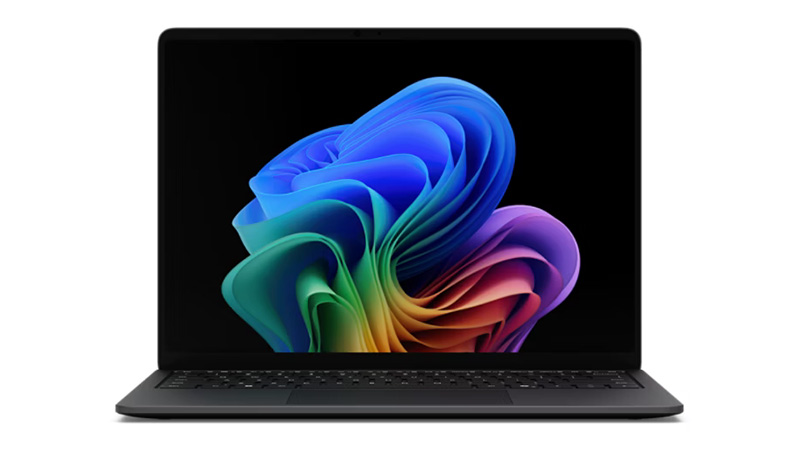
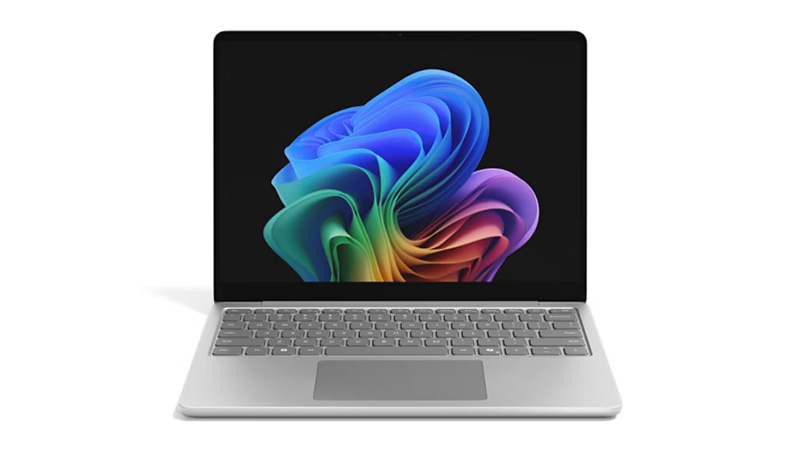
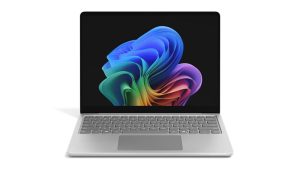
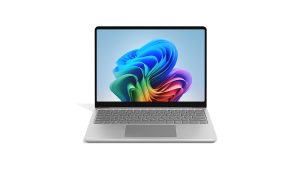
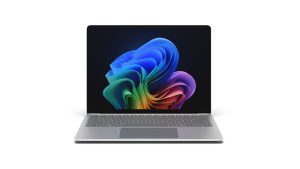
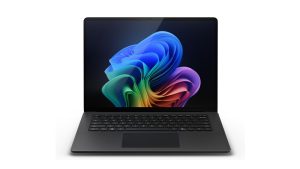
Two Copilot+ PCs, 0.8 inches apart on paper — but very different machines underneath. Here’s how the Surface Laptop 13″ and Surface Laptop 13.8″ compare for IT teams leasing across a business, and which model belongs with which role.
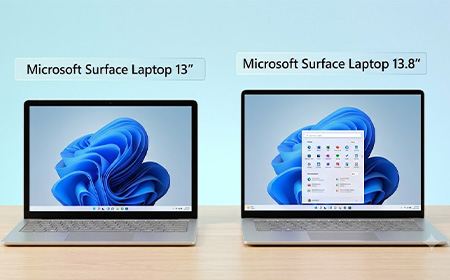
On paper, the Microsoft Surface Laptop 13″ and the Surface Laptop 13.8″ (8th Edition) sit a fraction of an inch apart. Both are Copilot+ PCs, both run Intel Core Ultra (Series 3) silicon, and both have a 3:2 PixelSense touchscreen.
But when you look closer 0.8 inches turns into a meaningful fork in the road: different displays, different specs and different features.
For IT teams and business owners about to lease these across a team, those differences shape who gets which device.
You’ll find both on our Surface Laptop range page.
Both panels are 3:2, touch-enabled, and individually colour-calibrated. That’s where the similarity ends.
| Display | Surface 13″ | Surface 13.8″ |
| Resolution | 1920 × 1280 (178 PPI) | 2304 × 1536 (201 PPI) |
| Refresh rate | Up to 60 Hz | Up to 120 Hz |
| Brightness | 500 nits | 600 nits |
| Contrast | 1000:1 | 1300:1 |
| HDR / Dolby Vision IQ | No | Yes |
For email, documents, and Teams, the 13″ panel is genuinely good. For anyone working with images, video, dashboards, or design tools all day, the 13.8″ is a different class of display — sharper, brighter, smoother, and HDR-accurate.
| Internals | Surface 13″ | Surface 13.8″ |
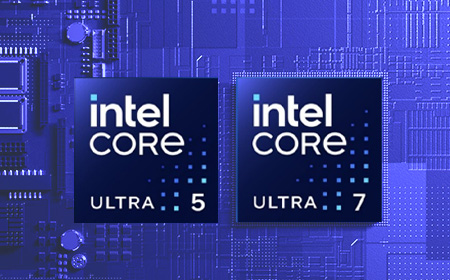
| Processor | Intel Core Ultra 5 325 (Series 3) | Intel Core Ultra 5 335, Ultra 7 366H, or Ultra X7 368H (Series 3) |
| Memory | 16GB or 24GB | 16GB, 32GB or 64GB |
The 13″‘s Intel Core Ultra 5 handles typical office workloads comfortably. What it can’t do is scale as far: 24GB of RAM is the maximum. For finance teams, analysts, developers, and anyone running large datasets, the 13.8″ is the only one of the two that has the headroom — up to 64GB with options up to Intel Core Ultra 7 and X7.
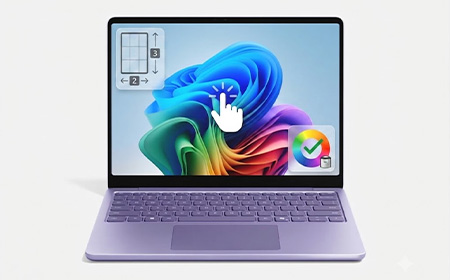
Both deliver the same 50 TOPS NPU (Intel AI Boost), so all Copilot+ features (Recall, Click to Do, Studio Effects, AI-powered search) run identically on either.
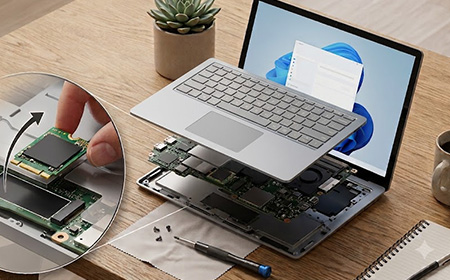
Both laptops come in the same core build options — your choice of processor, 256GB / 512GB / 1TB storage, and (on the 13.8″) up to 64GB RAM — all on a removable Gen 4 SSD.
Where they differ is the security hardware you can add at order. The 13″ comes in standard configurations only. The 13.8″ can be ordered as standard, or specced with two business-grade extras:
| Ports | Surface 13″ | Surface 13.8″ |
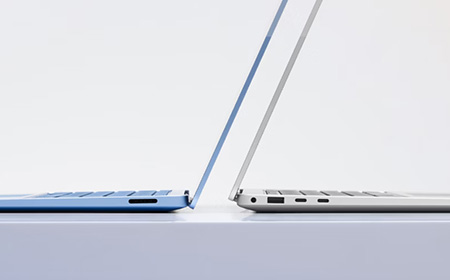
| USB-C | 2 × USB 3.2 | 2 × USB4 / Thunderbolt 4 |
| External 4K monitor support | Up to 2 | Up to 3 |
| Surface Connect | No | Yes |
| Charger | 45W USB-C charger | 39W power supply |
Both share the same USB-A 3.2 port and DisplayPort 2.1 over USB-C.
Two things to flag here. First, the 13″ charges over USB-C and ships with a 45W USB-C wall charger (in select markets and configs); for faster charging you’ll want a 60W+ USB-C PD charger.
Second, the 13″ has no Surface Connect port. If your business is already standardised on Surface Dock infrastructure, the 13″ won’t slot in — you’d be looking at USB-C docks instead.
USB4 on the 13.8″ runs at four times the bandwidth of the 13″‘s USB 3.2, and supports a third external 4K display.
Both are Windows 11 Secured-core PCs with Microsoft Pluton TPM 2.0 and full Microsoft Defender support, so they’re equally manageable from an IT fleet perspective.
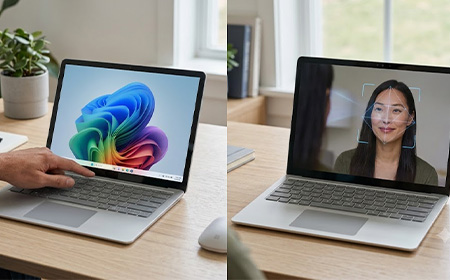
Biometrics is where they differ:
For hot-desking, frequent docking and undocking, or regulated environments where face authentication is preferred for compliance, the 13.8″ has the edge.
| Physical | Surface 13″ | Surface 13.8″ |
| Weight | 1.24 kg | 1.35 kg |
| Battery life (video playback) | Up to 22 hours | Up to 23 hours |
| Battery life (active web) | Up to 14 hours | Up to 14.5 hours |
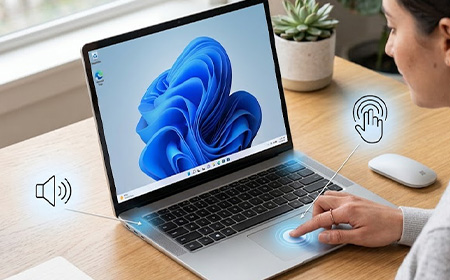
| Touchpad | Precision touchpad | Precision haptic touchpad |
Neither model supports pen input. Teams that need pen-and-touch should look at the Surface Pro instead.
For most teams, the Surface Laptop 13″ is the smart default. It’s lighter, cheaper, and shares the things that actually matter day-to-day with its bigger sibling: the same 50 TOPS Copilot+ NPU, the same removable Gen 4 SSD, Windows 11 Pro, and Secured-core management. So the AI features, the security posture, and the IT manageability are identical.
Reserve the Surface Laptop 13.8″ for the roles that really need more: anyone scaling past 24GB of RAM, driving a triple-4K dock, leaning on the sharper 120Hz HDR display for design or data work, or where face-unlock is a compliance requirement. For those people the premium is money well spent. For everyone else, it isn’t.
Leasing via HardSoft means you get to match each role to the right device rather than picking one compromise for everyone.
Plus you get full lifetime support, the option to switch devices at 12 months on Flexi, and managed offboarding when staff leave (on both devices).
| Price | Surface Laptop 13″ | Surface Laptop 13.8″ (8th Ed) |
|---|---|---|
| Weekly lease (from) | £10.05 | £13.62 |
Not sure what the right split is for your team? Get in touch and we’ll help you spec it out.