


Run AI On-Device.
No Cloud, No Compromise.
Apple Silicon run AI locally, with no ongoing cloud costs, no data leaving the building,
and no dependency on a network connection.
The Business Case
XX%
of enterprise AI models run locally on a MacBook Air
XX%
of IT decision makers are concerned about data leakage
XX%
reduction in total cost of ownership vs cloud-based PCs
Choose your device
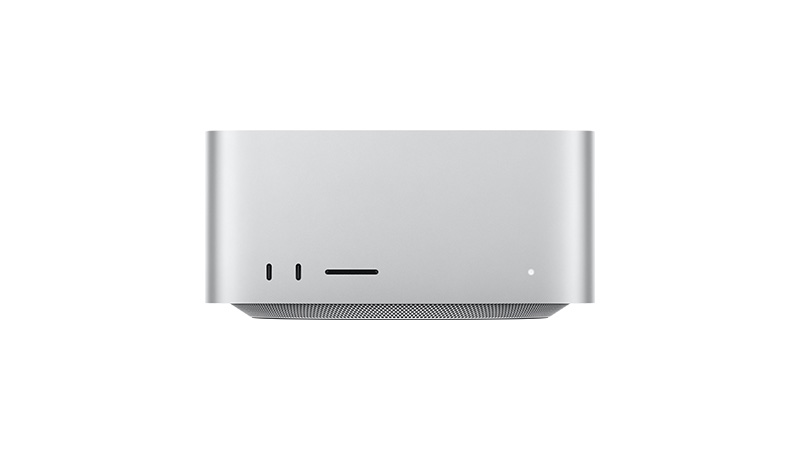
Mac Studio M5 Ultra
From £126.84/mo
Mac Studio M5 Max
From £57.63/mo
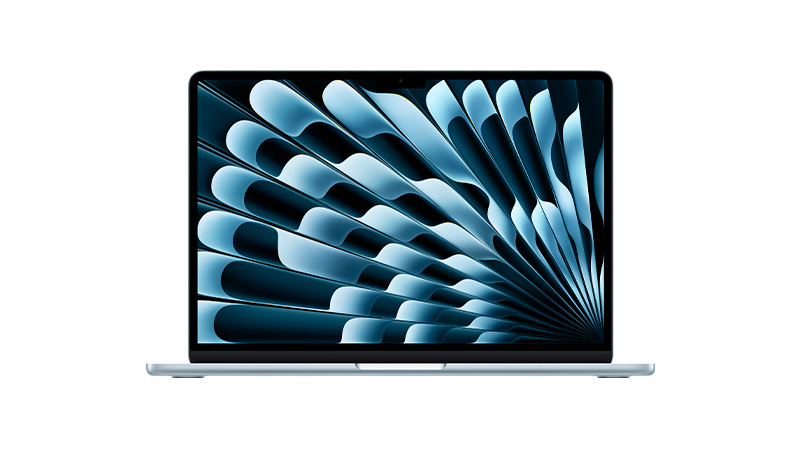
MacBook Air M5
From £41.56/mo
“The right model, in the right place, for the right job”
What is an AI PC?
An AI PC is a computer equipped with a dedicated AI CPU, often featuring an NPU (Neural Processing Unit). This hardware is designed to accelerate artificial intelligence tasks like natural language processing, image recognition, and predictive analytics.
An AI PC is ideal for professionals looking to enhance productivity, automate routine tasks, and take advantage of the latest AI-powered workplace applications.
Interested in an AI? Visit our expert blogs to learn more and stay up to date with the latest innovations.
Copilot PC vs AI PC:
What’s the Difference
Copilot PCs and AI PCs may look similar, but they deliver different AI experiences and capabilities. Explore the key differences, how each device works, and which option best suits your business needs.
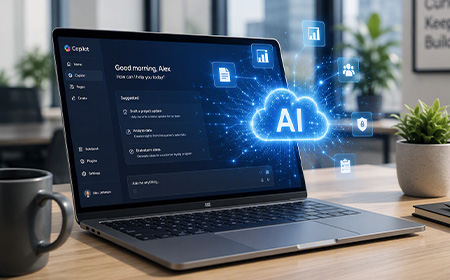
AI PC Benefits:
Costs & The Best Devices
This blog explores what AI PCs are, why they matter, and whether you need one. We’ll also highlight the best AI PC devices available from HardSoft and how our leasing solutions make them accessible to every business.
What is an AI PC?
An AI PC is a computer equipped with a dedicated AI CPU, often featuring an NPU (Neural Processing Unit). This hardware is designed to accelerate artificial intelligence tasks like natural language processing, image recognition, and predictive analytics.
An AI PC is ideal for professionals looking to enhance productivity, automate routine tasks, and take advantage of the latest AI-powered workplace applications.
Interested in an AI? Visit our expert blogs to learn more and stay up to date with the latest innovations.
Copilot PC vs AI PC:
What’s the Difference
While they Copilot PCs and AI PCs may appear similar at first glance, they offer distinct capabilities and user experiences. This article explores the key differences to help you determine which is best suited to your needs.
AI PC Benefits:
Costs & The Best Devices
This blog explores what AI PCs are, why they matter, and whether you need one. We’ll also highlight the best AI PC devices available from HardSoft and how our leasing solutions make them accessible to every business.
Frequently Asked Questions
Is on-device AI actually more secure than cloud AI?
When using AI locally, all data stays on your laptop and never leaves it. Unlike cloud-based AI, where your data leaves your device and can be stored, used to train future models, or exposed to threats beyond your control, local AI keeps everything private and on-device.
Which model size runs on a MacBook Air vs Mac Studio?
Match your hardware to your model size: a MacBook Air (8–24GB memory) comfortably runs smaller 7B–13B models, great for everyday assistants and chat. A Mac Studio (up to 192GB+ memory) can handle 70B+ parameter models, ideal for serious local AI workloads; all without sending data to the cloud.
Do I need to lease the hardware to get on-device AI?
You always have the option to buy the device outright, but as laptops are increasingly designed with AI capabilities and other premium features, price tags are climbing. Leasing can ease that burden by spreading the cost into manageable monthly payments. With HardSoft, you can also scale up as your business grows and want to adopt more AI-powered devices as they become useful down the line.