Apple Mac Studio Leasing for High-Performance Teams
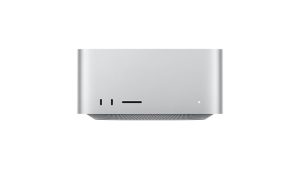
Leasing Apple Mac Studio gives your business a cost-effective way to deploy desktop-class performance without large upfront spend. With powerful Apple silicon like M4 Max or M3 Ultra, Mac Studio leasing supports demanding workflows including video production, 3D design, and software development, all on a compact, energy-efficient device built for professional environments.
- Enabling your team to handle demanding creative and technical workloads

Scale creative and technical workloads with flexible IT leasing

A Single Source. No Middle Man.

Cancellation Option. Peace of Mind.

As Flexible as you need. Solutions to Suit.

Support Plans. Warranty, Support & Loan Device.

Loyalty Rewards Programme.
IT Leasing Reinvented
Choose your Solution. Bespoke IT leasing with inclusive Support Plans
- Switch IT – change to alternative devices at 12 months
- End IT – cancel after 12 months
- Own IT – at the end for £1
- Lifetime Support
- Earn Rewards Points

- Switch IT – change to alternative devices at 24 months
- End IT – cancel after 24 months
- Return IT – refresh at expiry
- Lifetime Support
- Earn Rewards Points
See what our Customers say about us…
Apple Mac Studio FAQs
What is the Apple Mac Studio used for?
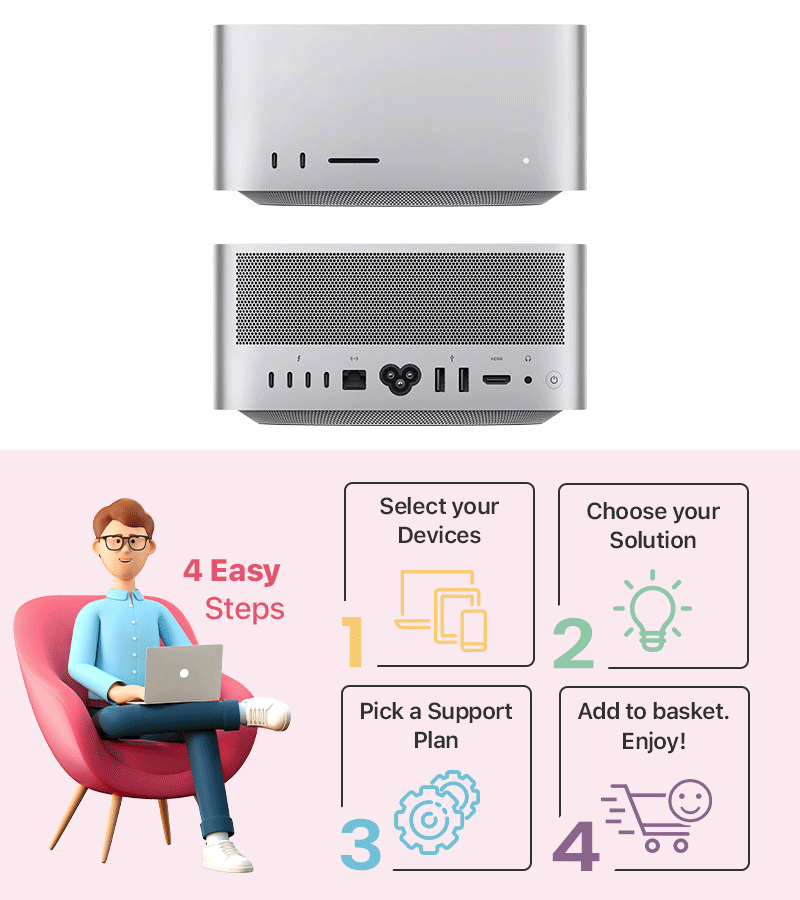
The Apple Mac Studio is a high-performance desktop built for demanding professional workloads such as video editing, 3D rendering and software development. It’s designed for professionals who need workstation-class power in a compact desktop form.
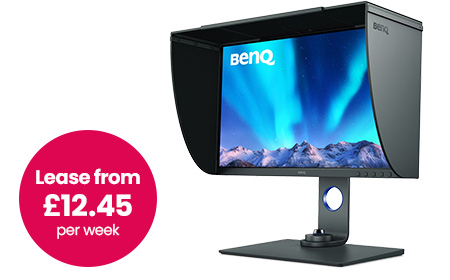
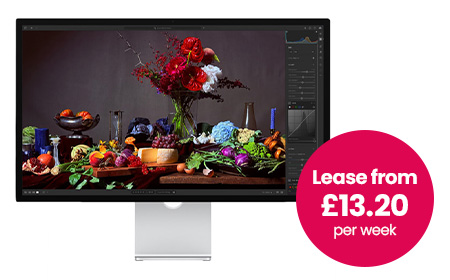
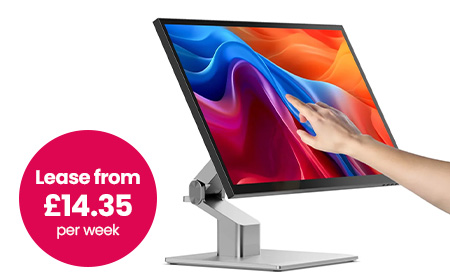
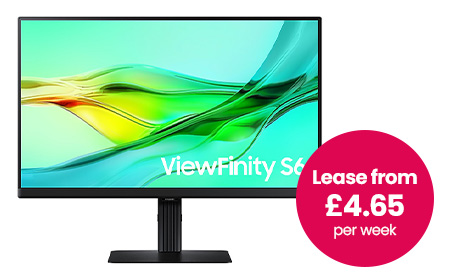
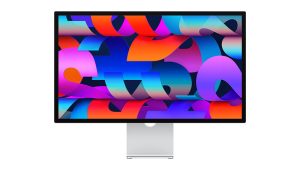
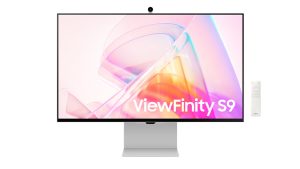
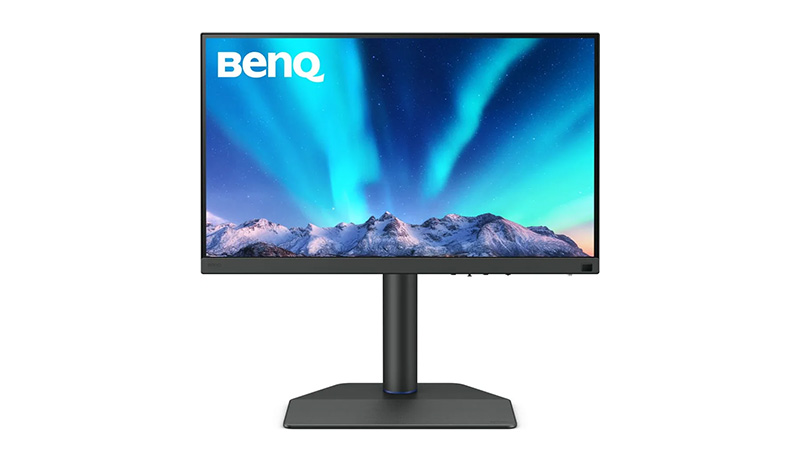
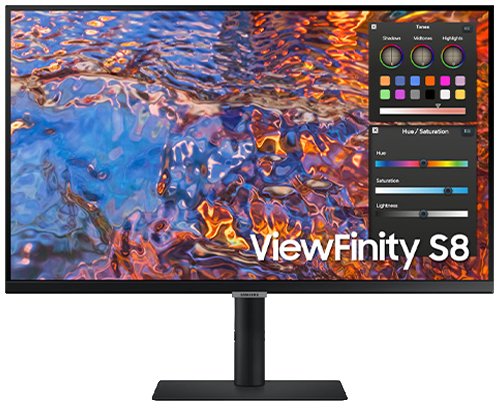
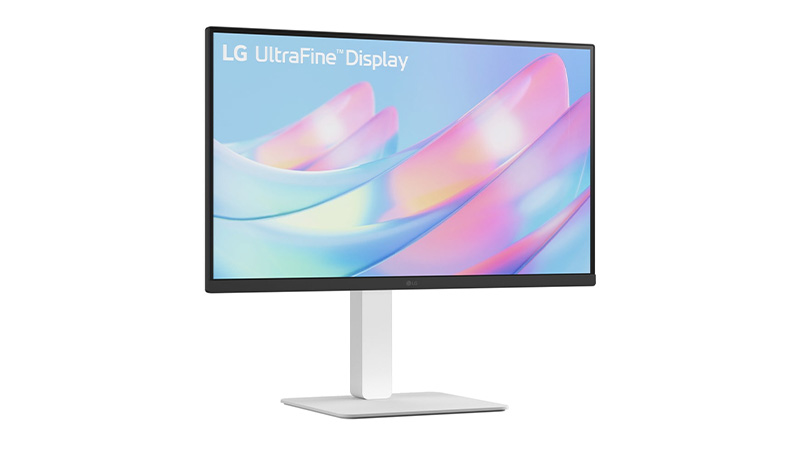
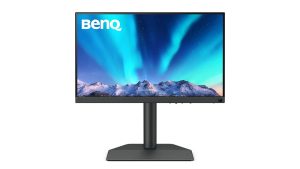
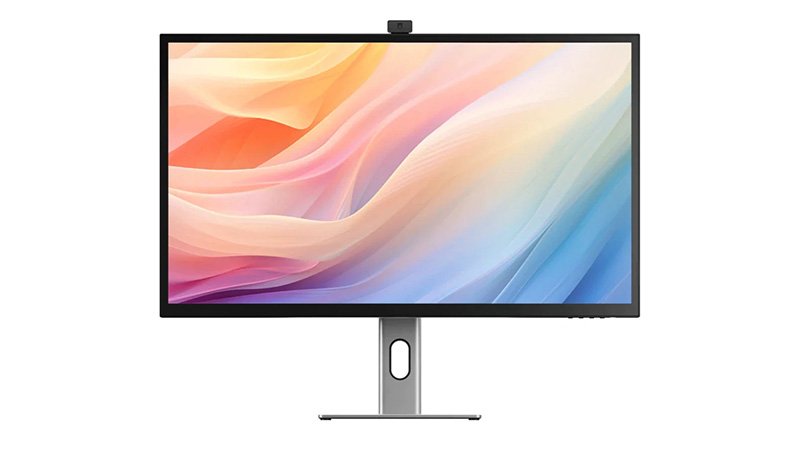
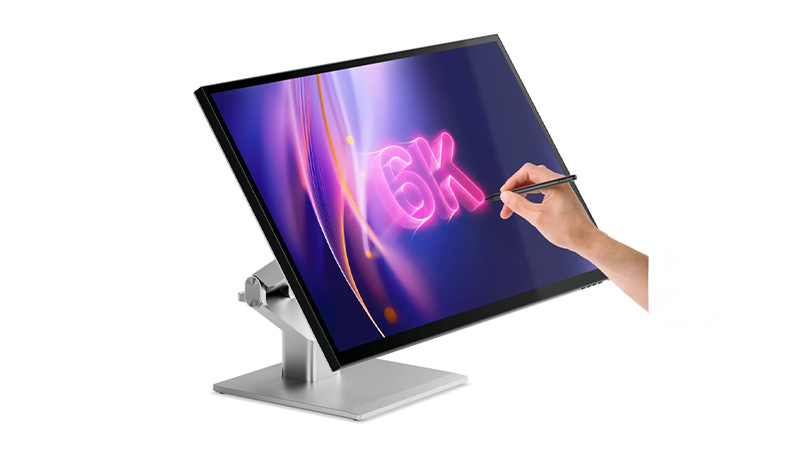
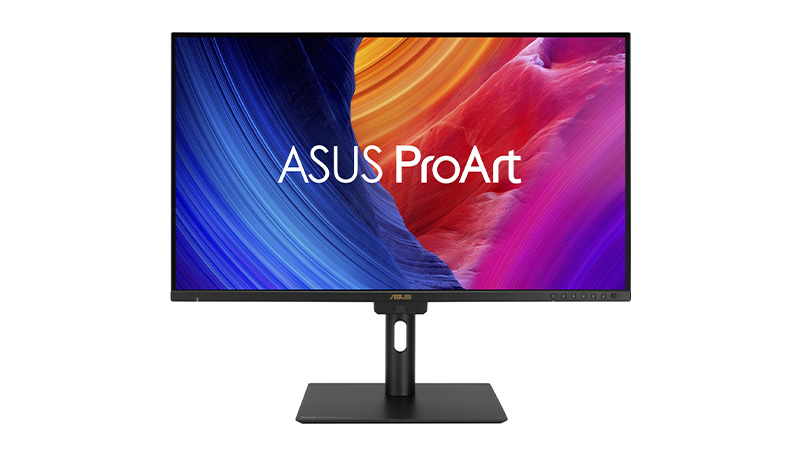
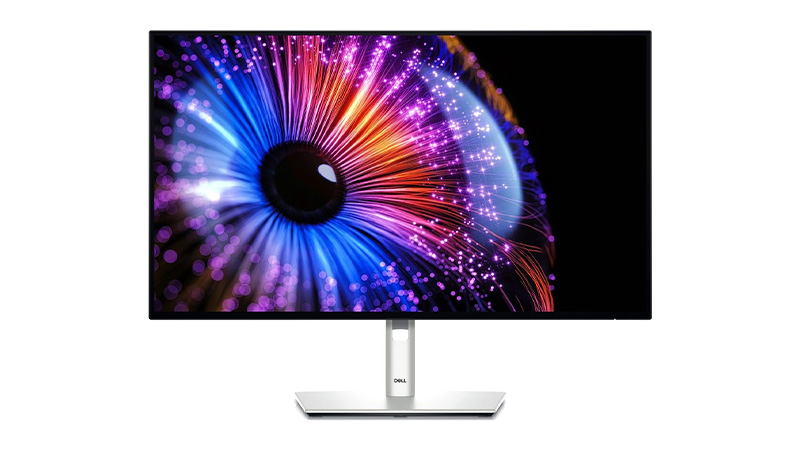
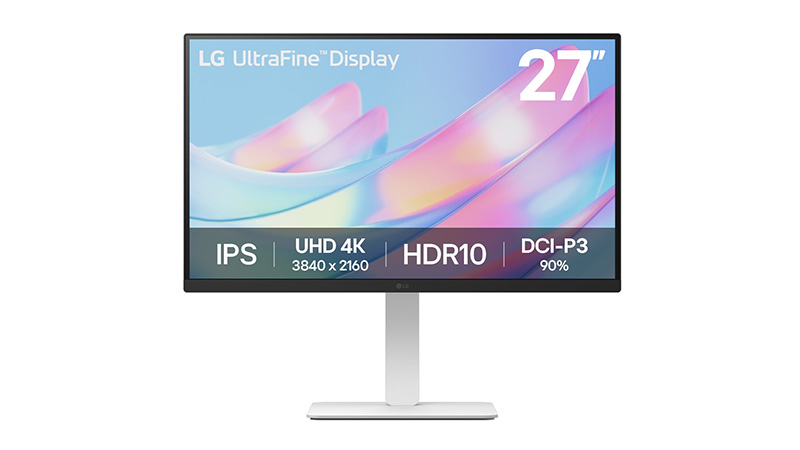
Can you use an Apple Mac Studio with any monitor?
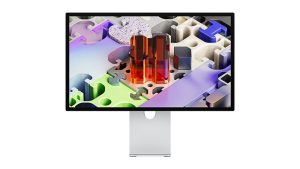
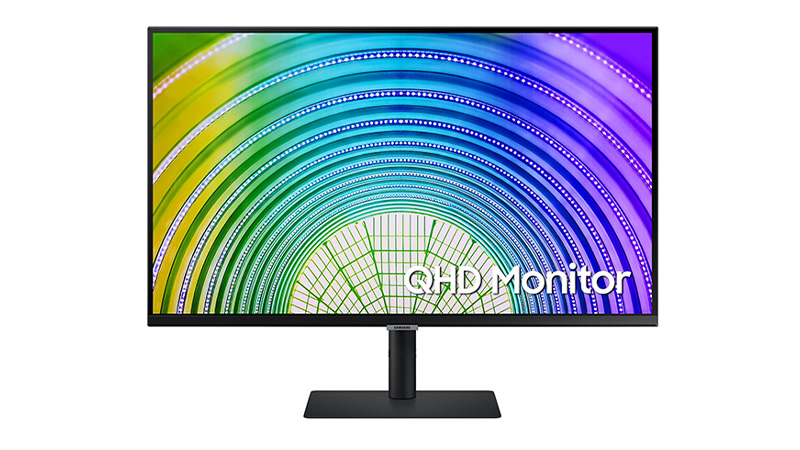
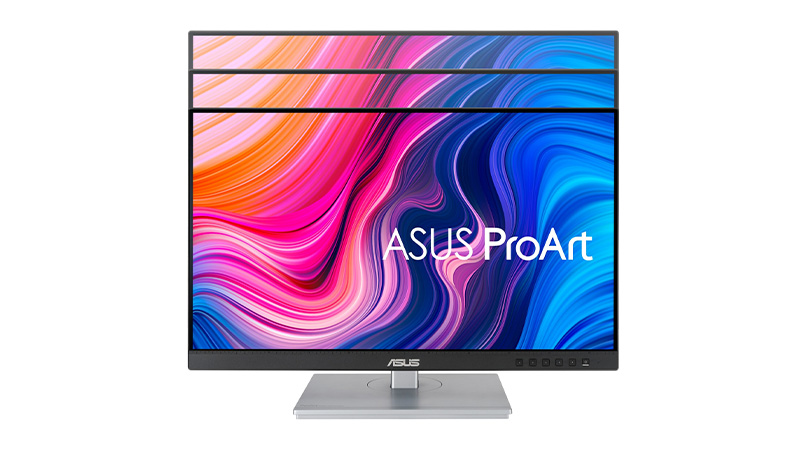
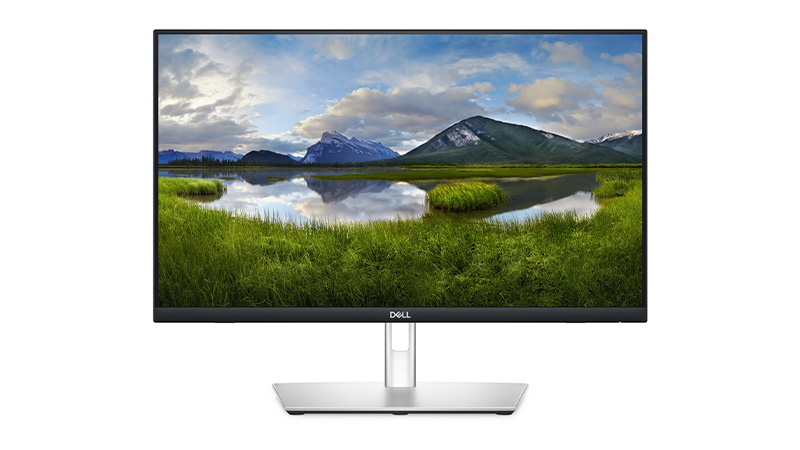
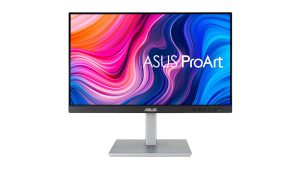
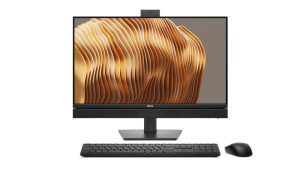
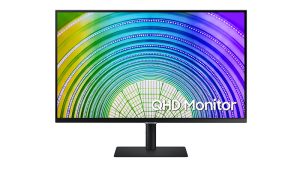
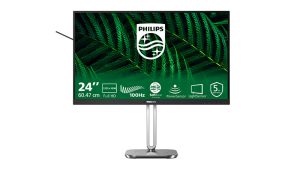
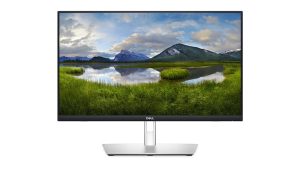
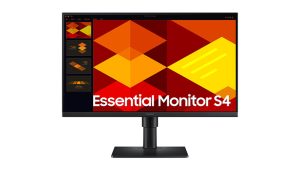
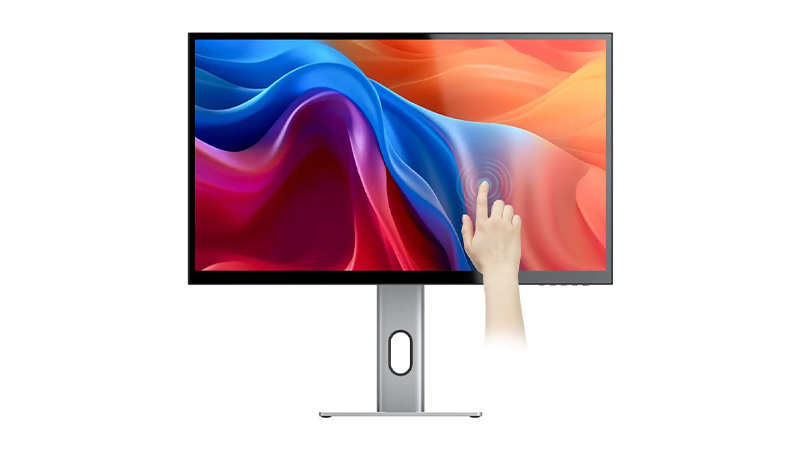
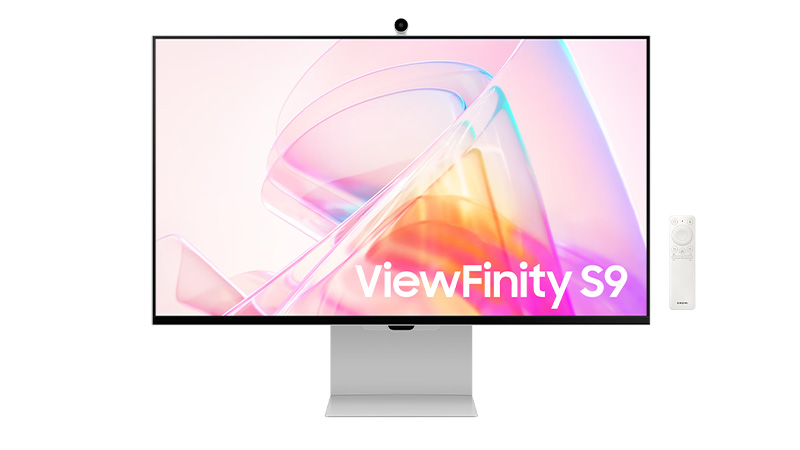
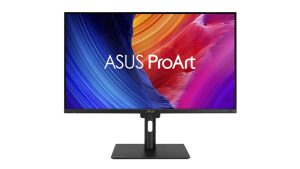
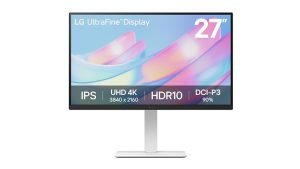
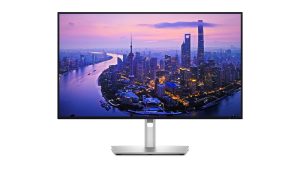
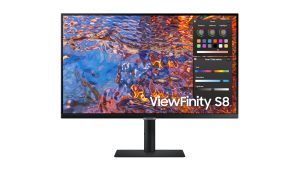
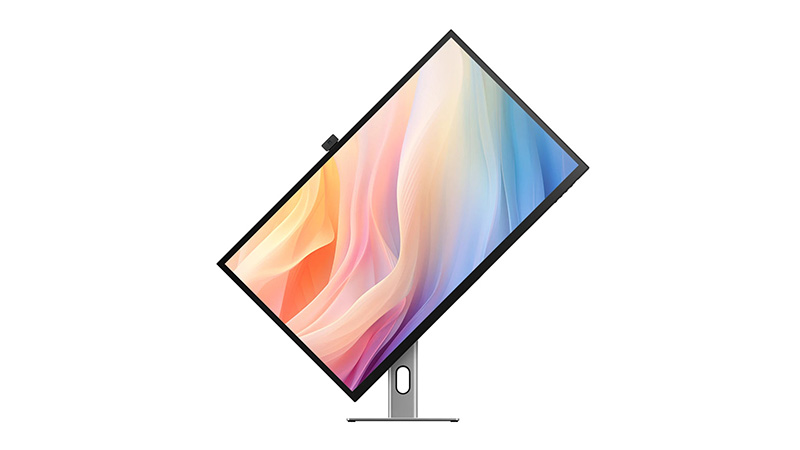
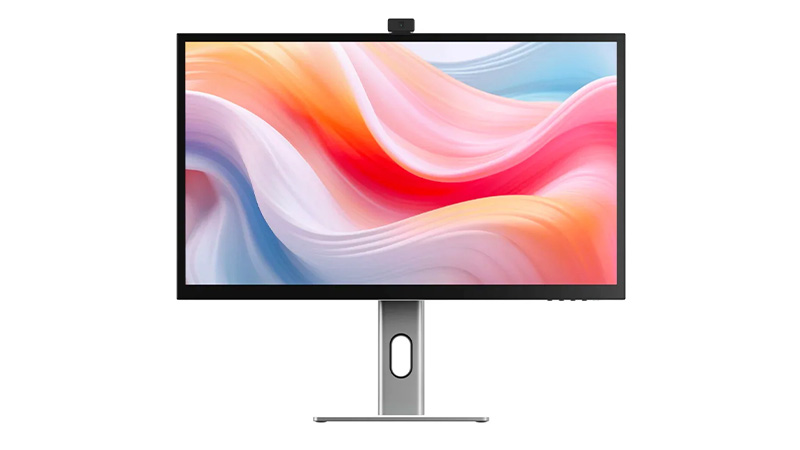
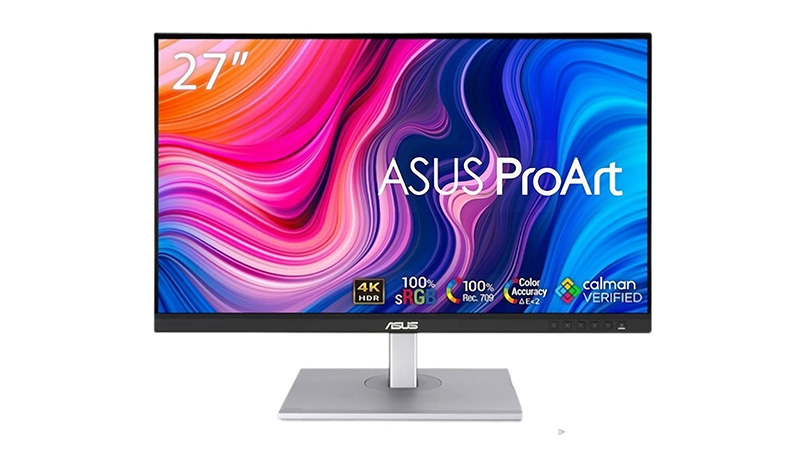
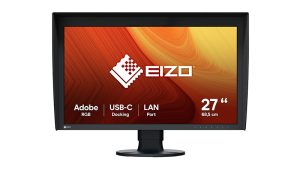
Yes, the Mac Studio supports most modern monitors via its display ports including multiple external displays depending on configuration. It is not sold with a bundled monitor, so buyers choose their own.
Is the Mac Studio good for students?
The Mac Studio is generally more powerful and expensive than most students need; a MacBook Air or Mac Mini is typically better value for standard coursework. It would only suit students working in demanding fields like advanced video production or 3D modelling.
Is the Mac studio good for graphic design and video editing?
Yes, the Mac Studio is well suited to graphic design and video editing, offering high-performance chips, fast storage and support for multiple high-resolution displays. It’s one of Apple’s top choices for creative professionals with intensive workloads.
What’s the difference between the Mac Studio and Mac Mini?
The Mac Studio offers significantly more processing power, memory and connectivity for professional creative and technical work, while the Mac Mini is more affordable, compact desktop for every business and general use. The Studio is priced and positioned as a workstation, whereas the Mini is an entry-level desktop.