
Not All Monitors Are Equal: How to Choose the Right One for Work
Stop treating monitors as an afterthought. Match the right screen to each role and your team works faster, with tidier desks and less friction.

Quick Summary
If you’re rolling out monitors across your business, the right choice rarely comes down to the spec sheet. It comes down to how each person actually works.
Some people need more space. Some need colour accuracy. Some are in back-to-back calls. And plenty just need something reliable that sets up in one cable.
This guide breaks that down properly. We’ll match real-world roles to the right type of monitor — and point you to the specific models from the HardSoft monitor range that fit each one.
We’ve been kitting out UK businesses for 40 years, so these aren’t generic picks — they’re the displays we actually put on people’s desks.
The Problem Most Businesses Run Into
Most businesses pour time into choosing laptops and desktops, then treat the monitor as an afterthought.
Which is odd, because the monitor is the thing your team stares at all day.
Get it wrong and you’ll feel it:
- Too little screen space means constant alt-tabbing between windows
- Poor clarity means eye strain and slower work
- The wrong setup means messy desks, extra dongles and accessories nobody asked for
Get it right and everything just flows — cleaner workflows, less friction, better output. The trick is to stop comparing specs first and start with a simpler question:
What does this person actually do all day?
That answer will lead you to the right monitor faster than any spec comparison. Here’s how it breaks down by role.

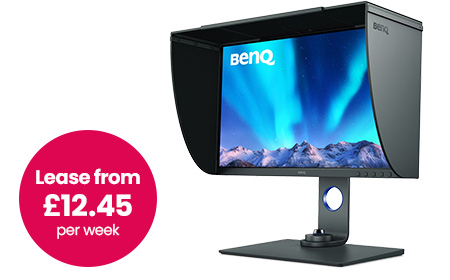
For creative & colour-critical work
If your team works with visuals — photography, design, retouching, anything heading to print — colour accuracy is a must. A colour that looks right on screen but prints wrong costs time and money.
BenQ 27″ 4K Photographer Monitor — SW272U
This is the one built specifically for that job. It’s a 27″ IPS 4K display (3840 × 2160) with factory calibration, so it’s accurate out of the box — no second-guessing on day one.
Plus you get:
- USB-C with 90W power delivery — charges a laptop and carries video over a single cable
- Built-in SD card reader for photography workflows
- Included shading hood to cut glare on colour-critical tasks
Your team will spend less time fighting colours, get consistent results across devices, and work with confidence.
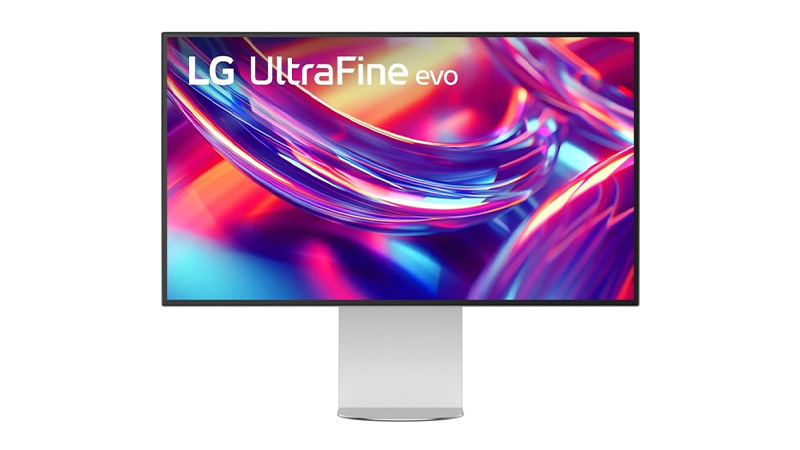
LG 32″ 6K Thunderbolt Monitor
When a single creative display isn’t enough — think design-heavy teams, video editors, or anyone working across large, detailed canvases — this is the step up.
It’s a 32″ 6K Nano IPS Black panel with HDR and genuinely deep blacks, driven by a single Thunderbolt 5 cable.
Best for: studios and design-led teams who want one display to do everything.
For Mac Users & Premium Desk Setups
Some teams — leadership, client-facing roles, design-led businesses — want a clean, high-end setup where the screen looks as premium as the work on it. With Mac users especially, the right display also just feels like part of the machine.
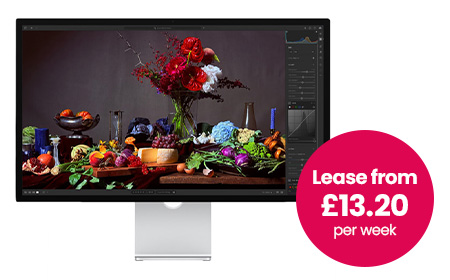
Apple Studio Display
This is the natural pairing for any Mac-based team:
- 27″ 5K Retina display with True Tone
- Wide P3 colour for design, photo and video work
- 12MP centre-stage camera plus studio-quality speakers and mics built in
- Seamless macOS integration over Thunderbolt / USB-C
Best for: Mac-first teams, leadership and client-facing roles who want an aesthetic, minimal desk.
For Touch-First & Interactive Work
If your team sketches, annotates, presents or works hands-on with their designs, a touchscreen display changes how they work. These are a HardSoft favourite for design studios and creative agencies.
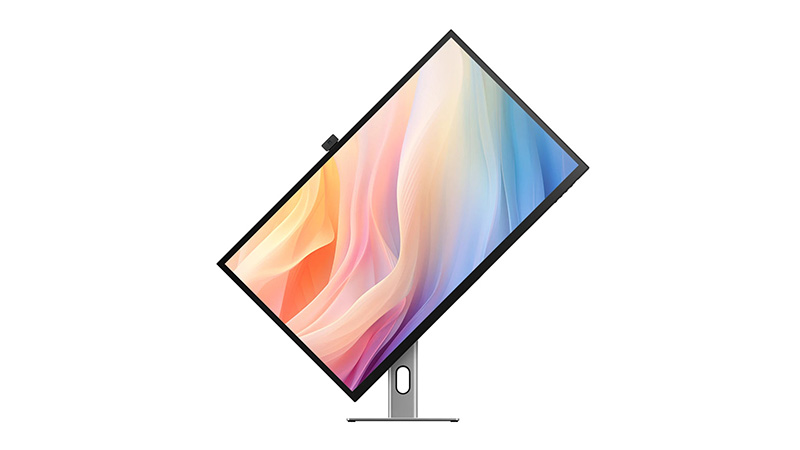
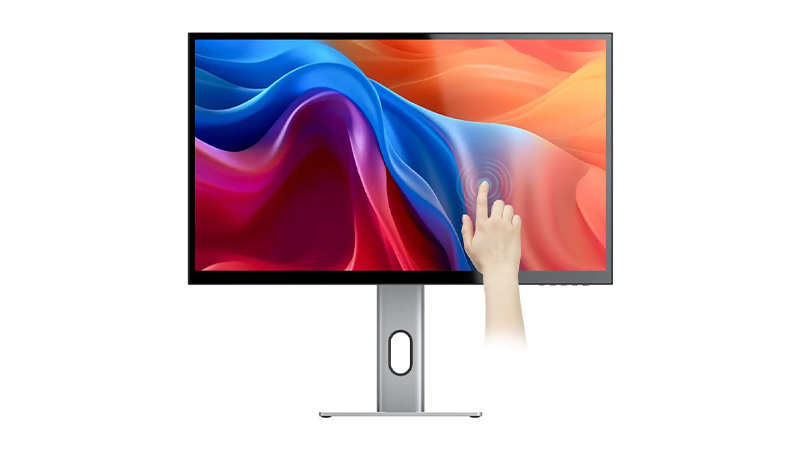
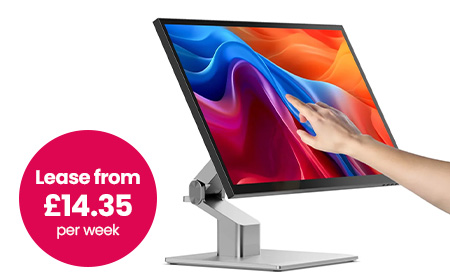
Alogic Clarity 5K Touchscreen Monitor
A 27″ 5K display you can actually touch and draw on — factory-calibrated colour with stylus support, so it’s equal parts colour-accurate monitor and digital canvas.
- 27″ 5K with accurate, high-resolution detail
- Full touchscreen with stylus support for sketching and mark-up
- Single-cable USB-C setup, plus HDMI and DisplayPort
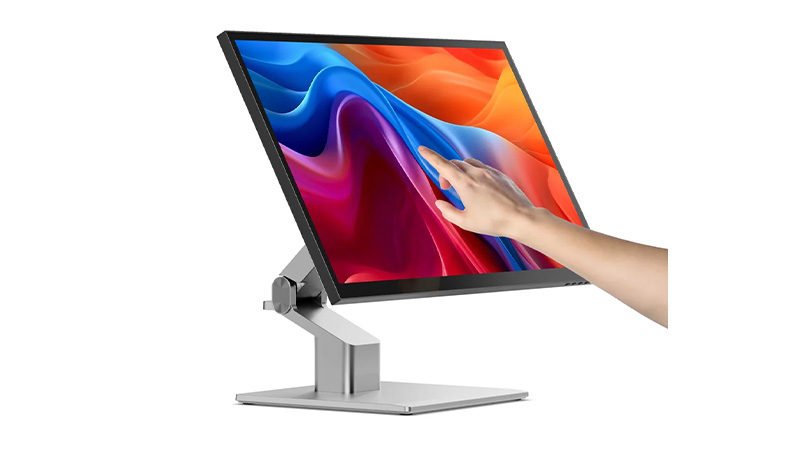
Alogic Clarity 5K Fold Touch 27″ Monitor
The same 5K touchscreen, but on a fold-flat hinge. Lay it nearly horizontal to draw, annotate or sign like a drafting table, then stand it back up as a standard display. It’s the most flexible screen in the range for hybrid creative and presenting setups.
- 27″ 5K fold-flat touchscreen with stylus support
- Drops flat for drawing and mark-up, back up for everyday work
- USB-C with 65W charging, plus HDMI, DisplayPort, USB-A and USB-B
- One-cable setup for a clean desk
For Multitaskers & Data-Heavy Roles
If someone lives in spreadsheets, dashboards, project tools and a dozen browser tabs, they don’t need ultra-wide colour accuracy. They need space.
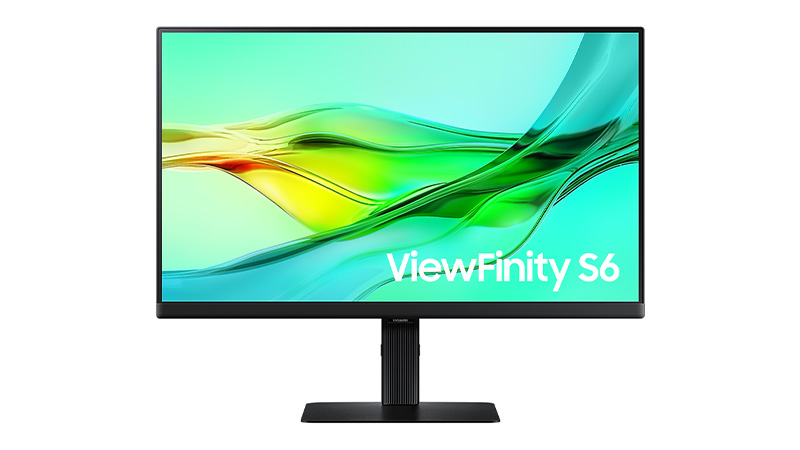
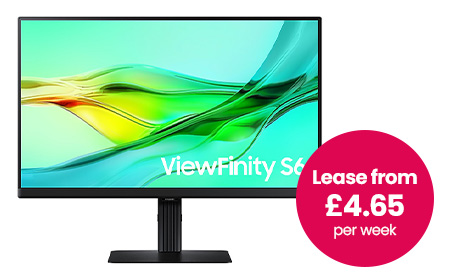
Samsung 34″ ViewFinity S6 Monitor
A curved ultrawide that often replaces a dual-monitor setup entirely and tidies up the cabling while it’s at it.
- 34″ curved Ultra-WQHD (21:9) — see everything at once, fewer overlapping windows
- USB-C, HDMI, DisplayPort and LAN, plus a built-in webcam and speakers
- KVM switch to control two machines from one keyboard and mouse
- Often does the job of two screens, with half the clutter
Best for: finance, operations, project management — anyone who lives in data and systems.

For Hybrid Workers & Call-Heavy Roles
If your team is in meetings all day, the screen alone isn’t the point — they also need a decent camera, a clear mic and speakers that don’t need an apology at the start of every call. Plus, bolting on separate accessories means more clutter and more to go wrong.
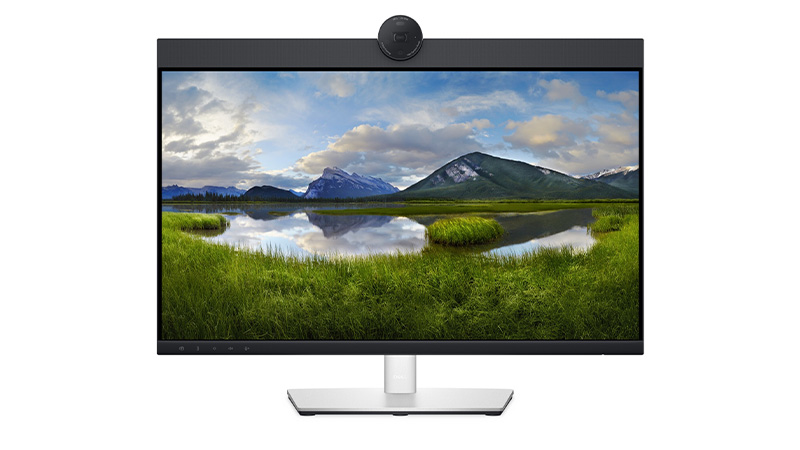
Dell Pro Conferencing Monitor
This rolls the whole video-call kit into the display itself.
- QHD display with a built-in webcam, mic and speakers
- Microsoft Teams / Zoom ready with dedicated controls
- USB-C single-cable setup that also charges the laptop, plus HDMI, DisplayPort and Ethernet
- Doubles as a USB hub — no extra dock needed for most desks
Best for: sales, account management, recruitment and customer-facing teams. Faster to deploy, cleaner desks, and one less thing to support.
For General Office Users & Tighter Budgets
Not every role needs something specialised. Plenty of people just need a reliable, sharp screen and a clean one-cable setup. And you want something you can standardise across the whole business without thinking too hard about it.
This is where a solid Samsung 24″–27″ USB-C monitor earns its place:
- Full HD or QHD resolution — plenty for everyday work
- USB-C connectivity with a built-in hub to cut desk clutter
- Adjustable stands and easy hot-desking
- Cost-effective and simple to roll out at scale
USB-C is the hero here: one cable connects, powers and moves data, which keeps desks tidy and makes hot-desking painless.
Best for: standard office rollouts and anyone watching the budget without wanting to feel it.


The Specs Worth Checking
When you do compare models, focus on what affects the day-to-day:
Resolution
- Full HD → fine for basic admin and office work
- QHD → sharper text, more usable space
- 4K and above → needed for creative detail and large screens
Screen size
- 24″ → compact and standard
- 27″ → the best all-rounder for most desks
- 32″+ and ultrawide → multitasking and immersion
Connectivity — look for USB-C (single-cable setup), Thunderbolt for the highest-end displays, plus HDMI/DisplayPort and a built-in hub.
Ergonomics — easy to overlook, but height adjustment, tilt/swivel and eye-comfort features make a real difference over a full working day.
How This Fits into Leasing (& Why It Matters)
Hardly anyone buys monitors in isolation. You’re usually thinking about the whole setup — laptops, desktops, docks, accessories — across a team.
That’s exactly where leasing through HardSoft beats buying outright:
- Spread the cost into predictable monthly payments instead of a big capital hit
- Upgrade as the team grows — swap or refresh hardware rather than getting stuck with it
- Standardise setups across the business in one consistent plan
- Bundle monitors with laptops, docks and accessories so it’s all on one agreement, with one point of support
Not sure which way to go for a particular team? That’s what we’re here for — talk to us.
Compare the Best Monitors
| Role / use case | Recommended monitor | Size & resolution | Standout features | From (per week) |
| Photography, design & print | BenQ 27″ 4K Photographer SW272U | 27″ 4K IPS | Factory calibration, USB-C 90W, SD reader, shading hood | £12.45 |
| Design-heavy & video teams | LG 32″ 6K Thunderbolt | 32″ 6K | Nano IPS Black, HDR, Thunderbolt 5 single cable | £15.95 |
| Mac users & premium desks | Apple Studio Display | 27″ 5K | True Tone, 12MP camera, studio speakers, macOS-native | £13.20 |
| Touch & annotation work | Alogic Clarity 5K Touchscreen | 27″ 5K | Touchscreen + stylus, calibrated colour, 1-cable | £13.20 |
| Flexible touch & presenting | Alogic Clarity 5K Fold Touch | 27″ 5K | Fold-flat touchscreen, stylus, USB-C 65W | £14.35 |
| Multitasking & data roles | Samsung 34″ ViewFinity S6 | 34″ Ultra-WQHD | Curved ultrawide, KVM, built-in webcam | £4.65 |
| Hybrid & call-heavy roles | Dell Pro Conferencing Monitor | QHD | Built-in webcam/mic/speakers, Teams/Zoom ready | £2.80 |
| General office & budget | Samsung 24″–27″ USB-C | 24″–27″ FHD/QHD | USB-C hub, adjustable stand, easy to standardise | Budget pick |