
Not All Monitors Are Equal: How to Choose the Right One for Work

lifestyle of people working on monitors
working on a monitor

Quick Summary

If you’re rolling out monitors across your business, the right choice rarely comes down to the spec sheet. It comes down to how each person actually works.

Some people need more space. Some need colour accuracy. Some are in back-to-back calls. And plenty just need something reliable that sets up in one cable.

This guide breaks that down properly. We’ll match real-world roles to the right type of monitor — and point you to the specific models from the HardSoft monitor range that fit each one.

We’ve been kitting out UK businesses for 40 years, so these aren’t generic picks — they’re the displays we actually put on people’s desks.

The Problem Most Businesses Run Into

Most businesses pour time into choosing laptops and desktops, then treat the monitor as an afterthought.

Which is odd, because the monitor is the thing your team stares at all day.

Get it wrong and you’ll feel it:

  • Too little screen space means constant alt-tabbing between windows
  • Poor clarity means eye strain and slower work
  • The wrong setup means messy desks, extra dongles and accessories nobody asked for

Get it right and everything just flows — cleaner workflows, less friction, better output. The trick is to stop comparing specs first and start with a simpler question:

What does this person actually do all day?

That answer will lead you to the right monitor faster than any spec comparison. Here’s how it breaks down by role.

monitors for businesses with problems

For creative & colour-critical work

If your team works with visuals — photography, design, retouching, anything heading to print — colour accuracy is a must. A colour that looks right on screen but prints wrong costs time and money.

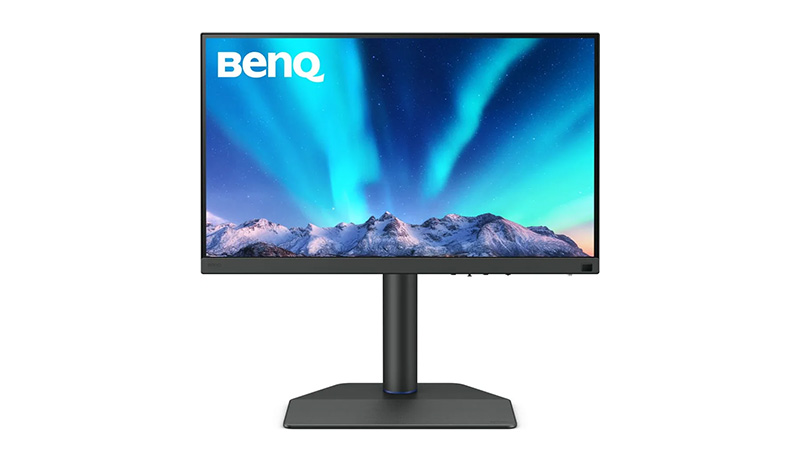
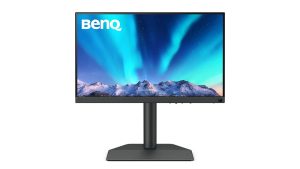
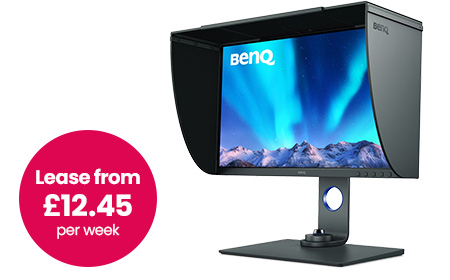
BenQ 27″ 4K Photographer Monitor — SW272U

This is the one built specifically for that job. It’s a 27″ IPS 4K display (3840 × 2160) with factory calibration, so it’s accurate out of the box — no second-guessing on day one. 

Plus you get: 

  • USB-C with 90W power delivery — charges a laptop and carries video over a single cable
  • Built-in SD card reader for photography workflows
  • Included shading hood to cut glare on colour-critical tasks

Your team will spend less time fighting colours, get consistent results across devices, and work with confidence. 

LG 32″ 6K Thunderbolt Monitor

When a single creative display isn’t enough — think design-heavy teams, video editors, or anyone working across large, detailed canvases — this is the step up. 

It’s a 32″ 6K Nano IPS Black panel with HDR and genuinely deep blacks, driven by a single Thunderbolt 5 cable.

Best for: studios and design-led teams who want one display to do everything. 

For Mac Users & Premium Desk Setups

Some teams — leadership, client-facing roles, design-led businesses — want a clean, high-end setup where the screen looks as premium as the work on it. With Mac users especially, the right display also just feels like part of the machine.

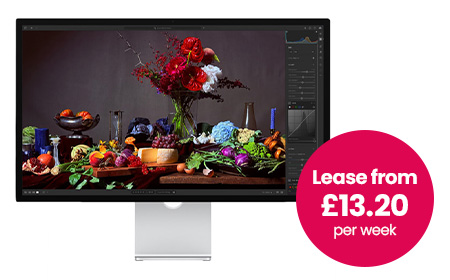
Apple Studio Display

This is the natural pairing for any Mac-based team: 

  • 27″ 5K Retina display with True Tone
  • Wide P3 colour for design, photo and video work
  • 12MP centre-stage camera plus studio-quality speakers and mics built in
  • Seamless macOS integration over Thunderbolt / USB-C

Best for: Mac-first teams, leadership and client-facing roles who want an aesthetic, minimal desk.
For Touch-First & Interactive Work

If your team sketches, annotates, presents or works hands-on with their designs, a touchscreen display changes how they work. These are a HardSoft favourite for design studios and creative agencies.

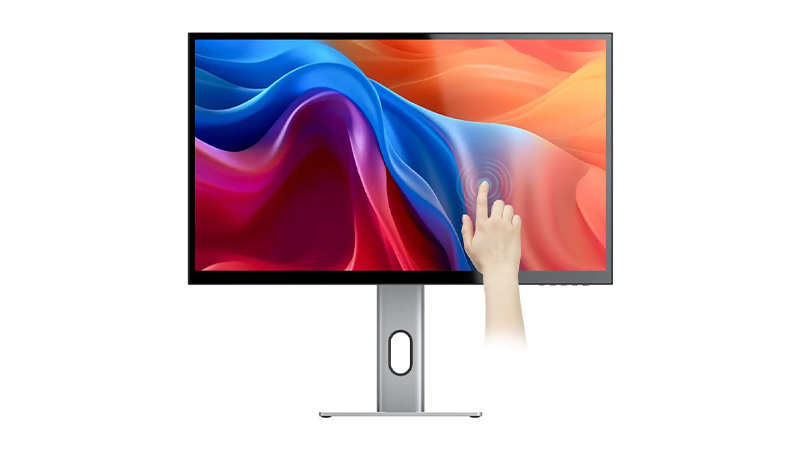
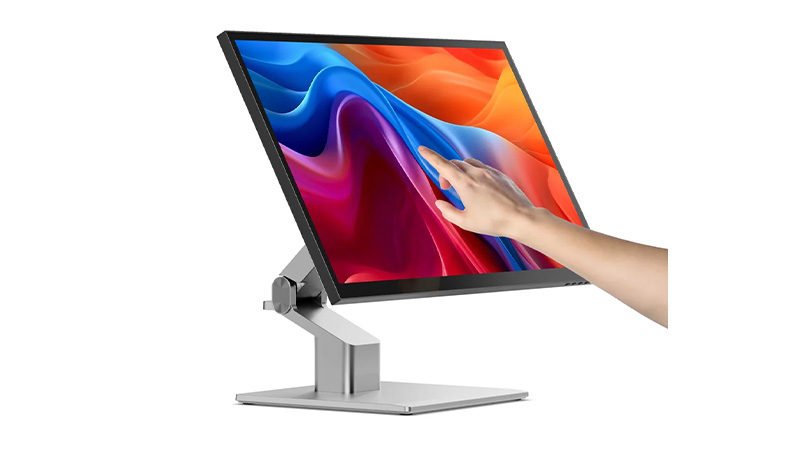
Alogic Clarity 5K Touchscreen Monitor

A 27″ 5K display you can actually touch and draw on — factory-calibrated colour with stylus support, so it’s equal parts colour-accurate monitor and digital canvas.

  • 27″ 5K with accurate, high-resolution detail
  • Full touchscreen with stylus support for sketching and mark-up
  • Single-cable USB-C setup, plus HDMI and DisplayPort

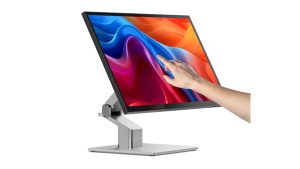
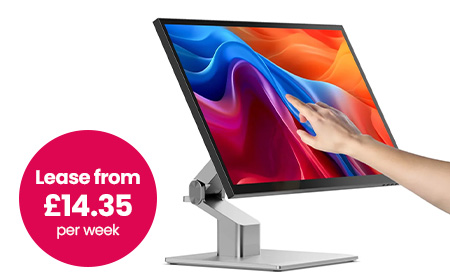
Alogic Clarity 5K Fold Touch 27″ Monitor

The same 5K touchscreen, but on a fold-flat hinge. Lay it nearly horizontal to draw, annotate or sign like a drafting table, then stand it back up as a standard display. It’s the most flexible screen in the range for hybrid creative and presenting setups.

  • 27″ 5K fold-flat touchscreen with stylus support
  • Drops flat for drawing and mark-up, back up for everyday work
  • USB-C with 65W charging, plus HDMI, DisplayPort, USB-A and USB-B
  • One-cable setup for a clean desk

For Multitaskers & Data-Heavy Roles

If someone lives in spreadsheets, dashboards, project tools and a dozen browser tabs, they don’t need ultra-wide colour accuracy. They need space.

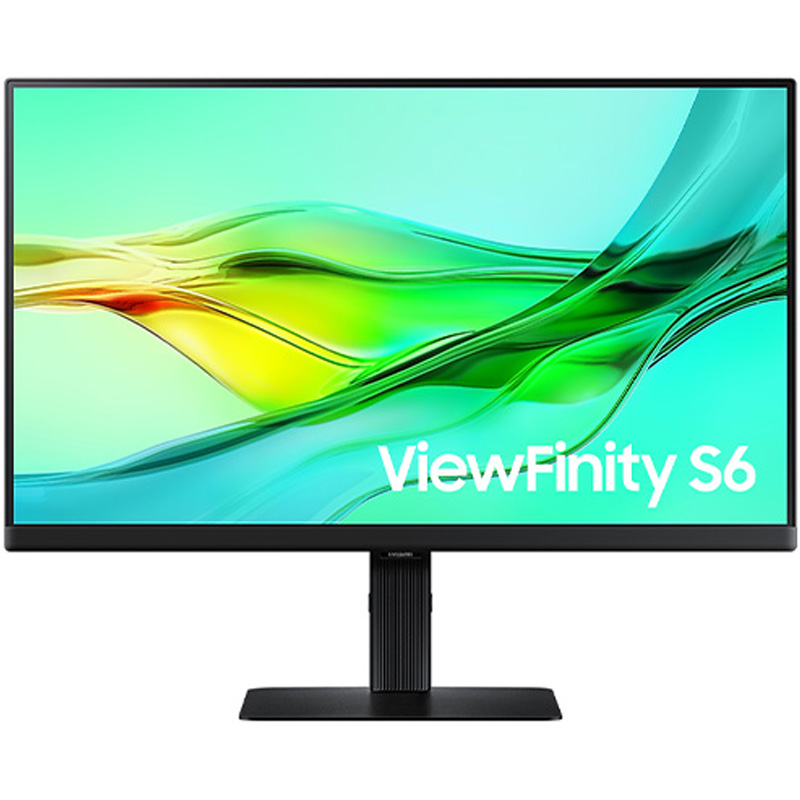
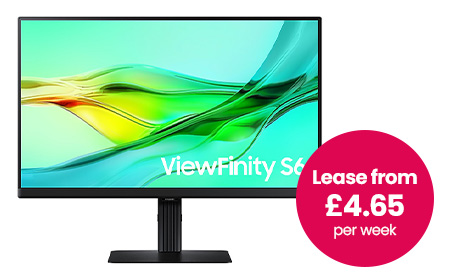
Samsung 34″ ViewFinity S6 Monitor

A curved ultrawide that often replaces a dual-monitor setup entirely and tidies up the cabling while it’s at it.

  • 34″ curved Ultra-WQHD (21:9) — see everything at once, fewer overlapping windows
  • USB-C, HDMI, DisplayPort and LAN, plus a built-in webcam and speakers
  • KVM switch to control two machines from one keyboard and mouse
  • Often does the job of two screens, with half the clutter

Best for: finance, operations, project management — anyone who lives in data and systems. 
For Hybrid Workers & Call-Heavy Roles

If your team is in meetings all day, the screen alone isn’t the point — they also need a decent camera, a clear mic and speakers that don’t need an apology at the start of every call. Plus, bolting on separate accessories means more clutter and more to go wrong.

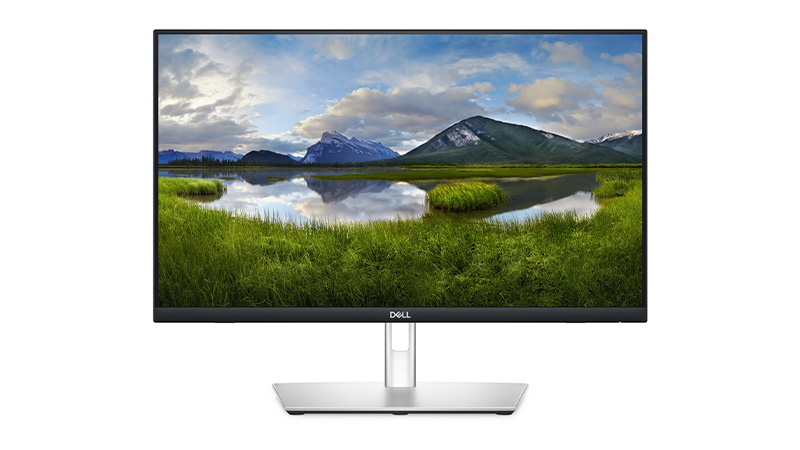
Dell Pro Conferencing Monitor

This rolls the whole video-call kit into the display itself.

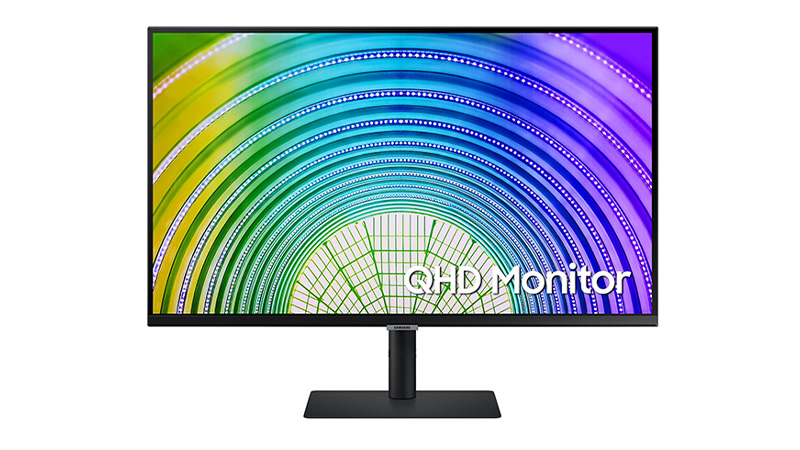
  • QHD display with a built-in webcam, mic and speakers
  • Microsoft Teams / Zoom ready with dedicated controls
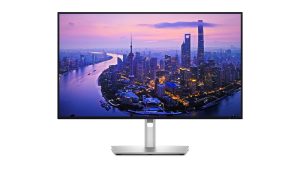
  • USB-C single-cable setup that also charges the laptop, plus HDMI, DisplayPort and Ethernet
  • Doubles as a USB hub — no extra dock needed for most desks

Best for: sales, account management, recruitment and customer-facing teams. Faster to deploy, cleaner desks, and one less thing to support. 

For General Office Users & Tighter Budgets

Not every role needs something specialised. Plenty of people just need a reliable, sharp screen and a clean one-cable setup. And you want something you can standardise across the whole business without thinking too hard about it.

This is where a solid Samsung 24″–27″ USB-C monitor earns its place:

  • Full HD or QHD resolution — plenty for everyday work
  • USB-C connectivity with a built-in hub to cut desk clutter
  • Adjustable stands and easy hot-desking
  • Cost-effective and simple to roll out at scale

USB-C is the hero here: one cable connects, powers and moves data, which keeps desks tidy and makes hot-desking painless.

Best for: standard office rollouts and anyone watching the budget without wanting to feel it.

samsung 24″–27″ USB-C monitor lifestyle
Apple studio lifestyle

The Specs Worth Checking

When you do compare models, focus on what affects the day-to-day:

Resolution

  • Full HD → fine for basic admin and office work
  • QHD → sharper text, more usable space
  • 4K and above → needed for creative detail and large screens

Screen size

  • 24″ → compact and standard
  • 27″ → the best all-rounder for most desks
  • 32″+ and ultrawide → multitasking and immersion

Connectivity — look for USB-C (single-cable setup), Thunderbolt for the highest-end displays, plus HDMI/DisplayPort and a built-in hub. 

Ergonomics — easy to overlook, but height adjustment, tilt/swivel and eye-comfort features make a real difference over a full working day.

How This Fits into Leasing (& Why It Matters)

Hardly anyone buys monitors in isolation. You’re usually thinking about the whole setup — laptops, desktops, docks, accessories — across a team.

That’s exactly where leasing through HardSoft beats buying outright:

Not sure which way to go for a particular team? That’s what we’re here for — talk to us.
one payment per month

Compare the Best Monitors 

Role / use caseRecommended monitorSize & resolutionStandout featuresFrom (per week)
Photography, design & printBenQ 27″ 4K Photographer SW272U27″ 4K IPSFactory calibration, USB-C 90W, SD reader, shading hood£12.45
Design-heavy & video teamsLG 32″ 6K Thunderbolt32″ 6KNano IPS Black, HDR, Thunderbolt 5 single cable£15.95
Mac users & premium desksApple Studio Display27″ 5KTrue Tone, 12MP camera, studio speakers, macOS-native£13.20
Touch & annotation workAlogic Clarity 5K Touchscreen27″ 5KTouchscreen + stylus, calibrated colour, 1-cable£13.20
Flexible touch & presentingAlogic Clarity 5K Fold Touch27″ 5KFold-flat touchscreen, stylus, USB-C 65W£14.35
Multitasking & data rolesSamsung 34″ ViewFinity S634″ Ultra-WQHDCurved ultrawide, KVM, built-in webcam£4.65
Hybrid & call-heavy rolesDell Pro Conferencing MonitorQHDBuilt-in webcam/mic/speakers, Teams/Zoom ready£2.80
General office & budgetSamsung 24″–27″ USB-C24″–27″ FHD/QHDUSB-C hub, adjustable stand, easy to standardiseBudget pick

24 Inch Monitor

Samsung-24″-QHD-Display front

24 Inch Monitor Leasing for Flexible Workspaces

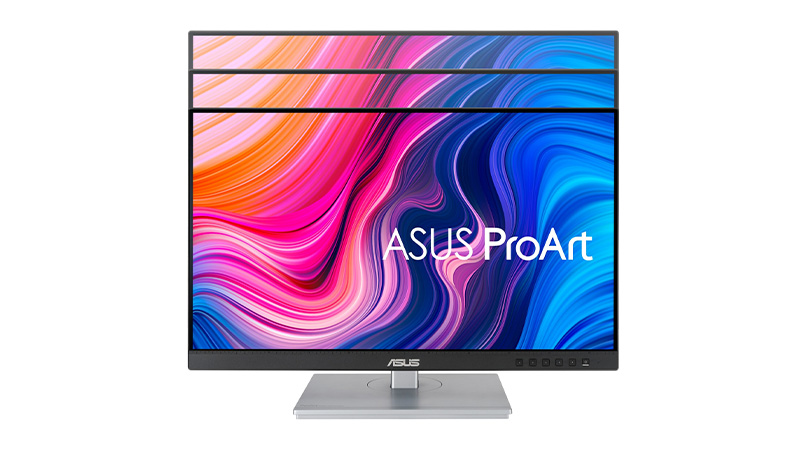
Explore 24-inch monitors from leading brands including Dell, Samsung, Philips, and ASUS. Our range features Full HD and QHD displays, USB-C connectivity, energy-efficient monitors, and professional-grade screens such as the ASUS ProArt PA247CV and Dell Pro Plus USB-C Hub Monitor. Whether you're looking for a business monitor, creative display, or everyday office screen, these 24-inch monitors deliver sharp visuals, reliable performance, and flexible connectivity for modern workspaces.

  • Giving your teams reliable, high-quality displays
  • ASUS 24 inch moving
  • Dell Pro 24" Plus Touch USB-C Hub Monitor
  • Samsung-24″-QHD-Display front
one source 1 icon

A Single Source. No Middle Man.

cancel early

Cancellation Option. Peace of Mind.

arrows showing flexibility

As Flexible as you need. Solutions to Suit.

support plans

Support Plans. Warranty, Support & Loan Device.

Loyalty Rewards Programme.

IT Leasing Reinvented

Choose your Solution. Bespoke IT leasing with inclusive Support Plans
Flexi
  • Switch IT – change to alternative devices at 12 months
  • End IT – cancel after 12 months
  • Own IT – at the end for £1
  • Lifetime Support
  • Earn Rewards Points
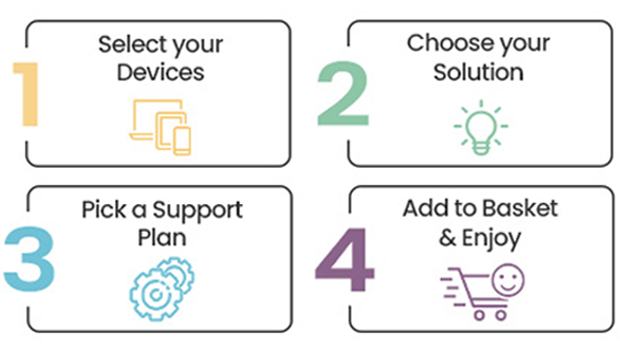
4 Easy Steps
Pure
  • Switch IT – change to alternative devices at 24 months
  • End IT – cancel after 24 months
  • Return IT – refresh at expiry
  • Lifetime Support
  • Earn Rewards Points

See what our Customers say about us…

5K monitors

ALOGIC Clarity 5K Touch 27" front

5K Monitor Leasing for Ultra-Detailed Workspaces

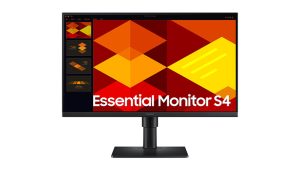
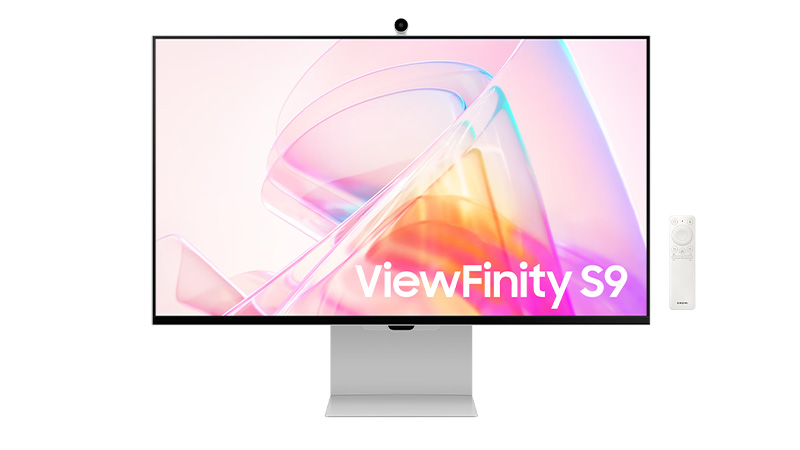
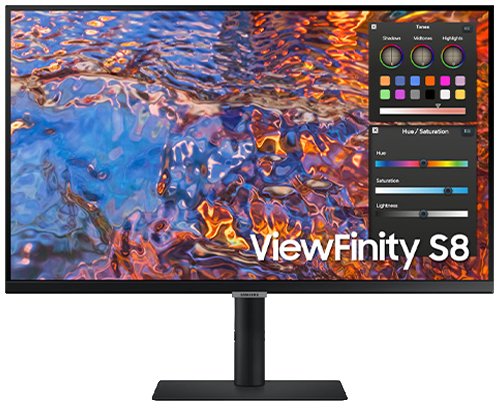
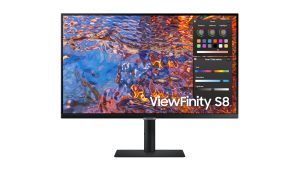
Upgrade your business with 5K monitor leasing and give your team access to some of the sharpest displays available, without any upfront costs. Our 5K monitor range includes the Alogic 27" Clarity 5K Touchscreen Display, the Alogic Clarity 5K Fold Touch 27" Monitor, and the Samsung 27" Viewfinity S9 5K Monitor – each offering higher pixel density and colour accuracy than standard 4K displays.

  • Ultra‑high 5K resolution for exceptional clarity and detail
  • samsung view finite 27 front
  • Alogic Clarity 5K Fold Touch 27" Monitor front
one source 1 icon

A Single Source. No Middle Man.

cancel early

Cancellation Option. Peace of Mind.

arrows showing flexibility

As Flexible as you need. Solutions to Suit.

support plans

Support Plans. Warranty, Support & Loan Device.

Loyalty Rewards Programme.

IT Leasing Reinvented

Choose your Solution. Bespoke IT leasing with inclusive Support Plans
Flexi
  • Switch IT – change to alternative devices at 12 months
  • End IT – cancel after 12 months
  • Own IT – at the end for £1
  • Lifetime Support
  • Earn Rewards Points
4 Easy Steps
Pure
  • Switch IT – change to alternative devices at 24 months
  • End IT – cancel after 24 months
  • Return IT – refresh at expiry
  • Lifetime Support
  • Earn Rewards Points

See what our Customers say about us…

4K monitors

BenQ 27″ 4K Photographer Monitor front

4K Monitor Leasing for High-Resolution Workspaces

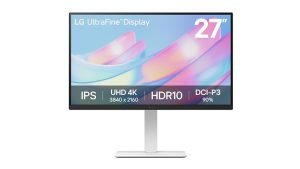
Lease a 4K monitor for your business and give your team ultra-sharp UHD resolution (3840 x 2160) without the upfront capital costs. Our 4K monitor leasing range includes trusted brands such as Asus ProArt, LG UltraHD, Dell UltraSharp, Samsung and BenQ, covering everything from 27" all-rounders to the 32" Asus ProArt PA32UCE for colour-critical work.

  • Ultra-sharp 4K resolution for detailed, multi-tasking workflows
  • Samsung 27″ 4K Display
  • LG 27 ULTRA HD 4K side
one source 1 icon

A Single Source. No Middle Man.

cancel early

Cancellation Option. Peace of Mind.

arrows showing flexibility

As Flexible as you need. Solutions to Suit.

support plans

Support Plans. Warranty, Support & Loan Device.

Loyalty Rewards Programme.

IT Leasing Reinvented

Choose your Solution. Bespoke IT leasing with inclusive Support Plans
Flexi
  • Switch IT – change to alternative devices at 12 months
  • End IT – cancel after 12 months
  • Own IT – at the end for £1
  • Lifetime Support
  • Earn Rewards Points
4 Easy Steps
Pure
  • Switch IT – change to alternative devices at 24 months
  • End IT – cancel after 24 months
  • Return IT – refresh at expiry
  • Lifetime Support
  • Earn Rewards Points

See what our Customers say about us…

Demystifying New Intel CPUs: What IT Teams Need to Know

Intel Chip

Demystifying New Intel CPUs: What IT Teams Need to Know

Intel chip

Introduction: Why do Intel CPU names look like a password?

If you’ve looked at a laptop or spec sheet recently and thought:

“What on earth does Intel® Core™ Ultra 7 155H or Intel® Core™ 5 150U even mean?”

You’re not alone.

Intel has changed its processor naming system, retired the familiar i5 / i7 format, and introduced Core, Core Ultra, and new generation indicators — all at once. 

This means faster chips, better battery life, built‑in AI… and a lot of confused buyers.

The good news is that once you understand the pattern, these Intel CPU names actually tell you a lot.

Let’s decode them step by step.

Intel® Core™ Ultra Processors

Think of these as Intel’s “new‑era” CPUs.

Intel Core Ultra processors are the most modern and premium processors in Intel’s lineup. They’re built for how people actually work today — multitasking, video calls, creative apps, and increasingly, AI‑powered tools.

Example: Intel® Core™ Ultra 7 155H 

  • Intel® – Corporate brand – This simply tells you who makes the processor.
  • Core™ Ultra – Product brand – This is the processor family.
  • 7 – Performance tier.
    • This replaces the old i5 / i7 / i9 naming system.
    • Intel Core Ultra processors come in these performance tiers:
  • 155 – SKU and generation indicator – This is where Intel now hides what used to be the “generation” label.
    • The first digit (1) indicates the Core Ultra generation.
    • 1 = first generation of Core Ultra processors.
    • The remaining digits (55) are the SKU, which position the processor within the Ultra 7 tier.
    • These numbers only make sense within the same processor family and tier. Bigger numbers don’t automatically mean better if you’re comparing across ranges. 
  • H – Suffix – The final letter tells you how the processor is designed to behave.
    • H = a high‑performance laptop processor.

Best for: Power users, developers, engineers, creatives, leadership laptops. 

Intel Core Ultra 7
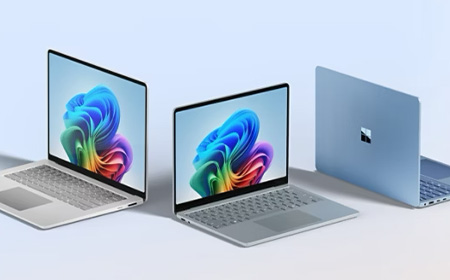
Copilot PCS

V‑Suffix Core™ Processors (Copilot+ PCs)

You may also see some Intel Core Ultra processors ending in a V.

The V suffix is important because it identifies Intel’s most AI‑focused mobile processors — and these are the chips powering Copilot+ PCs today.

Example: Intel® Core™ Ultra 7 268V

In plain English, this is:

  • A high‑end, power‑efficient mobile processor
  • Designed for thin‑and‑light laptops and tablets
  • Part of Intel’s Lunar Lake platform
  • Built specifically to handle AI workloads on‑device
  • Equipped with a 48‑TOPS NPU and built‑in memory for efficiency

Intel® Core™ Processors

The sensible, reliable middle ground.

Intel Core processors are the mainstream option. They use the same logic as Core Ultra, just with a shorter, simpler name. 

Example: Intel® Core™ 5 Processor 120U 

  • Intel® – Corporate brand.
  • Core – Mainstream family. Intel Core sits below Core Ultra
  • 5 – This replaces the old Core i5 label.
    • Intel Core processors come in:
      • Core 3
      • Core 5 = mid‑range performance
      • Core 7
  • 120 – Processor number – Intel Core processors use a three‑digit processor number.
    • The first digit (1) indicates the processor series. The remaining digits position it within the Core 5 range.
    • You don’t need to overthink this — higher numbers generally sit higher within the same tier, but comparisons should stay within the Core family.
  • U – Suffix (what it’s built for) U = power‑efficient laptop processor.

Best for: The majority of office users — finance, HR, sales, operations, admin.

Intel Core chip
Intel chip N series

Intel® Core™ Processors N‑Series

Designed to sip power, not sprint.

The N‑Series is Intel’s efficiency‑first Core range, aimed at simple, well‑defined workloads.

These processors prioritise:

  • Low power usage
  • Quiet operation
  • Affordable devices

Example: Intel® Core™ 3 Processor N355 

  • 3 – Entry‑level performance tier within the Core family.
  • N – Identifies the processor as part of the N‑Series (efficiency‑focused, entry‑level Core).
  • 355 – SKU that positions the processor within the N‑Series
    • Higher numbers generally sit higher within the N‑Series only.

Best for: Kiosk machines, education, front‑of‑house systems, shared or task‑specific devices.

If there’s one thing to pay attention to in an Intel CPU name, it’s the letter at the end.

That suffix tells you how the processor is tuned and it can make a bigger difference than the tier number.

Common suffixes explained

SuffixWhat it really meansTypical use
UPower‑efficientEveryday business laptops
PBalancedThin & light professional devices
HHigh performancePower users
HXMaximum performanceMobile workstations
VAI‑optimised, ultra‑efficient (Copilot+ ready)Thin‑and‑light AI laptops / Copilot+ PCs
KUnlocked (desktop)High‑end desktops
TPower‑optimised (desktop)Small form factor PCs

A Core Ultra 7 U‑series chip will feel very different to a Core Ultra 7 H‑series chip, even though the name looks similar. 

A good example of an H-suffix workhorse is the HP ZBook X mobile workstation, which pairs Core Ultra 9 H-series performance with pro-grade graphics for sustained creative and engineering workloads — exactly where the H suffix earns its keep.


Intel® Processor

The basics, and nothing more.

The Intel Processor family sits below Core. These processors are all about keeping costs down while still delivering reliable performance for everyday, lightweight tasks.

Example: Intel® Processor N200

  • N – Identifies the processor type.
    • Intel Processor prefixes typically start with N (or U in some variants).
  • 200 – SKU that positions the processor within the Intel Processor range.

There’s no generation indicator, no performance tiers, and no suffix letters to decode.

Best for: Basic admin tasks, shared devices, very light workloads.

Pentium® Silver and Pentium® Gold Processors

Pentium® Silver and Pentium® Gold Processors

Budget‑friendly, with a bit more headroom.

Pentium processors sit above Intel Processor and below Core. They’re often used where cost control is important, but you still want a bit of responsiveness.

What’s the difference?

  • Pentium Silver – More efficiency‑focused
  • Pentium Gold – Slightly higher performance

Example: Intel® Pentium® Gold G7400 Processor

  • Gold – Higher‑end Pentium
  • G – Integrated graphics tier

Best for: Education, light business tasks, budget‑conscious deployments.

Intel® Celeron® Processors

The entry‑level of entry‑level.

Celeron processors are Intel’s most basic CPUs. They’re built for very simple computing and nothing more.

Celeron processors use a few different naming formats, depending on the model:

  • Some include a four‑digit number
  • Some use a prefix, a suffix, or both

Example: Intel® Celeron® Processor N4500

  • Straightforward naming
  • Minimal performance
  • Efficiency‑first design

Higher numbers within the Celeron family generally indicate incremental improvements, such as:

  • Slightly higher clock speeds
  • More cache
  • Minor platform updates 

Best for: Single‑purpose devices and ultra‑light workloads.

Intel® Celeron® Processors
customise your IT leasing solution

Why This Actually Matters for IT Teams

Confusing CPU names don’t just cause headaches, they cause bad decisions.

We regularly see organisations dealing with:

  • Over‑spec’d laptops that push up lease costs
  • Under‑powered devices that frustrate users
  • Mixed estates with inconsistent performance

At HardSoft, we help IT teams cut through the noise by:

  • Matching processor ranges to actual job roles
  • Standardising device performance
  • Offering flexible leasing that lets you refresh, upgrade, or change mid‑term
  • Supporting the full lifecycle through services like Boomerang

With 40+ years of experience and a 4.9★ Trustpilot rating, our job is to turn specs into sensible decisions.

Choose CPUs without the Guesswork

Intel CPU names don’t need to be intimidating and your refresh strategy doesn’t need to be either.

If you want help choosing the right processors for each role, speak to HardSoft about your next device refresh or lease. 

How IT Leasing Works: Costs, Benefits & Use Cases

samsung galaxy book 4 family

How IT Leasing Works: Costs, Benefits & Use Cases

Computer leasing offers businesses a flexible, cost-effective way to access the latest technology without the upfront expense of purchasing hardware outright.

PC business leasing products

What Is Computer Leasing?

Computer leasing is a financial arrangement where businesses rent IT equipment — such as laptops, desktops, servers, and accessories — for a fixed period. Instead of buying devices outright, companies pay a regular fee (weekly or monthly) and benefit from:

  • Access to the latest hardware
  • Built-in support and warranty
  • Optional upgrades or ownership at the end of the term
  • Predictable budgeting and tax efficiencies

Learn more about the Benefits of Computer Leasing for Your Business

Key Benefits of Leasing

  • Cash Flow Friendly: Avoid large capital outlays and spread costs over time.
  • Tax Efficient: Lease payments may be deductible as operating expenses.
  • Scalable: Easily add or swap devices as your team grows or needs change.
  • Support Included: Many leasing plans include technical support and warranty.
  • Flexible End-of-Term Options: Choose to return, upgrade, or purchase devices.
free 1-1 session with solutions team
Fake or fiction facts about leasing

Myth-Busting Computer Leasing

Some businesses hesitate to lease due to misconceptions. Here are a few myths debunked:

  • “Leasing is too time-consuming”: Most providers offer streamlined onboarding and device setup.
  • “I’ll be stuck with outdated hardware”: Leasing plans often include upgrade options or refresh cycles.
  • “Leasing is more expensive than buying”: When factoring in support, warranty, and flexibility, leasing can be more cost-effective.

Tailoring Your Leasing Solution

HardSoft offers customisable leasing plans to suit different business models:

  • Choose device types (Mac, PC, tablets, smartphones)
  • Select support levels and insurance options
  • Add services like pre-deployment, MDM, or lifecycle management
  • Opt for Device-as-a-Service (DaaS) bundles for simplified IT provisioning
one payment per month
Image of Phandy with Boomerang in the background

Reusing and Refreshing Devices

Leasing also supports sustainability and IT lifecycle management. With services like HardSoft’s Boomerang, businesses can:

  • Reclaim and repurpose devices from ex-staff
  • Reduce e-waste and improve ROI
  • Maintain device hygiene and security

Avoiding Pitfalls and Hidden Fees

When choosing a leasing provider, it’s important to understand the terms:

  • Annual Service Fees: Some providers charge for account maintenance — HardSoft does not.
  • Admin Fees: These can vary; always ask if they’re negotiable or waived.
  • Insurance Requirements: Ensure devices are covered for damage, loss, or theft.

Learn more about The Pitfalls and Hidden Costs of Leasing

no hidden fees with phones for teams

Final Thoughts

Computer leasing is a smart, scalable solution for modern businesses. It offers financial flexibility, access to cutting-edge tech, and built-in support — all while reducing risk and improving operational efficiency. Whether you’re looking to equip a remote team, refresh your IT infrastructure, or manage device lifecycles, leasing can be tailored to meet your needs.

Home

HardSoft X Devices for Teams Shop

IT Leasing Reinvented

Get the latest Apple, Windows, and premium devices with affordable monthly plans, full support, and upgrade options—designed to keep your business moving forward.

Latest Offers

AI logos for ondevice and cloud systems

Explore our range of AI-ready computers. Built for fast, secure on-device AI performance.

Help your business stay productive while keeping technology costs under control.

Free teck doc with Samsung Book6 Pro 16 inch

Add the Samsung Galaxy to Your Basket and Receive a Free i-tec Nano Dock.

Coming soon products

Exciting products are launching soon—keep an eye out for the latest arrivals here.

one source 1 icon

A Single Source. No Middle Man.

cancel early

Cancellation Option. Peace of Mind.

arrows showing flexibility

As Flexible as you need. Solutions to Suit.

support plans

Support Plans. Warranty, Support & Loan Device.

Loyalty Rewards Programme.

Buying Guides

Navigating the world of technology can be overwhelming, with countless brands and options to consider. Our buying guides are here to help you choose the perfect devices and solutions for your business.

See what our Customers say about us…

Working With…