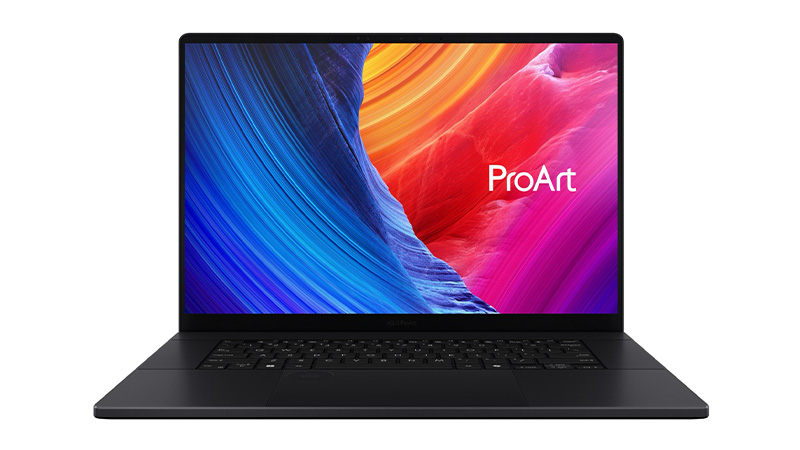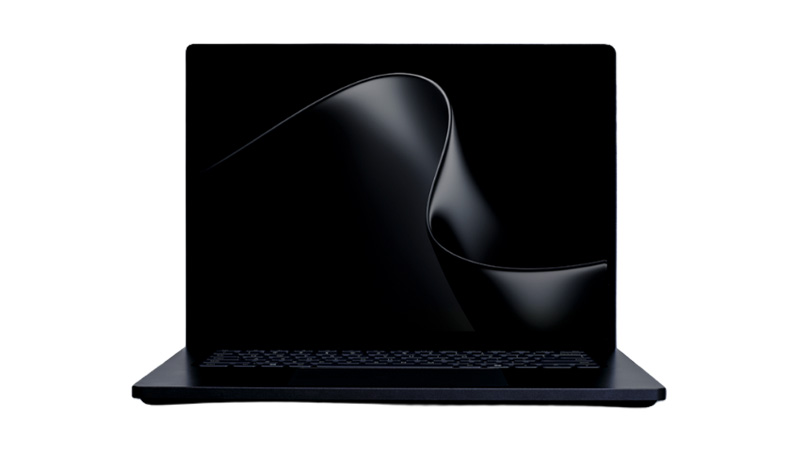
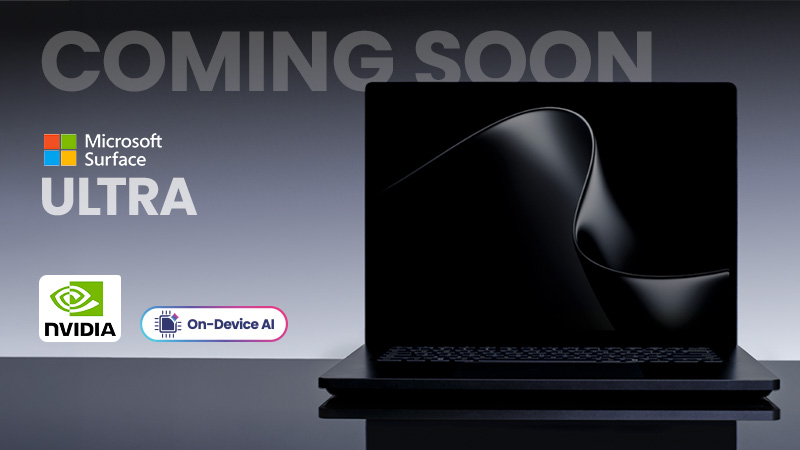
COMING SOON | Surface Laptop Ultra


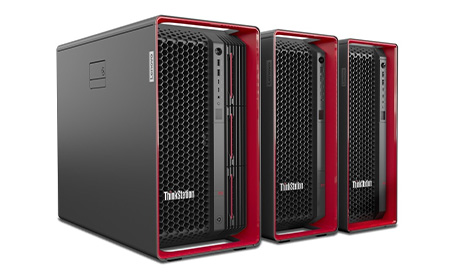
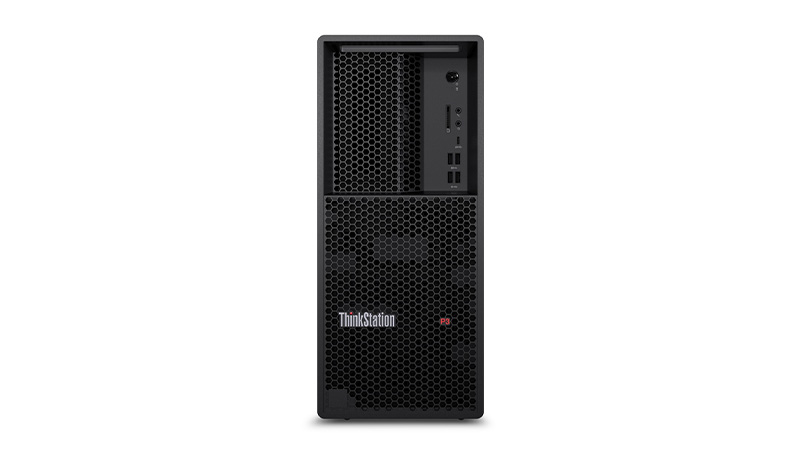
Leasing ThinkStation desktops gives your business access to powerful workstation-class performance without upfront costs. ThinkStation Desktop Leasing is ideal for teams running demanding workloads, with configurations featuring Intel Core Ultra or Xeon processors, NVIDIA RTX professional graphics, and scalable DDR5 memory. Built for engineering, creative, and data-heavy environments, these systems deliver reliable, certified performance for business-critical applications.






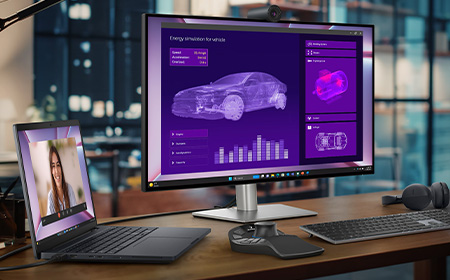

If you’re looking for a laptop that handles demanding work, like AI development, engineering, 3D modelling, heavy video editing, or complex data analysis, the Dell Pro Max range is built exactly for that.

In short: a proper mobile workstation. These laptops use the newest Intel Core Ultra processors, NVIDIA’s professional RTX Pro “Blackwell” graphics, and super‑fast DDR5 memory.
They’re built to stay cool, stay stable, and stay fast, even when you throw huge files, long renders, or intense simulations at them.
Business‑friendly features like vPro management, strong firmware security, and long‑lasting batteries are standard across the range, which makes them just as suitable for IT‑managed fleets as for independent pros.
Dell keeps things simple with three tiers:
If you’re not sure which you need, the tier usually matches the intensity of your workflow.
These are great if you want the best mix of portability and performance. They offer:
They’re ideal for creators, engineers, and hybrid workers who need workstation power without carrying a brick around.
The 16‑inch model can even be configured with RTX Pro 500/1000 graphics and 1TB SSD for a properly capable mobile workstation.
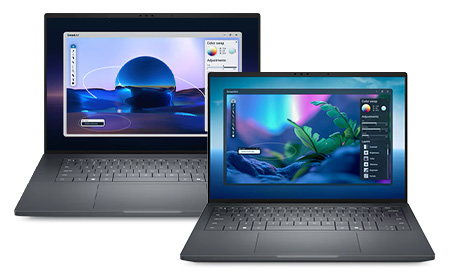
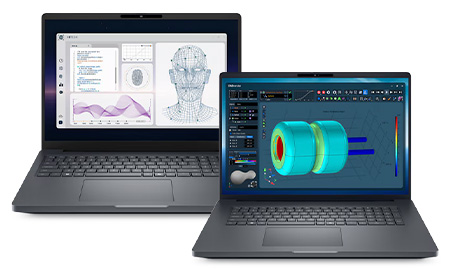
If you need maximum power, no compromises, the Plus models are where you should look.
The Pro Max 16 Plus is built for the toughest workloads and includes:
It’s the sort of machine that breezes through advanced simulations, huge renders, or multi‑layer video editing.
The Pro Max 18 Plus ramps this up even further. It offers:
It’s essentially a mobile workstation tower disguised as a laptop, and it’s built for engineers, VFX artists, and data pros who need serious expansion and screen real estate.
Workstation‑Grade CPUs. Intel’s Core Ultra H and HX processors offer high core counts, strong turbo speeds, and integrated AI acceleration. The Ultra 9 285HX, for example, is one of the most powerful mobile processors available.
Professional NVIDIA RTX Pro Graphics. These GPUs are made for stability and performance in professional apps (think SolidWorks, CATIA, Autodesk, Adobe). Blackwell‑generation RTX Pro GPUs ensure fast rendering, smooth modelling, and long-term driver reliability.
Fast Memory & Generous Storage. DDR5/LPDDR5x memory across the line enables smooth multitasking. Larger models can scale from 32GB all the way up to workstation‑class capacities. SSD options also range from 512GB up to several terabytes depending on the configuration.
High‑Quality Displays. On some models, like the Pro Max 16 Premium, you’ll find standout options such as a 4K Tandem OLED panel, perfect for colour‑accurate creative work.
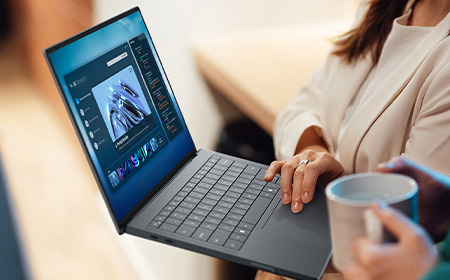
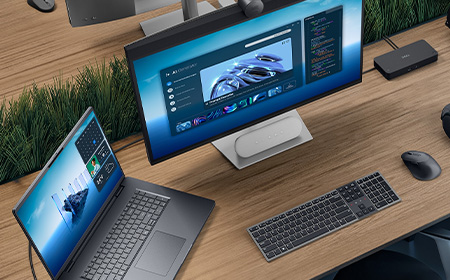
You’re the target audience if you regularly run:
If your projects push standard business laptops to their limit, the Pro Max range is built exactly for you.
You might like: Dell Pro vs Dell Pro Max vs Dell Premium: Which One Is Right for You?
The Dell Pro Max lineup is a smart choice if you need workstation‑level muscle with the flexibility of a laptop. With its clear tiering structure, excellent performance scaling, premium display options, and enterprise‑ready features, it gives professionals a reliable platform for the most demanding workloads.
Whether you’re designing, modelling, analysing or creating, Dell Pro Max gives you the power to do your best work anywhere.


Lenovo’s 2026 portfolio is broad, stretching from ultra‑durable student devices to powerful mobile workstations and enterprise‑grade desktops. This guide breaks down each family — Entry Business, ThinkPad, ThinkCentre, and ThinkStation.
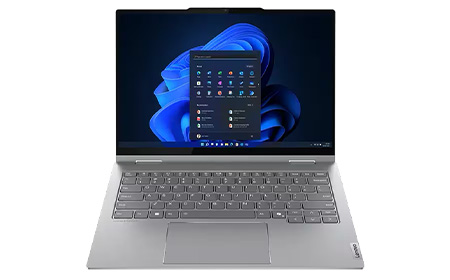
ThinkBook models provide a middle ground between consumer and enterprise laptops and are known for:
Use ThinkBook when budgets are tight, but your organisation still needs core business features.
ThinkPad is Lenovo’s leading business laptop family, engineered for durability, security, long battery life, and consistent performance across all models.
E Series. Entry‑level ThinkPads offering reliable performance at a lower cost. Perfect for SMEs or departments that need solid, stylish devices without a large investment.
L Series. A step up from the E Series with better build quality and more features, while still being cost‑effective. The L Series is also one of Lenovo’s most environmentally friendly ranges.
T Series. This is ThinkPad’s most popular business line, offering the best blend of performance, portability, battery life, and security. Excellent for larger organisations and demanding professionals.
X Series. Compact and powerful 13″ models designed for users who travel frequently or work between locations.
X1 Series. Ultra‑premium ThinkPads built with premium materials, next‑gen Intel® Core Ultra processors, and AI acceleration for workloads like collaboration, multitasking, and productivity.
P Series. Mobile workstations offering high‑end CPUs, professional GPUs, and workstation‑grade reliability.
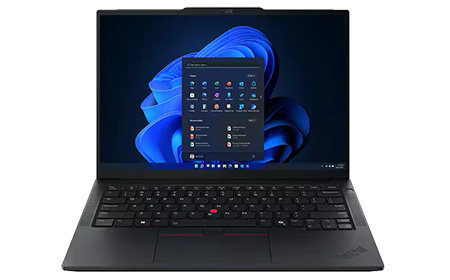
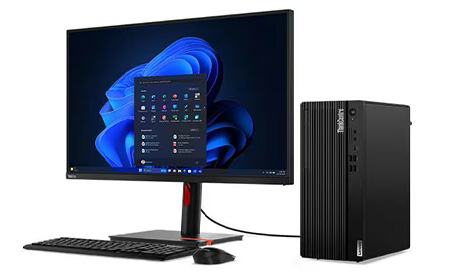
ThinkCentre desktops are Lenovo’s reliable business PCs built for stability, security, and long‑term fleet deployment.
Built for business reliability. Designed for day‑to‑day office tasks, offering productivity, and sustainability.
Multiple space‑saving form factors:
Tiered performance options:
ThinkStation workstations are high‑performance machines intended for professionals who require extreme computing power, graphical performance, and ISV‑certified reliability.
Designed for the most demanding workloads. Including engineering, design, simulation, VFX, AI, and complex data processing.
High‑end CPU options:
Professional GPU support. Including NVIDIA RTX, Radeon Pro, and even multi‑GPU configurations in higher‑end models.
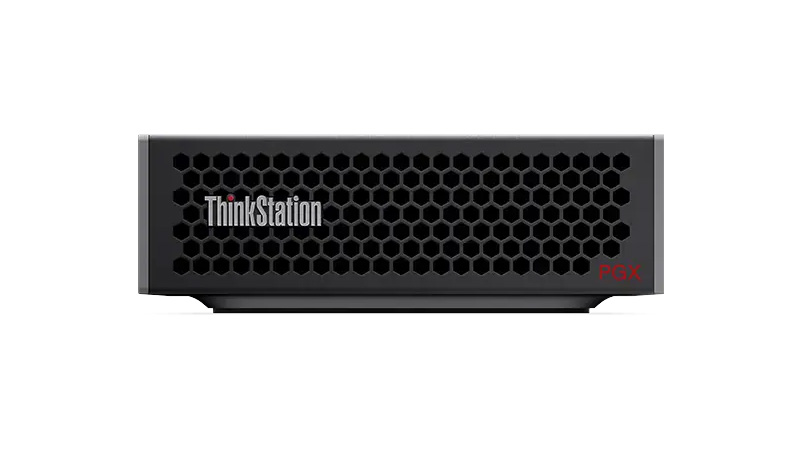
Engineered with advanced thermals. Chassis inspired by precision engineering (Aston Martin design elements in P5, P8, PX models), ensuring cool, stable, long‑term operation under load.
Highly expandable. Supporting large RAM capacities (up to 2TB on PX models), multiple storage drives, and extensive configurability for evolving workflows.
Best for SMEs that need reliable, great‑value devices without over‑investing.
These ranges suit everyday office tasks, short‑lifecycle deployments, and environments where cost‑efficiency matters more than advanced features.
The ThinkPad family gives businesses a choice of durability and performance levels. The E Series works well for basic business use on a budget, while the L Series offers dependable, sustainable devices for general workloads.
The T Series serves as the all‑round professional standard. For mobility‑focused teams, the X Series delivers lightweight portability, and the X1 range adds premium design and executive‑level features. When maximum performance is needed, the P Series provides workstation‑grade power for technical users.
Ideal for offices, contact centres, and organisations that prefer stable desktop fleets. They offer easy manageability, reliability, and long-term deployment consistency.
Designed for the most demanding compute environments, ThinkStation models support engineers, designers, developers, and anyone running intensive workloads that require true workstation performance.
Lenovo’s portfolio makes it easier than ever for organisations to match each user with the right device. Whether you need dependable office desktops, premium business ultrabooks, or workstation‑grade power, Lenovo offers a clearly structured ecosystem designed to support every workflow.


Apple continues to redefine performance across the Mac lineup. The M4 generation set new standards for efficiency and AI‑ready workflows, and the newer M5 chips push this even further with major gains in AI acceleration, GPU power, and memory bandwidth. This guide explores both M4 and M5 chips.
Apple’s M4 chips focused on efficiency gains, improved graphics, and stronger machine‑learning acceleration. The new M5 series, however, represents a much larger architectural leap, especially for AI.
Let’s dive further into each of these powerhouse chips.
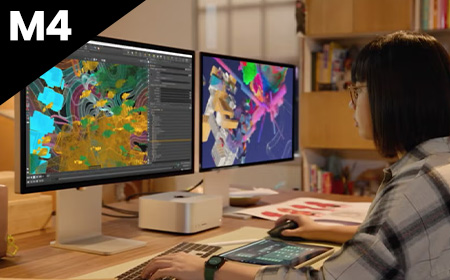
Fast. M4 is a standout 21% faster than its predecessor, the M3 chip. Configurations are limited to a maximum 10-Core CPU and 10-Core GPU.
Most affordable. The M4 chip is the lowest-cost option when it comes to the new M4 processor range.
Good upgrades. The SSD on 14-inch MacBook Pro, Mac mini, and iMac can be upgraded to a maximum capacity of 2TB, and RAM to a maximum capacity of 32GB.
Great for most industries. M4 Apple MacBooks, Mac minis and Apple iMacs have a maximum 10-Core CPU and 10-Core GPU, and can support one external display, meaning they are suited to the day-to-day needs of most people — but perhaps not those that need an above average amount of storage space for their work.
Limited model choice. It’s worth noting that the M4 is exclusively available for Apple MacBook Pro 14″, Apple iMac and Mac mini — the 16” Apple MacBook Pro offers options for M4 Pro or M4 Max only.
Faster. This version features an 14-Core CPU, providing a significant upgrade in processing power, and an 20-Core GPU. This makes M4 Pro products great for handling graphics-intensive tasks.
Mid-priced. Considering the price, this may not be the most budget-conscious option — but the extra cost is worth it for creative professionals, software developers, or anyone else that requires a high-powered machine than the standard M4 for their work.
Better upgrades. RAM on M4 Pro models can be upgraded to a maximum of 64GB, enabling users to tackle larger projects on the go than the standard M4. The SSD can be expanded to a maximum capacity of 8TB on the mac mini and up to 4TB on the MacBook Pro 14 and 16”. Additionally, when opting for M4 Pro, you can choose a Space Black machine.
Great for creatives. The M4 Pro is significantly faster than the M4, with a maximum 14-Core CPU and 20-Core GPU, This makes the M4 Pro significantly more powerful for tasks like video editing, 3D rendering, and other graphics-intensive work.
Only available for MacBook Pro 14 and 16” and the Mac mini. iMac’s are only available with the standard M4 chip.
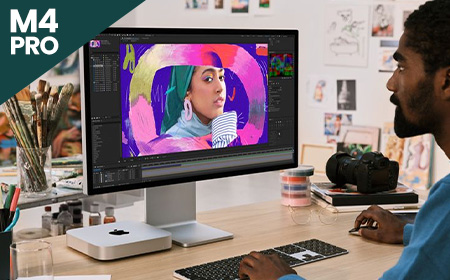

Fastest option. This version offers a choice between a 16-Core CPU, a substantial increase in processing power compared to the M4 Pro. This processor option also incorporates a 40-Core GPU.
Highest priced option. Considering the price, this won’t be the most cost-friendly choice for most people. However, the extra cost is worth it for creative professionals that require a very fast and high-spec laptop for their work, the increased core count ensures faster processing times and smoother multitasking.
Best upgrades. With support for up to 128GB of unified memory, and an SSD capacity of up to 8TB, the M4 Max has the biggest capacity for upgrades of the three M4 chips. Additionally, when opting for M4 Max, you can choose a Space Black machine.
Great for high-end creative professionals. Equipped with a maximum 16-Core CPU and 40-Core GPU and the capacity to support up to four external monitors, M4 Max is ideal for creative professionals who need a high-powered machine with great graphics for tasks such as video editing. The M4 Max offers a nano-texture display option, which reduces glare and reflections, providing a clearer and more consistent viewing experience. This is particularly valuable for creatives who require precise colour accuracy and detail.
Only available for MacBook Pros. Currently, you can only purchase MacBook Pro 14″ and 16″ with this option – iMac’s are only available with the standard M4 chip while mac mini give you the option of M4 or M4 Pro.
More about the difference between Apple M4 chips.
Fast. M5 delivers a major speed boost with up to a 10‑core CPU (up to four super cores + six efficiency cores), offering up to 15% faster multithreaded performance than M4.
Its new 10‑core GPU with a Neural Accelerator in each core provides over 4× the peak GPU compute performance for AI vs M4.
Most affordable. As the entry-level chip in the M5 lineup, it powers the most affordable M5‑based devices, including the 13-inch Macbook Air and 15-inch MacBook Air and iPad Pro.
Good upgrades. The base M5 boosts unified memory bandwidth to 153GB/s, nearly 30% higher than M4. Devices using M5 also benefit from faster storage performance and next‑generation AI acceleration.
Great for most industries. With up to a 10‑core CPU, 10‑core GPU, and improved AI capabilities, M5 suits general business use, productivity, education, and creative light‑to‑medium workloads.
Limited model choice. The base M5 is currently found in select devices such as the 13-inch MacBook Air, 14‑inch MacBook Pro, and iPad Pro, while larger MacBook Pro models and pro workflows require M5 Pro or M5 Max.
Also read: NVIDIA DGX vs Apple M5

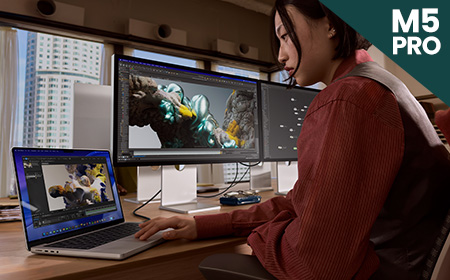
Faster. M5 Pro introduces a new Fusion Architecture, combining two silicon dies for a major performance uplift. It features up to an 18‑core CPU and a next‑generation GPU with up to 20 cores, delivering up to 30% CPU improvement vs M4 Pro.
Not the most budget‑friendly. The M5 Pro sits firmly in the higher price bracket. However, some M5 MacBook Pro 14″ configurations are now £100 cheaper than the previous M4 Pro equivalents, specifically the 16GB RAM / 1TB SSD and 24GB RAM / 1TB SSD models. This makes these configurations unexpectedly better value than before.
Better upgrades. Unified memory bandwidth increases to 307GB/s, and SSD performance is up to 2× faster. The GPU includes a Neural Accelerator in each core, providing more than 4× peak GPU compute performance vs the previous generation.
Great for pro workflows. Ideal for data modelling, video and audio post‑production, coding, STEM applications, and AI‑enhanced tasks.
Limited model choice. M5 Pro is available only in the 14‑inch and 16‑inch MacBook Pro models and does not appear in entry‑level models or the MacBook Air.
Fastest. M5 Max scales performance further with an 18‑core CPU and up to a 40‑core GPU, offering the highest GPU compute in the M5 family. Its GPU architecture includes Neural Accelerators in every core and delivers over 4× the peak GPU compute performance vs M4 Max.
The most expensive option by far. M5 Max models sit at the very top of Apple’s pricing, with the 16‑inch M5 Max MacBook Pro starting from a significantly higher price point compared with previous generations. This chip is only worth the investment for users with extremely demanding workloads.
Good upgrades. Unified memory bandwidth reaches 614GB/s, the highest of any Apple Silicon laptop chip. GPU and media engine improvements double encoding engines and significantly boost ray‑tracing performance.
Great for demanding industries. Best suited to 3D animation, large‑scale AI/ML workloads, complex simulations, high‑end video workflows and other GPU‑intensive pro environments.
Limited model choice. M5 Max is exclusive to the 14‑inch and 16‑inch MacBook Pro models only.

| Device | M4 | M4 Pro | M4 Max | M5 | M5 Pro | M5 Max |
|---|---|---|---|---|---|---|
| MacBook Air 13" | Yes | No | No | Yes | No | No |
| MacBook Air 15" | Yes | No | No | Yes | No | No |
| MacBook Pro 14" | Yes | Yes | Yes | Yes | Yes | Yes |
| MacBook Pro 16" | No | Yes | Yes | No | Yes | Yes |
| iMac | Yes | No | No | No | No | No |
| Mac mini | Yes | Yes | No | No | No | No |
M4 is available for the MacBook Air 13″ and 15″, MacBook Pro 14″, Mac mini and iMac. This chip is a good choice for everyday use and less data-intensive workloads.
M4 Pro is the mid-level option, available for MacBook Pro 14″ and 16″ as well as the Mac mini. This chip is a good choice for people with slightly more data-intensive workloads, who require higher spec capacity.
M4 Max is the fastest and most efficient of the M4 lineup, and is available for MacBook Pro 14″ and 16″. Laptops with this chip are better suited for those with heavily data intensive workloads, and creative professionals who need a high-powered laptop with a lot of storage space, as these laptops offer the most upgrades.
M5 is available for the 13-and 15-inch MacBook Air, 14‑inch MacBook Pro, as well as iPad Pro — giving it broad appeal across both laptop and mobile productivity devices. It is the entry‑level M5 option and a strong choice for everyday business users who want improved AI performance and modern speed.
M5 Pro is the mid-tier option and is exclusive to the 14‑inch and 16‑inch MacBook Pro models. It introduces Apple’s new Fusion Architecture, an 18‑core CPU, and a more powerful GPU, making it ideal for professionals handling more demanding workloads such as video production, coding, and multi‑tasking.
M5 Max is the top‑tier option for the M5 generation and is also exclusive to the 14‑inch and 16‑inch MacBook Pro. With an 18‑core CPU, up to 40‑core GPU and massive memory bandwidth, it is best suited to high‑end creative professionals, AI developers, and users working with extremely intensive graphics or simulation workloads.
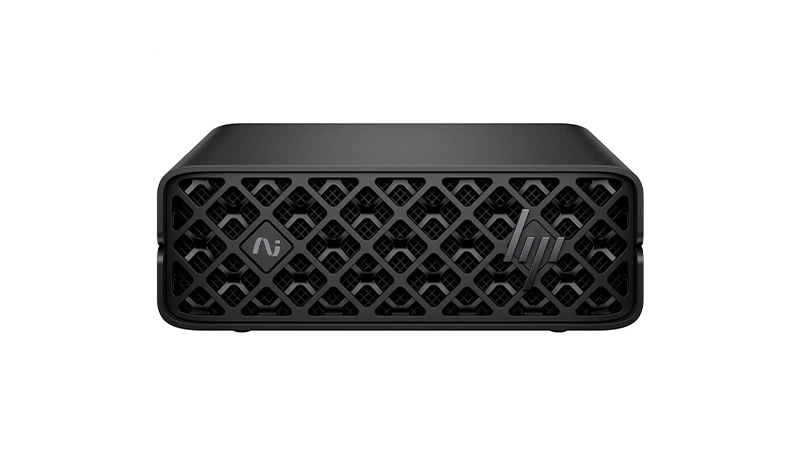
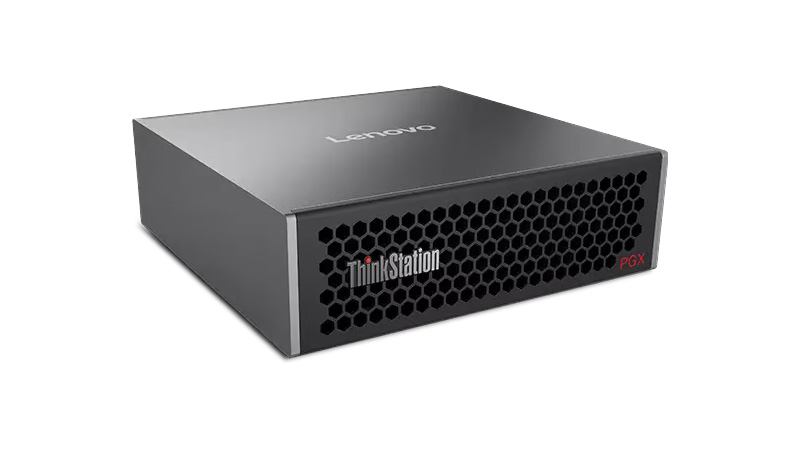
Unlock the power of AI with flexible supercomputer and AI workstation leasing. Featuring NVIDIA-powered systems, AI-ready PCs, Copilot+ devices and Apple Intelligence technology, these high-performance solutions are built for machine learning, advanced analytics, local AI models and demanding professional workloads. Benefit from powerful GPUs, high-speed memory, enterprise security and predictable monthly payments without the cost of traditional infrastructure.
| Device | Operating System | AI Platform | Best For | AI Capability | Runs Models Up To | |
|---|---|---|---|---|---|---|
|
Windows | Copilot+ PC | Business AI | Professional | 14B | See Product |

|
macOS | Apple Intelligence | Creative AI | Advanced | 70B | See Product |
|
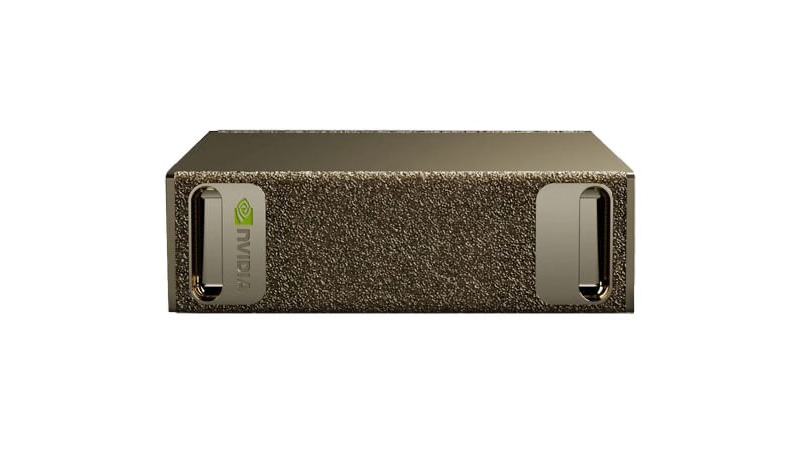
NVIDIA DGX OS | NVIDIA GB10 | AI Development | Expert | 200B+ | See Product |
|
|
NVIDIA DGX OS | NVIDIA GB10 | Local AI Teams | Expert | 200B+ | See Product |
|
|
NVIDIA DGX OS | NVIDIA GB10 | Enterprise AI | Expert | 200B+ | See Product |

|
Ubuntu / Windows | NVIDIA GB300 | Large AI Projects | Ultimate | Frontier scale | See Product |