Microsoft Surface Laptop Leasing for Your Business
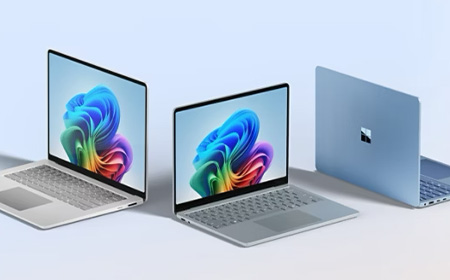
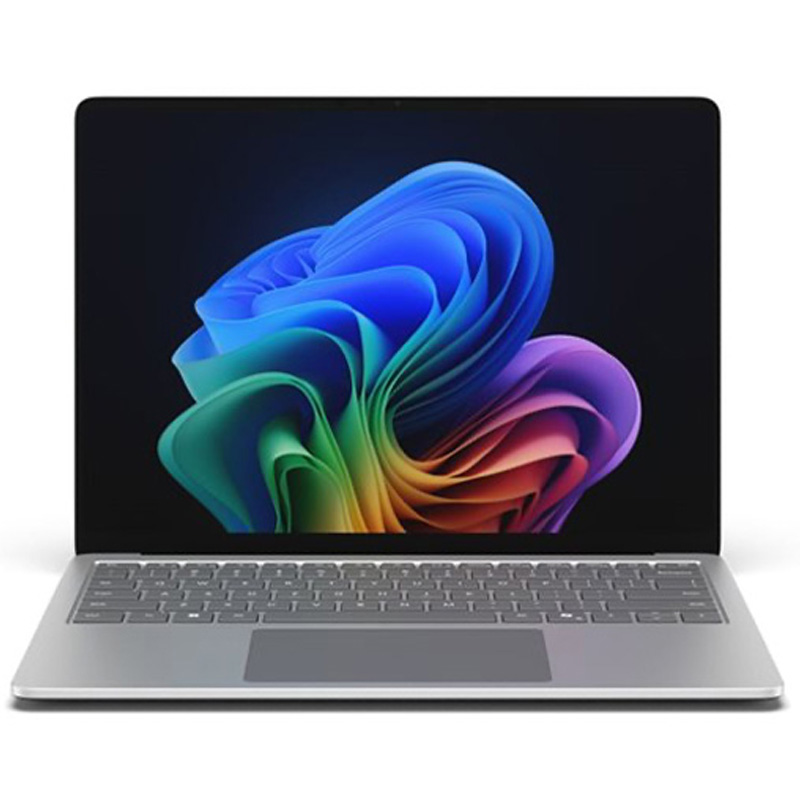
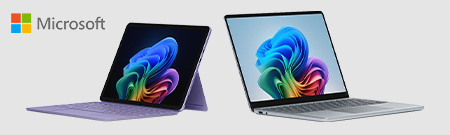
The Microsoft Surface Laptop combines sleek design, powerful performance, and enterprise-grade security to deliver a premium Windows experience. Built for today’s fast-paced workplaces, it seamlessly supports productivity, collaboration, and AI-powered workflows—whether in the office, at home, or on the move.
Work securely with advanced, built-in enterprise security
What's the difference between a Surface Laptop and a Surface Pro?
The Surface laptop is a traditional clamshell laptop with a built-in keyboard, while the Surface Pro is a detachable 2-in-1 tablet that becomes a laptop with an optional keyboard cover. The Pro offers more flexibility for touch and pen input, while the laptop suits users who want a conventional laptop experience.
How long does a Surface Laptop last?
Surface laptops are generally built for longevity, though how long yours actually lasts in practice depends on the model, usage, and how well it’s maintained. Battery efficiency has also improved notably on newer Copilot+ PC models compared to older generations. See why battery life is better on Copilot+ PCs for more detail.
Will AI features affect battery life on a Surface Laptop?
AI features (Copilot+ capabilities) run on a dedicated Neural Processing Unit, so they’re designed to have minimal impact on battery life compared with running the same tasks on the CPU. However, heavy and sustained AI workloads will still draw more power than light everyday use
Is the Surface Pro suitable for remote and hybrid workers?
Yes, the Surface Pro’s portability, detachable design and long battery life make it well suited to hybrid workers who move between home, office and travel. It’s tablet mode is also useful for presentations and note-taking in meetings.
What types of work is the Microsoft Surface Pro best suited for?
The Surface Pro suits client-facing and mobile roles like sales and real-estate, thanks to its 2-in-1 design. The optional pen is useful for drawing and precise input, and built-in 5G support staff working on the go. It’s less suited to heavy creative or resource-intensive work, where other devices perform better.
Demystifying New Intel CPUs: What IT Teams Need to Know
Intel’s new CPU names can look intimidating. This guide breaks down the processor naming system without the jargon.
Introduction: Why do Intel CPU names look like a password?
If you’ve looked at a laptop or spec sheet recently and thought:
“What on earth does Intel® Core™ Ultra 7 155H or Intel® Core™ 5 150U even mean?”
You’re not alone.
Intel has changed its processor naming system, retired the familiar i5 / i7 format, and introduced Core, Core Ultra, and new generation indicators — all at once.
This means faster chips, better battery life, built‑in AI… and a lot of confused buyers.
The good news is that once you understand the pattern, these Intel CPU names actually tell you a lot.
Let’s decode them step by step.
Intel® Core™ Ultra Processors
Think of these as Intel’s “new‑era” CPUs.
Intel Core Ultra processors are the most modern and premium processors in Intel’s lineup. They’re built for how people actually work today — multitasking, video calls, creative apps, and increasingly, AI‑powered tools.
Example: Intel® Core™ Ultra 7 155H
Intel® – Corporate brand – This simply tells you who makes the processor.
Core™ Ultra – Product brand – This is the processor family.
7 – Performance tier.
This replaces the old i5 / i7 / i9 naming system.
Intel Core Ultra processors come in these performance tiers:
Ultra 5
Ultra 7
Ultra 9
Higher‑end variants like Core Ultra X7 and X9 – higher numbers indicate higher overall performance within the Core Ultra range.
155 – SKU and generation indicator – This is where Intel now hides what used to be the “generation” label.
The first digit (1) indicates the Core Ultra generation.
1 = first generation of Core Ultra processors.
The remaining digits (55) are the SKU, which position the processor within the Ultra 7 tier.
These numbers only make sense within the same processor family and tier. Bigger numbers don’t automatically mean better if you’re comparing across ranges.
H – Suffix – The final letter tells you how the processor is designed to behave.
H = a high‑performance laptop processor.
Best for: Power users, developers, engineers, creatives, leadership laptops.
V‑Suffix Core™ Processors (Copilot+ PCs)
You may also see some Intel Core Ultra processors ending in a V.
The V suffix is important because it identifies Intel’s most AI‑focused mobile processors — and these are the chips powering Copilot+ PCs today.
Example: Intel® Core™ Ultra 7 268V
In plain English, this is:
A high‑end, power‑efficient mobile processor
Designed for thin‑and‑light laptops and tablets
Part of Intel’s Lunar Lake platform
Built specifically to handle AI workloads on‑device
Equipped with a 48‑TOPS NPU and built‑in memory for efficiency
Intel® Core™ Processors
The sensible, reliable middle ground.
Intel Core processors are the mainstream option. They use the same logic as Core Ultra, just with a shorter, simpler name.
120 – Processor number – Intel Core processors use a three‑digit processor number.
The first digit (1) indicates the processor series. The remaining digits position it within the Core 5 range.
You don’t need to overthink this — higher numbers generally sit higher within the same tier, but comparisons should stay within the Core family.
U – Suffix (what it’s built for) U = power‑efficient laptop processor.
Best for: The majority of office users — finance, HR, sales, operations, admin.
Intel® Core™ Processors N‑Series
Designed to sip power, not sprint.
The N‑Series is Intel’s efficiency‑first Core range, aimed at simple, well‑defined workloads.
These processors prioritise:
Low power usage
Quiet operation
Affordable devices
Example: Intel® Core™ 3 Processor N355
3 – Entry‑level performance tier within the Core family.
N – Identifies the processor as part of the N‑Series (efficiency‑focused, entry‑level Core).
355 – SKU that positions the processor within the N‑Series
Higher numbers generally sit higher within the N‑Series only.
Best for: Kiosk machines, education, front‑of‑house systems, shared or task‑specific devices.
Suffixes for Intel Core Ultra and Intel Core Processors
If there’s one thing to pay attention to in an Intel CPU name, it’s the letter at the end.
That suffix tells you how the processor is tuned and it can make a bigger difference than the tier number.
Common suffixes explained
Suffix
What it really means
Typical use
U
Power‑efficient
Everyday business laptops
P
Balanced
Thin & light professional devices
H
High performance
Power users
HX
Maximum performance
Mobile workstations
V
AI‑optimised, ultra‑efficient (Copilot+ ready)
Thin‑and‑light AI laptops / Copilot+ PCs
K
Unlocked (desktop)
High‑end desktops
T
Power‑optimised (desktop)
Small form factor PCs
A Core Ultra 7 U‑series chip will feel very different to a Core Ultra 7 H‑series chip, even though the name looks similar.
A good example of an H-suffix workhorse is the HP ZBook X mobile workstation, which pairs Core Ultra 9 H-series performance with pro-grade graphics for sustained creative and engineering workloads — exactly where the H suffix earns its keep.
The Intel Processor family sits below Core. These processors are all about keeping costs down while still delivering reliable performance for everyday, lightweight tasks.
Example: Intel® Processor N200
N – Identifies the processor type.
Intel Processor prefixes typically start with N (or U in some variants).
200 – SKU that positions the processor within the Intel Processor range.
There’s no generation indicator, no performance tiers, and no suffix letters to decode.
Best for: Basic admin tasks, shared devices, very light workloads.
Pentium® Silver and Pentium® Gold Processors
Budget‑friendly, with a bit more headroom.
Pentium processors sit above Intel Processor and below Core. They’re often used where cost control is important, but you still want a bit of responsiveness.
What’s the difference?
Pentium Silver – More efficiency‑focused
Pentium Gold – Slightly higher performance
Example: Intel® Pentium® Gold G7400 Processor
Gold – Higher‑end Pentium
G – Integrated graphics tier
Best for: Education, light business tasks, budget‑conscious deployments.
Intel® Celeron® Processors
The entry‑level of entry‑level.
Celeron processors are Intel’s most basic CPUs. They’re built for very simple computing and nothing more.
Celeron processors use a few different naming formats, depending on the model:
Some include a four‑digit number
Some use a prefix, a suffix, or both
Example: Intel® Celeron® Processor N4500
Straightforward naming
Minimal performance
Efficiency‑first design
Higher numbers within the Celeron family generally indicate incremental improvements, such as:
Slightly higher clock speeds
More cache
Minor platform updates
Best for: Single‑purpose devices and ultra‑light workloads.
Why This Actually Matters for IT Teams
Confusing CPU names don’t just cause headaches, they cause bad decisions.
We regularly see organisations dealing with:
Over‑spec’d laptops that push up lease costs
Under‑powered devices that frustrate users
Mixed estates with inconsistent performance
At HardSoft, we help IT teams cut through the noise by:
Matching processor ranges to actual job roles
Standardising device performance
Offering flexible leasing that lets you refresh, upgrade, or change mid‑term
Supporting the full lifecycle through services like Boomerang
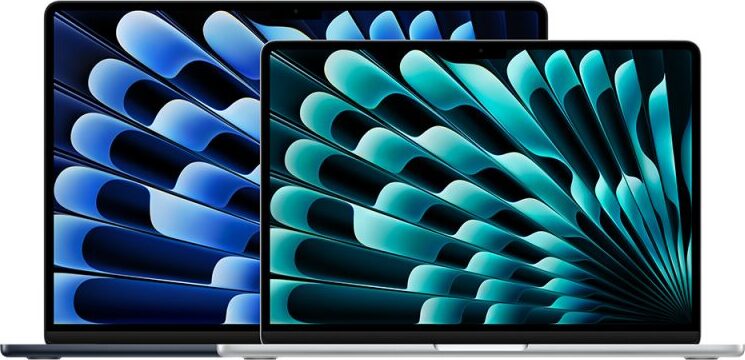
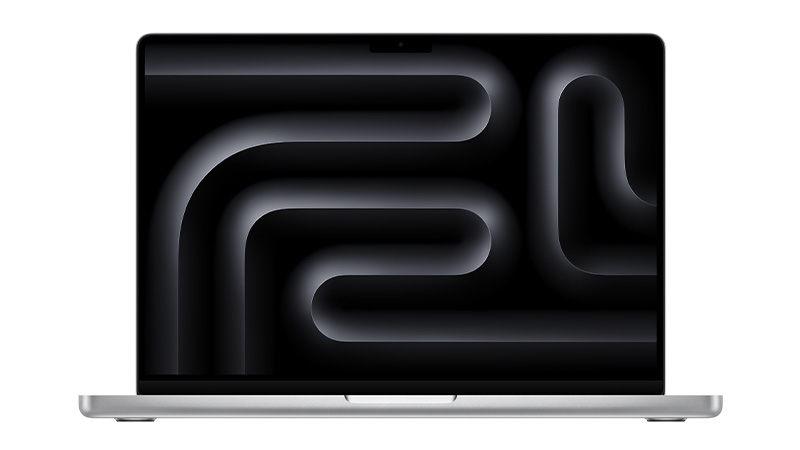
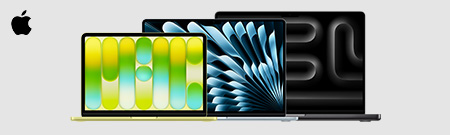
Explore the full range of Apple MacBooks for business, including MacBook Air, MacBook Pro, and MacBook Neo. Designed for performance and long‑term value, MacBooks are ideal for teams that need reliable devices with predictable running costs. Choose the right model with flexible monthly pricing, expert support, and full device lifecycle management — all from one trusted provider.
Which Apple MacBook offers the best value for money?
The MacBook Air (M4) is the best all-round value, pairing strong everyday performance and all-day battery life with a lightweight design at a mid-range price. For more demanding workloads, the entry-level MacBook Pro (M4) offers better long-term value thanks to its greater performance headroom.
What is the cheapest Apple MacBook?
The MacBook Neo is Apple’s most affordable laptop starting from £699 (or available to lease from £3.72 + VAT per week with HardSoft). It uses the A18 Pro chip, a 13-inch Liquid Retina display and comes in four colours, making it ideal for students, light office use or as a secondary device.
What is Apple's M-Series chips, and why are they important?
Apple’s M-series chips are the processors used in modern MacBooks. Unlike previous MacBook processors supplied by Intel, M-series chips are designed by Apple and combine several components, including the CPU, GPU, and memory architecture, into a single system. This design helps improve performance and power efficiency across the MacBook range.
How to transfer data from an old MacBook to a New MacBook?
The simplest method is Apple’s built-in Migration Assistant, which transfers your files and apps directly to your new MacBook without deleting anything from the old one or overwriting macOS. For the best results, use it during initial setup process and, where possible, connect the two Macs with a Thunderbolt cable to speed up large transfers. Further guidance is available in our MacBook data transfer guide.
What support is available when switching from Windows to Mac?
When switching from Windows to Mac, HardSoft offers a range of migration and setup support options. For example, customers purchasing a new Apple MacBook Pro (14″ or 16″) can take advantage of a free one-to-one Mac Migration with a Dedicated Apple Expert.
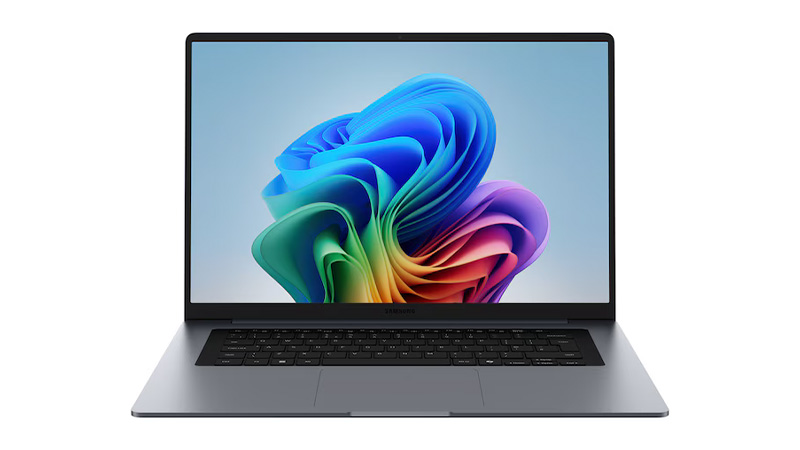
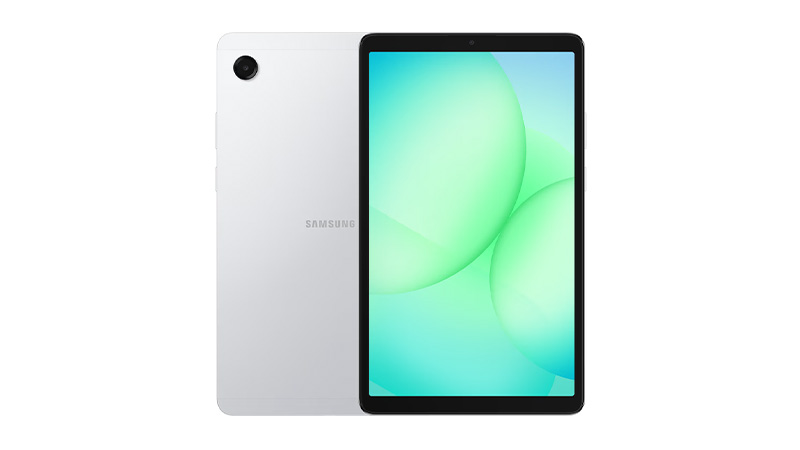
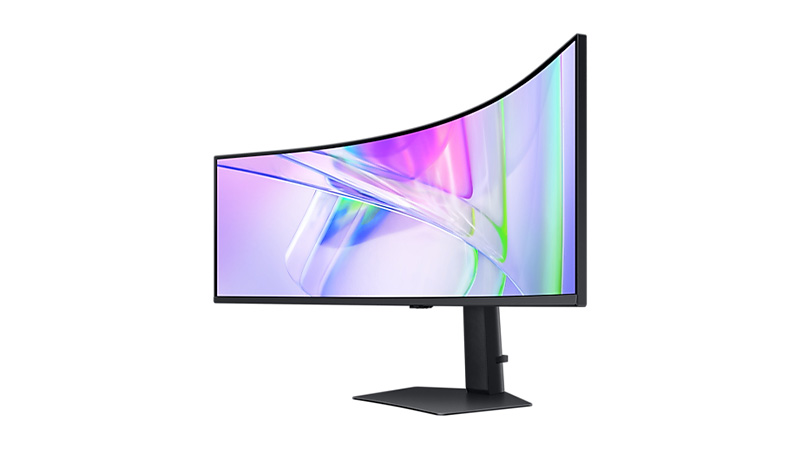
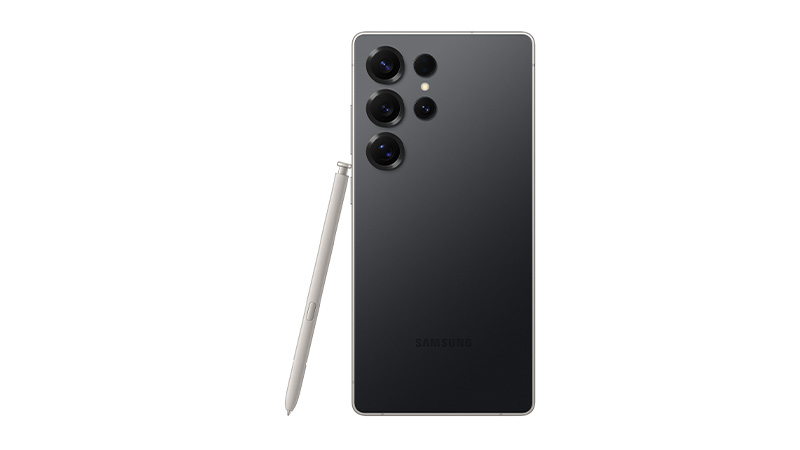
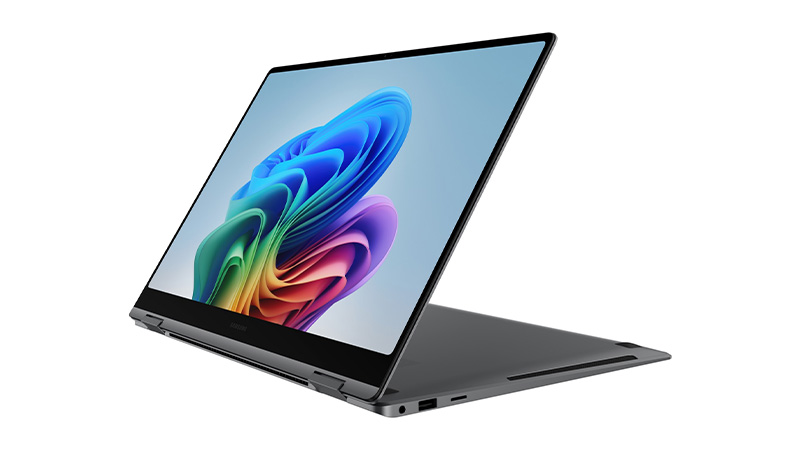
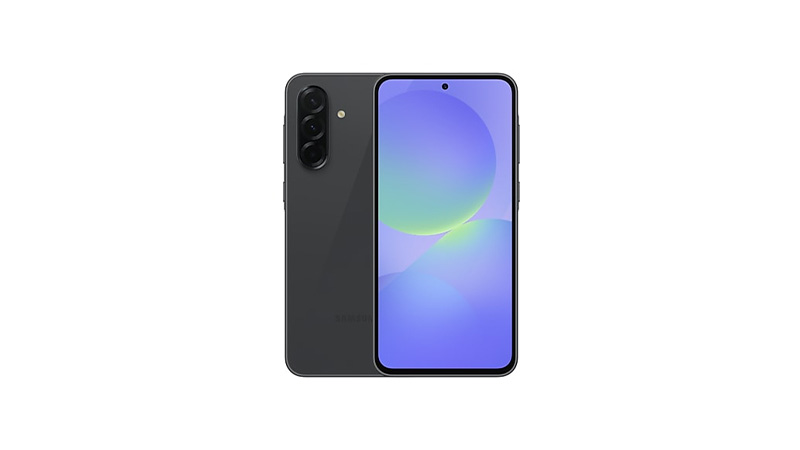
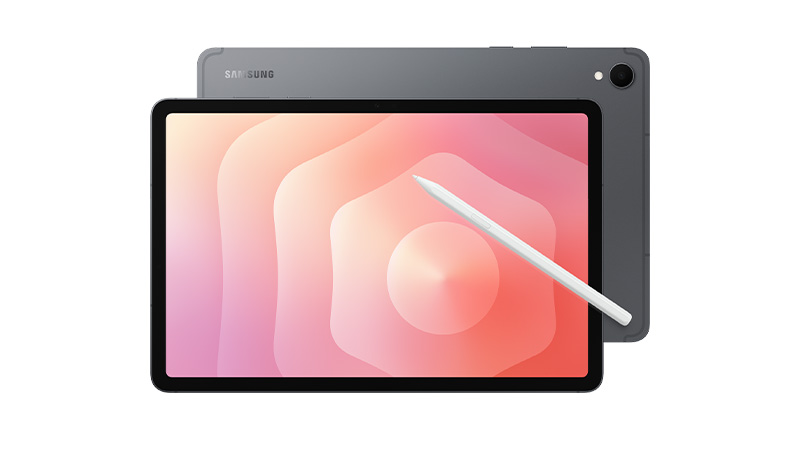
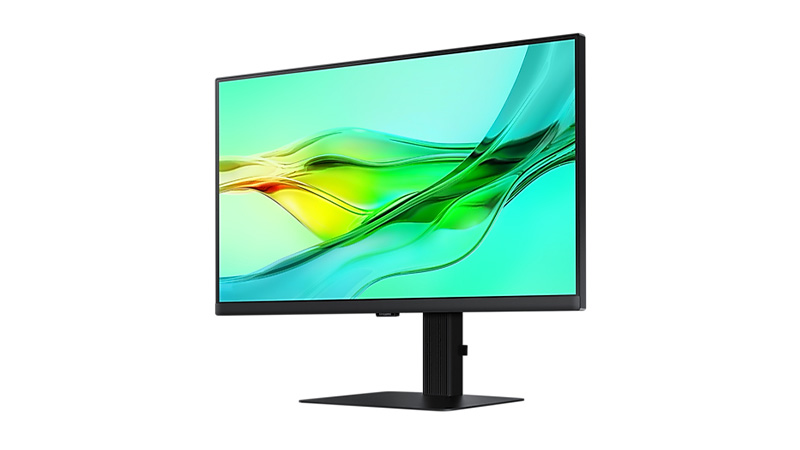
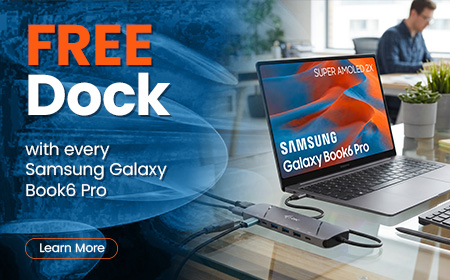
Equip your team with Samsung Galaxy devices built for modern work. From Galaxy Book laptops and phones to tablets and professional displays, Samsung Leasing helps you spread costs with simple monthly payments, keep technology up to date, and give your business the flexibility to scale and stay productive.
Computer leasing offers businesses a flexible, cost-effective way to access the latest technology without the upfront expense of purchasing hardware outright.
What Is Computer Leasing?
Computer leasing is a financial arrangement where businesses rent IT equipment — such as laptops, desktops, servers, and accessories — for a fixed period. Instead of buying devices outright, companies pay a regular fee (weekly or monthly) and benefit from:
Access to the latest hardware
Built-in support and warranty
Optional upgrades or ownership at the end of the term
Computer leasing is a smart, scalable solution for modern businesses. It offers financial flexibility, access to cutting-edge tech, and built-in support — all while reducing risk and improving operational efficiency. Whether you’re looking to equip a remote team, refresh your IT infrastructure, or manage device lifecycles, leasing can be tailored to meet your needs.
Get the latest Apple, Windows, and premium devices with affordable monthly plans, full support, and upgrade options—designed to keep your business moving forward.
Navigating the world of technology can be overwhelming, with countless brands and options to consider.
Our buying guides are here to help you choose the perfect devices and solutions for your business.


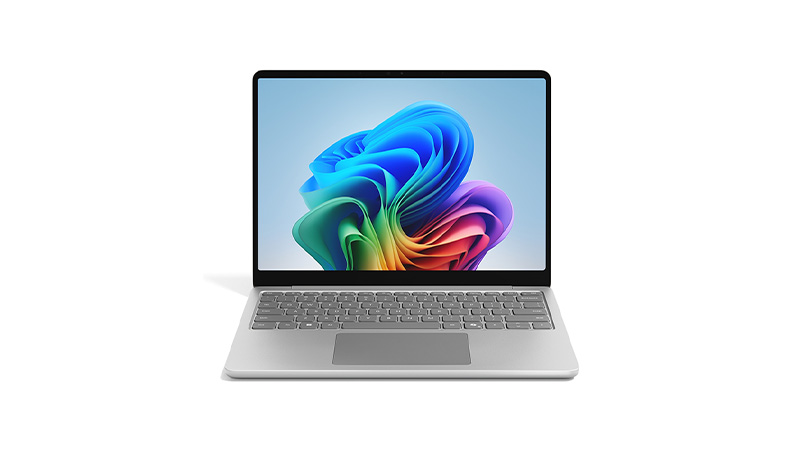
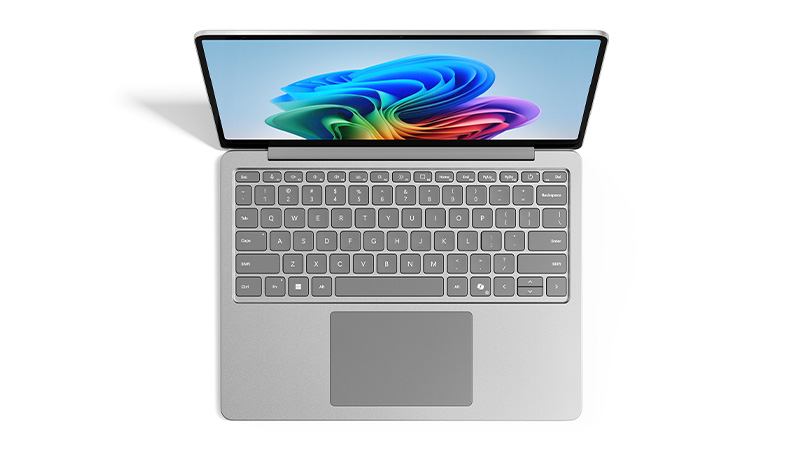
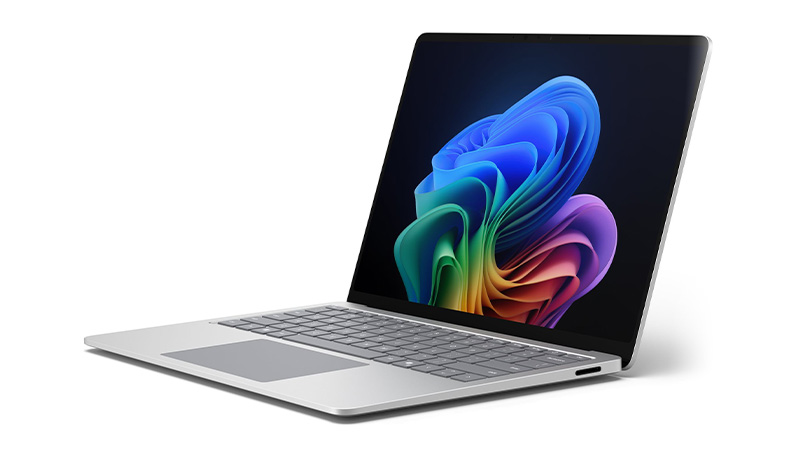
 Chip Intel Core Ultra 5 335Memory 16GBStorage 256GBPrice per week £15.11See product
 Chip Intel Core Ultra 5 335Memory 16GBStorage 256GBPrice per week £13.62See product
 Chip Snapdragon X PlusMemory 16GBStorage 256GBPrice per week £9.50See product
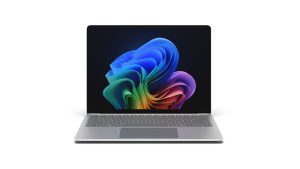 Chip Intel Core Ultra 5 325Memory 16GBStorage 256GBPrice per week £10.05See product
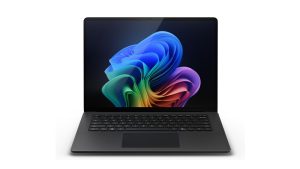 Chip Intel Core Ultra 5 236VMemory 16GBStorage 256GBPrice per week £13.26See product
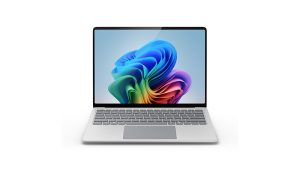 Chip Snapdragon X2 PlusMemory 16GBStorage 256GBPrice per week £11.74See product