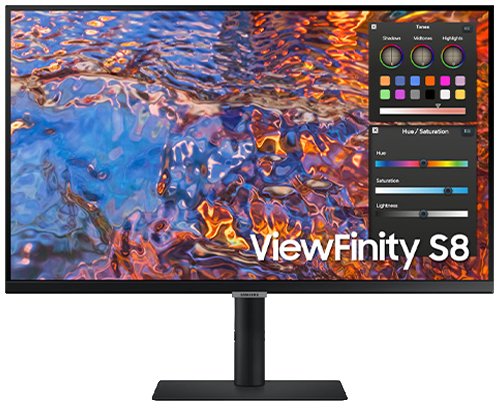
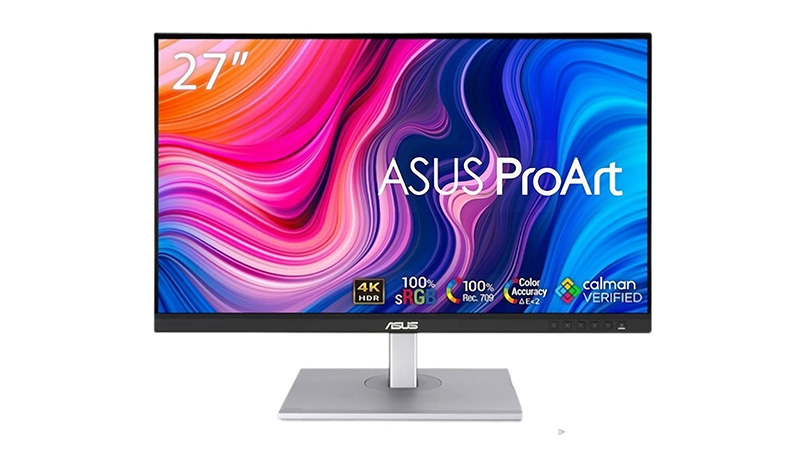
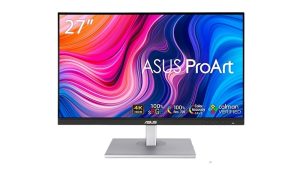
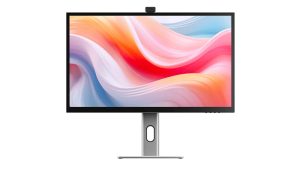
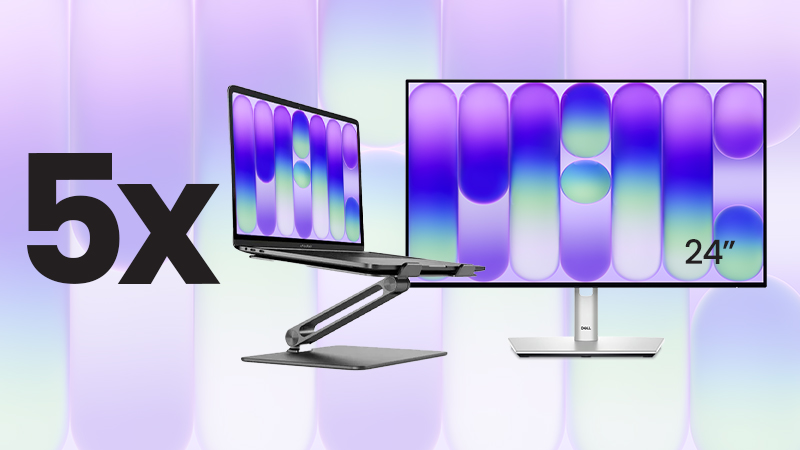
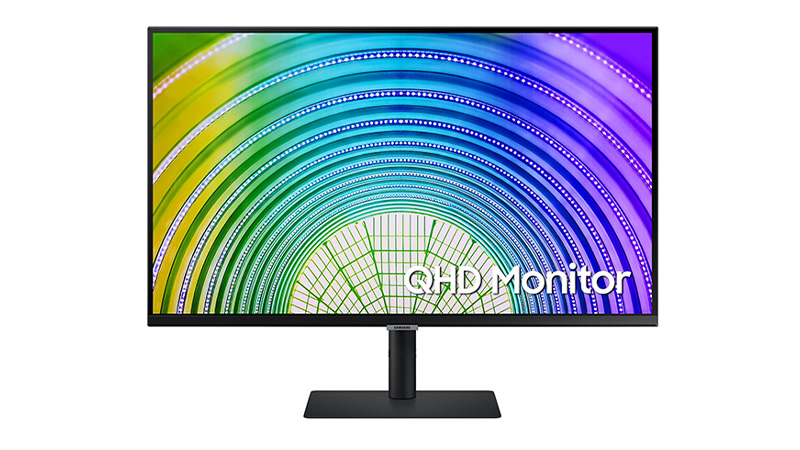
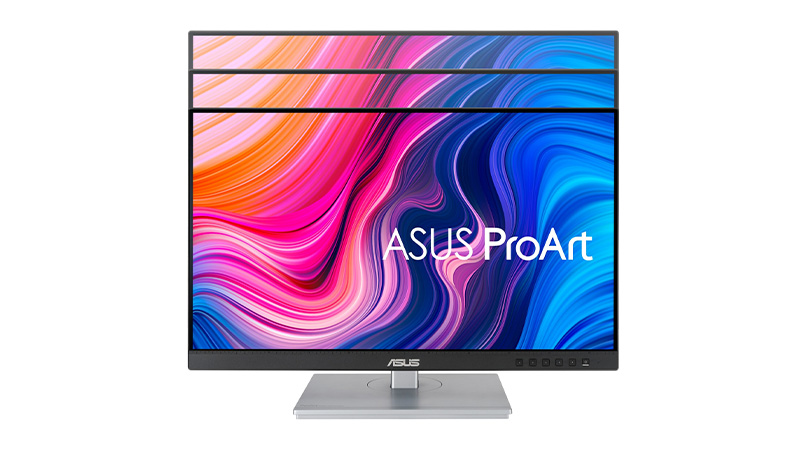
Explore 24-inch monitors from leading brands including Dell, Samsung, Philips, and ASUS. Our range features Full HD and QHD displays, USB-C connectivity, energy-efficient monitors, and professional-grade screens such as the ASUS ProArt PA247CV and Dell Pro Plus USB-C Hub Monitor. Whether you're looking for a business monitor, creative display, or everyday office screen, these 24-inch monitors deliver sharp visuals, reliable performance, and flexible connectivity for modern workspaces.
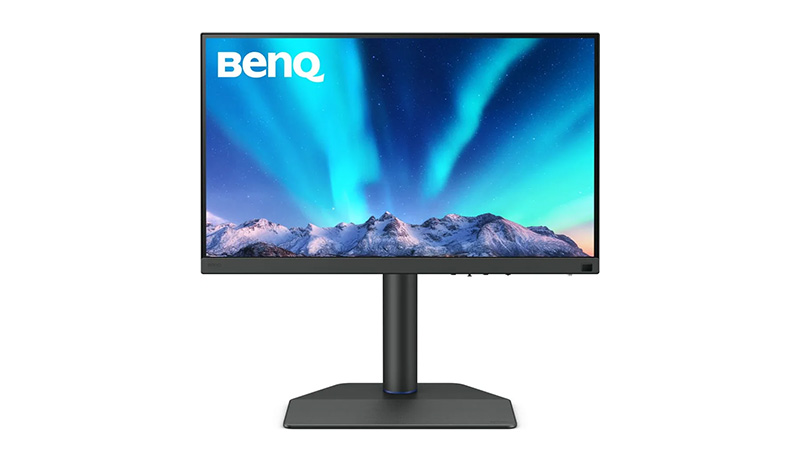
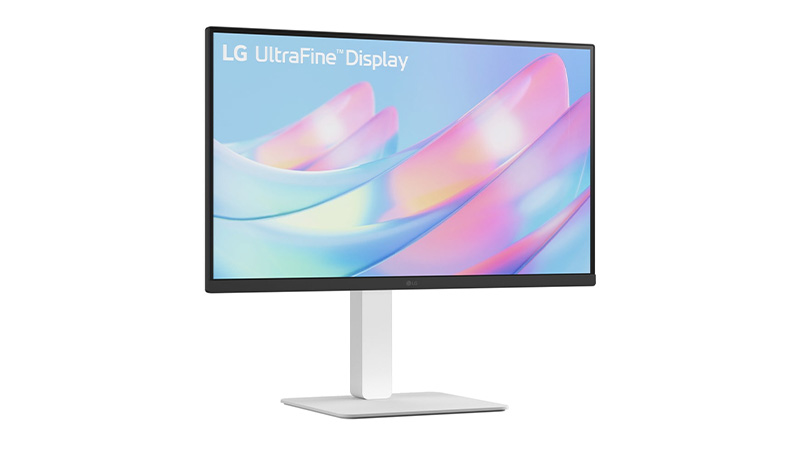
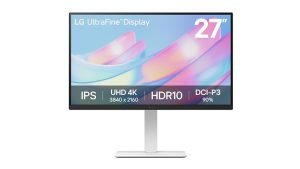
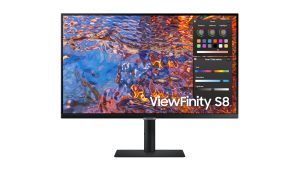
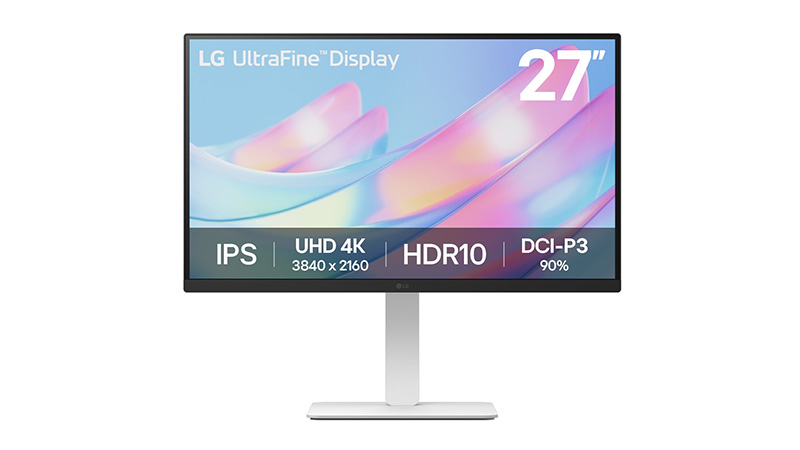
Lease a 4K monitor for your business and give your team ultra-sharp UHD resolution (3840 x 2160) without the upfront capital costs. Our 4K monitor leasing range includes trusted brands such as Asus ProArt, LG UltraHD, Dell UltraSharp, Samsung and BenQ, covering everything from 27" all-rounders to the 32" Asus ProArt PA32UCE for colour-critical work.
Ultra-sharp 4K resolution for detailed, multi-tasking workflows
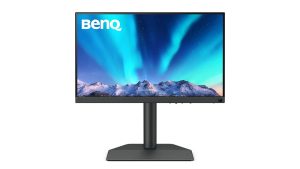
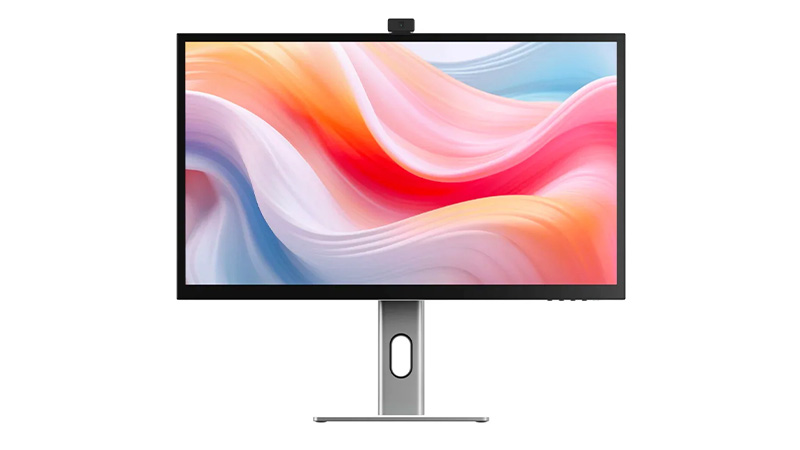
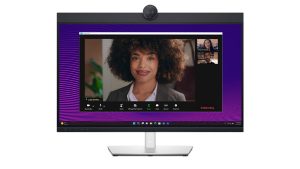
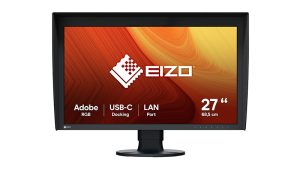
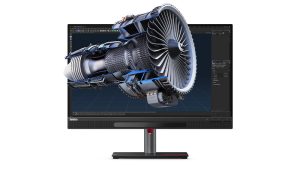
Find the ideal 27-inch monitor for business, creative work, and professional collaboration. This range includes 5K touchscreen displays from ALOGIC, colour-accurate ASUS ProArt and EIZO ColorEdge monitors, Dell conferencing displays, Lenovo ThinkVision 3D monitors, and BenQ 4K photography screens. Designed for designers, photographers, content creators, and modern workplaces, these 27-inch monitors deliver exception image quality, productivity features, and immersive viewing experiences.
27" display with sharp QHD/4K resolution for improved productivity
Reduce risk, strengthen security and empower productivity with trusted business software solutions from Microsoft, Google & Sophos. Designed to support hybrid working, compliance and secure collaboration, our solutions help protect users, devices and data while simplifying IT management. Complete your setup with Dell, Apple and Lenovo to create a complete, secure workplace technology solution.
Fully managed business software that stays secure, up to date, and ready to scale
M4 vs M5: Which Apple Chip Makes Sense for Your Workload?
Apple continues to redefine performance across the Mac lineup. The M4 generation set new standards for efficiency and AI‑ready workflows, and the newer M5 chips push this even further with major gains in AI acceleration, GPU power, and memory bandwidth. This guide explores both M4 and M5 chips.
M4 vs M5 at a Glance
Apple’s M4 chips focused on efficiency gains, improved graphics, and stronger machine‑learning acceleration. The new M5 series, however, represents a much larger architectural leap, especially for AI.
M5 delivers up to 4× the peak GPU compute performance for AI vs M4 thanks to a new GPU architecture with a Neural Accelerator in every core.
M5 introduces Apple’s “super core”, the world’s fastest CPU core for single‑threaded tasks.
Unified memory bandwidth climbs to 153GB/s on the base M5, up from M4.
The M5 Pro and M5 Max introduce a new multi‑die Fusion Architecture for higher GPU scaling and professional workloads.
Let’s dive further into each of these powerhouse chips.
Apple M4 Chips Explained
What is the Apple M4 Chip?
Fast. M4 is a standout 21% faster than its predecessor, the M3 chip. Configurations are limited to a maximum 10-Core CPU and 10-Core GPU.
Most affordable. The M4 chip is the lowest-cost option when it comes to the new M4 processor range.
Good upgrades. The SSD on 14-inch MacBook Pro, Mac mini, and iMac can be upgraded to a maximum capacity of 2TB, and RAM to a maximum capacity of 32GB.
Great for most industries. M4 Apple MacBooks, Mac minis and Apple iMacs have a maximum 10-Core CPU and 10-Core GPU, and can support one external display, meaning they are suited to the day-to-day needs of most people — but perhaps not those that need an above average amount of storage space for their work.
Limited model choice. It’s worth noting that the M4 is exclusively available for Apple MacBook Pro 14″, Apple iMac and Mac mini — the 16” Apple MacBook Pro offers options for M4 Pro or M4 Max only.
What is the Apple M4 Pro Chip?
Faster. This version features an 14-Core CPU, providing a significant upgrade in processing power, and an 20-Core GPU. This makes M4 Pro products great for handling graphics-intensive tasks.
Mid-priced. Considering the price, this may not be the most budget-conscious option — but the extra cost is worth it for creative professionals, software developers, or anyone else that requires a high-powered machine than the standard M4 for their work.
Better upgrades. RAM on M4 Pro models can be upgraded to a maximum of 64GB, enabling users to tackle larger projects on the go than the standard M4. The SSD can be expanded to a maximum capacity of 8TB on the mac mini and up to 4TB on the MacBook Pro 14 and 16”. Additionally, when opting for M4 Pro, you can choose a Space Black machine.
Great for creatives. The M4 Pro is significantly faster than the M4, with a maximum 14-Core CPU and 20-Core GPU, This makes the M4 Pro significantly more powerful for tasks like video editing, 3D rendering, and other graphics-intensive work.
Only available for MacBook Pro 14 and 16” and the Mac mini. iMac’s are only available with the standard M4 chip.
What is the Apple M4 Max chip?
Fastest option. This version offers a choice between a 16-Core CPU, a substantial increase in processing power compared to the M4 Pro. This processor option also incorporates a 40-Core GPU.
Highest priced option. Considering the price, this won’t be the most cost-friendly choice for most people. However, the extra cost is worth it for creative professionals that require a very fast and high-spec laptop for their work, the increased core count ensures faster processing times and smoother multitasking.
Best upgrades. With support for up to 128GB of unified memory, and an SSD capacity of up to 8TB, the M4 Max has the biggest capacity for upgrades of the three M4 chips. Additionally, when opting for M4 Max, you can choose a Space Black machine.
Great for high-end creative professionals. Equipped with a maximum 16-Core CPU and 40-Core GPU and the capacity to support up to four external monitors, M4 Max is ideal for creative professionals who need a high-powered machine with great graphics for tasks such as video editing. The M4 Max offers a nano-texture display option, which reduces glare and reflections, providing a clearer and more consistent viewing experience. This is particularly valuable for creatives who require precise colour accuracy and detail.
Only available for MacBook Pros. Currently, you can only purchase MacBook Pro 14″ and 16″ with this option – iMac’s are only available with the standard M4 chip while mac mini give you the option of M4 or M4 Pro.
Fast. M5 delivers a major speed boost with up to a 10‑core CPU (up to four super cores + six efficiency cores), offering up to 15% faster multithreaded performance than M4. Its new 10‑core GPU with a Neural Accelerator in each core provides over 4× the peak GPU compute performance for AI vs M4.
Good upgrades. The base M5 boosts unified memory bandwidth to 153GB/s, nearly 30% higher than M4. Devices using M5 also benefit from faster storage performance and next‑generation AI acceleration.
Great for most industries. With up to a 10‑core CPU, 10‑core GPU, and improved AI capabilities, M5 suits general business use, productivity, education, and creative light‑to‑medium workloads.
Limited model choice. The base M5 is currently found in select devices such as the 13-inch MacBook Air, 14‑inch MacBook Pro, and iPad Pro, while larger MacBook Pro models and pro workflows require M5 Pro or M5 Max.
Faster. M5 Pro introduces a new Fusion Architecture, combining two silicon dies for a major performance uplift. It features up to an 18‑core CPU and a next‑generation GPU with up to 20 cores, delivering up to 30% CPU improvement vs M4 Pro.
Not the most budget‑friendly. The M5 Pro sits firmly in the higher price bracket. However, some M5 MacBook Pro 14″ configurations are now £100 cheaper than the previous M4 Pro equivalents, specifically the 16GB RAM / 1TB SSD and 24GB RAM / 1TB SSD models. This makes these configurations unexpectedly better value than before.
Better upgrades. Unified memory bandwidth increases to 307GB/s, and SSD performance is up to 2× faster. The GPU includes a Neural Accelerator in each core, providing more than 4× peak GPU compute performance vs the previous generation.
Great for pro workflows. Ideal for data modelling, video and audio post‑production, coding, STEM applications, and AI‑enhanced tasks.
Limited model choice. M5 Pro is available only in the 14‑inch and 16‑inch MacBook Pro models and does not appear in entry‑level models or the MacBook Air.
What is the Apple M5 Max Chip?
Fastest. M5 Max scales performance further with an 18‑core CPU and up to a 40‑core GPU, offering the highest GPU compute in the M5 family. Its GPU architecture includes Neural Accelerators in every core and delivers over 4× the peak GPU compute performance vs M4 Max.
The most expensive option by far. M5 Max models sit at the very top of Apple’s pricing, with the 16‑inch M5 Max MacBook Pro starting from a significantly higher price point compared with previous generations. This chip is only worth the investment for users with extremely demanding workloads.
Good upgrades. Unified memory bandwidth reaches 614GB/s, the highest of any Apple Silicon laptop chip. GPU and media engine improvements double encoding engines and significantly boost ray‑tracing performance.
Great for demanding industries. Best suited to 3D animation, large‑scale AI/ML workloads, complex simulations, high‑end video workflows and other GPU‑intensive pro environments.
Limited model choice. M5 Max is exclusive to the 14‑inch and 16‑inch MacBook Pro models only.
M4 vs M5 – Device Compatibility Comparison
Swipe left/right to view the full table.
Device
M4
M4 Pro
M4 Max
M5
M5 Pro
M5 Max
MacBook Air 13"
Yes
No
No
Yes
No
No
MacBook Air 15"
Yes
No
No
Yes
No
No
MacBook Pro 14"
Yes
Yes
Yes
Yes
Yes
Yes
MacBook Pro 16"
No
Yes
Yes
No
Yes
Yes
iMac
Yes
No
No
No
No
No
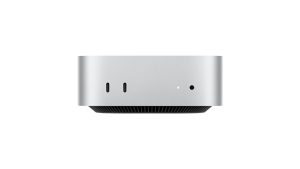
Mac mini
Yes
Yes
No
No
No
No
M4 Chips in Summary
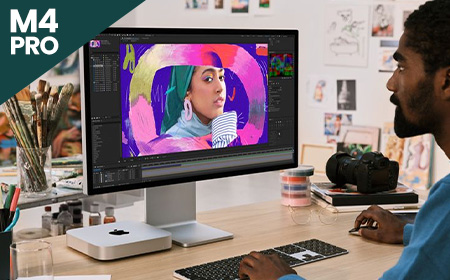
M4 is available for the MacBook Air 13″ and 15″, MacBook Pro 14″, Mac mini and iMac. This chip is a good choice for everyday use and less data-intensive workloads.
M4 Pro is the mid-level option, available for MacBook Pro 14″ and 16″ as well as the Mac mini. This chip is a good choice for people with slightly more data-intensive workloads, who require higher spec capacity.
M4 Max is the fastest and most efficient of the M4 lineup, and is available for MacBook Pro 14″ and 16″. Laptops with this chip are better suited for those with heavily data intensive workloads, and creative professionals who need a high-powered laptop with a lot of storage space, as these laptops offer the most upgrades.
M5 Chips in Summary
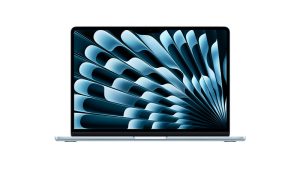
M5 is available for the 13-and 15-inch MacBook Air, 14‑inch MacBook Pro, as well as iPad Pro — giving it broad appeal across both laptop and mobile productivity devices. It is the entry‑level M5 option and a strong choice for everyday business users who want improved AI performance and modern speed.
M5 Pro is the mid-tier option and is exclusive to the 14‑inch and 16‑inch MacBook Pro models. It introduces Apple’s new Fusion Architecture, an 18‑core CPU, and a more powerful GPU, making it ideal for professionals handling more demanding workloads such as video production, coding, and multi‑tasking.
M5 Max is the top‑tier option for the M5 generation and is also exclusive to the 14‑inch and 16‑inch MacBook Pro. With an 18‑core CPU, up to 40‑core GPU and massive memory bandwidth, it is best suited to high‑end creative professionals, AI developers, and users working with extremely intensive graphics or simulation workloads.
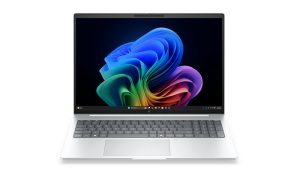
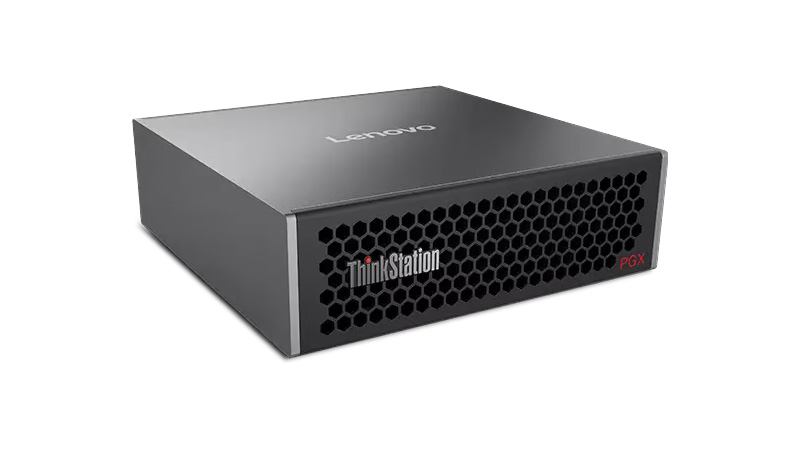
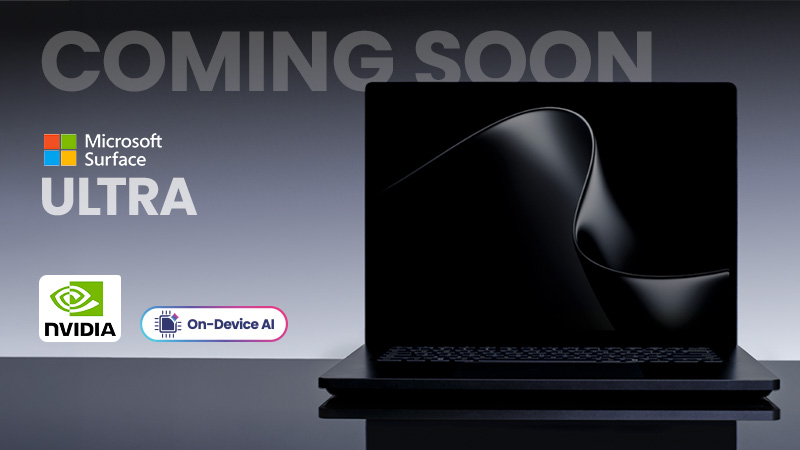
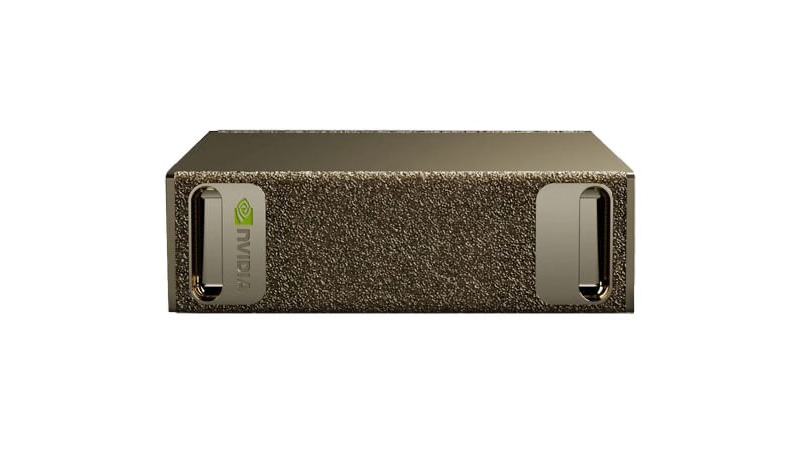
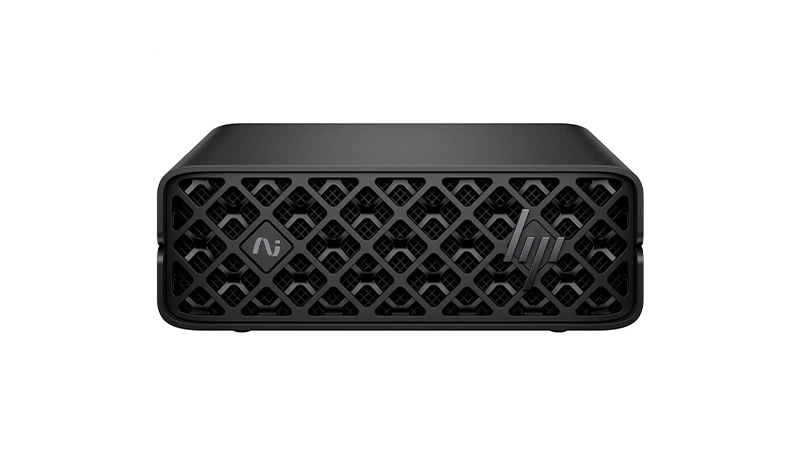
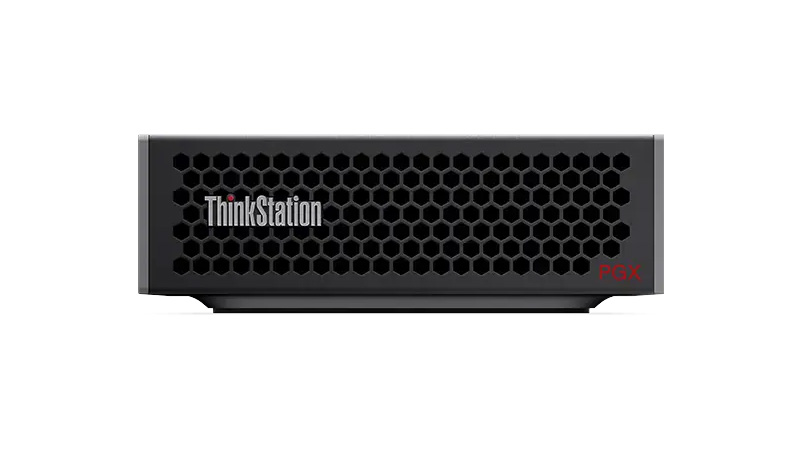
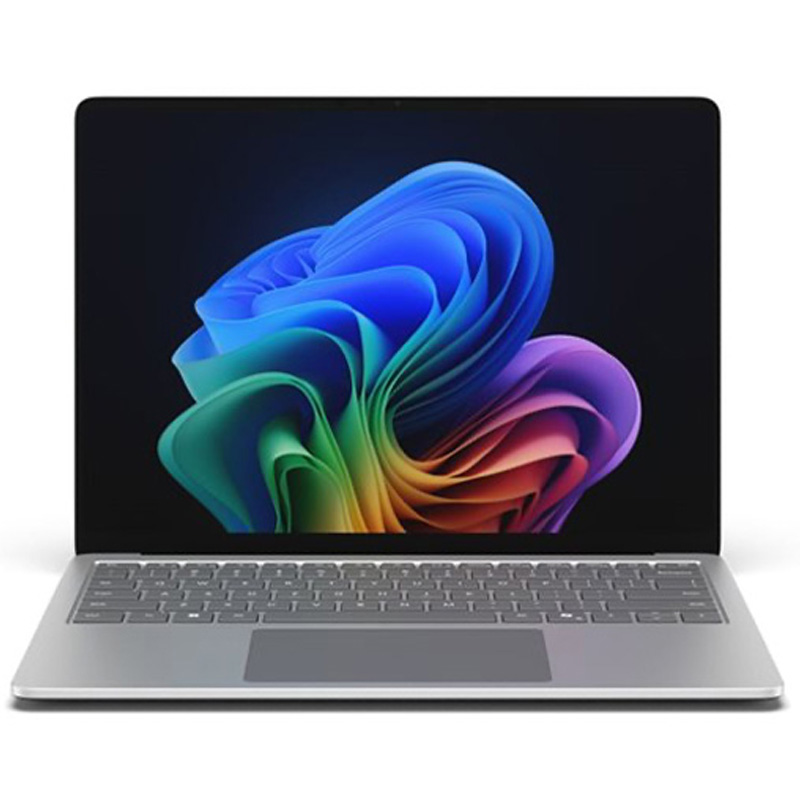
Unlock the power of AI with flexible supercomputer and AI workstation leasing. Featuring NVIDIA-powered systems, AI-ready PCs, Copilot+ devices and Apple Intelligence technology, these high-performance solutions are built for machine learning, advanced analytics, local AI models and demanding professional workloads. Benefit from powerful GPUs, high-speed memory, enterprise security and predictable monthly payments without the cost of traditional infrastructure.
Run AI locally with faster performance and lower costs.
Get the latest Apple, Windows, and premium devices with affordable monthly plans, full support, and upgrade options—designed to keep your business moving forward.
Navigating the world of technology can be overwhelming, with countless brands and options to consider.
Our buying guides are here to help you choose the perfect devices and solutions for your business.



 Price per week £2.65See product
 Chip Intel Core Ultra 5 235TMemory 16GBStorage 512GBPrice per week £8.73See product
 Price per week £2.45See product
 Price per week £1.80See product
 Price per week £1.95See product
 Price per week £1.20See product