Warehouse Deal | Apple MacBook Pro 16″ – M5 Max – 18-core CPU, 40-core GPU, 48GB RAM, 2TB SSD



Intel’s new CPU names can look intimidating. This guide breaks down the processor naming system without the jargon.

If you’ve looked at a laptop or spec sheet recently and thought:
“What on earth does Intel® Core™ Ultra 7 155H or Intel® Core™ 5 150U even mean?”
You’re not alone.
Intel has changed its processor naming system, retired the familiar i5 / i7 format, and introduced Core, Core Ultra, and new generation indicators — all at once.
This means faster chips, better battery life, built‑in AI… and a lot of confused buyers.
The good news is that once you understand the pattern, these Intel CPU names actually tell you a lot.
Let’s decode them step by step.
Think of these as Intel’s “new‑era” CPUs.
Intel Core Ultra processors are the most modern and premium processors in Intel’s lineup. They’re built for how people actually work today — multitasking, video calls, creative apps, and increasingly, AI‑powered tools.
Best for: Power users, developers, engineers, creatives, leadership laptops.

You may also see some Intel Core Ultra processors ending in a V.
The V suffix is important because it identifies Intel’s most AI‑focused mobile processors — and these are the chips powering Copilot+ PCs today.
In plain English, this is:
The sensible, reliable middle ground.
Intel Core processors are the mainstream option. They use the same logic as Core Ultra, just with a shorter, simpler name.
Best for: The majority of office users — finance, HR, sales, operations, admin.
Designed to sip power, not sprint.
The N‑Series is Intel’s efficiency‑first Core range, aimed at simple, well‑defined workloads.
These processors prioritise:
Best for: Kiosk machines, education, front‑of‑house systems, shared or task‑specific devices.
If there’s one thing to pay attention to in an Intel CPU name, it’s the letter at the end.
That suffix tells you how the processor is tuned and it can make a bigger difference than the tier number.
| Suffix | What it really means | Typical use |
|---|---|---|
| U | Power‑efficient | Everyday business laptops |
| P | Balanced | Thin & light professional devices |
| H | High performance | Power users |
| HX | Maximum performance | Mobile workstations |
| V | AI‑optimised, ultra‑efficient (Copilot+ ready) | Thin‑and‑light AI laptops / Copilot+ PCs |
| K | Unlocked (desktop) | High‑end desktops |
| T | Power‑optimised (desktop) | Small form factor PCs |
A Core Ultra 7 U‑series chip will feel very different to a Core Ultra 7 H‑series chip, even though the name looks similar.
A good example of an H-suffix workhorse is the HP ZBook X mobile workstation, which pairs Core Ultra 9 H-series performance with pro-grade graphics for sustained creative and engineering workloads — exactly where the H suffix earns its keep.
The basics, and nothing more.
The Intel Processor family sits below Core. These processors are all about keeping costs down while still delivering reliable performance for everyday, lightweight tasks.
There’s no generation indicator, no performance tiers, and no suffix letters to decode.
Best for: Basic admin tasks, shared devices, very light workloads.

Budget‑friendly, with a bit more headroom.
Pentium processors sit above Intel Processor and below Core. They’re often used where cost control is important, but you still want a bit of responsiveness.
Best for: Education, light business tasks, budget‑conscious deployments.
The entry‑level of entry‑level.
Celeron processors are Intel’s most basic CPUs. They’re built for very simple computing and nothing more.
Celeron processors use a few different naming formats, depending on the model:
Higher numbers within the Celeron family generally indicate incremental improvements, such as:
Best for: Single‑purpose devices and ultra‑light workloads.


Confusing CPU names don’t just cause headaches, they cause bad decisions.
We regularly see organisations dealing with:
At HardSoft, we help IT teams cut through the noise by:
With 40+ years of experience and a 4.9★ Trustpilot rating, our job is to turn specs into sensible decisions.
Intel CPU names don’t need to be intimidating and your refresh strategy doesn’t need to be either.
If you want help choosing the right processors for each role, speak to HardSoft about your next device refresh or lease.

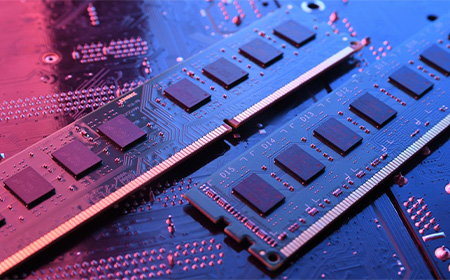

A practical guide to choosing the right RAM for your Mac’s performance, lifespan, and productivity.

Apple Silicon changed how RAM works. On older Intel machines, buying more RAM boosted performance but wasn’t always essential — and it could often be upgraded later. With M‑series Macs, the RAM is built directly into the chip (called Unified Memory).
This means:
For business users, this makes the initial decision far more important. If you run multiple apps, use video conferencing all day, or work with large files, your Mac may silently use swap memory, slowing everything down.
This guide will help you understand the right amount for your workflow so you’re not stuck with an underpowered device you can’t change later.
Choosing RAM isn’t about “the biggest number wins” — it’s about matching memory to the tasks you perform. Here’s a breakdown that reflects real‑world usage on M1/M2/M3 Macs:
Suitable for:
Limitations:
Read our guide: See how the MacBook Neo performs with 8GB RAM and whether it’s enough for your day‑to‑day work.
Ideal for:
Most business professionals will feel this is the “just right” balance.
Essential for:
Future‑proofing: If you expect intensive growth in your workloads, this is the safe long‑term choice.


Apple’s Unified Memory means the CPU, GPU, and even AI engines all share the same memory pool. This creates large benefits:
However, it also means tasks that use GPU memory now directly consume system RAM. For example:
When RAM fills up, macOS uses swap—compressing memory and writing data to the SSD. Although Apple SSDs are fast, this still causes:
This is why many reviewers and experts strongly advise choosing more RAM on Apple Silicon systems than you may have used previously on Intel.
At HardSoft, many of your fellow business owners follow this rule of thumb when ordering Macs:
For General Office Staff
➡️ 16GB RAM
Smooth performance for years, ideal for cloud apps and business software.
For Designers & Creatives
➡️ 32GB RAM
Essential for Photoshop, Illustrator, Premier Pro, Figma, CAD, and 3D tools.
For Developers or Technical Roles
➡️ 24–36GB+ RAM
Running emulators, Docker, large repos, or multiple dev tools needs headroom.
For Video Editors
➡️ Minimum 32GB, ideally 48–64GB on M3 Pro/Max
4K and multicam workflows demand more GPU memory.

If you’re keeping the Mac for 3–5 years, buy more RAM than you think you currently need.
RAM is the one thing you can’t upgrade later—and lack of it is the #1 cause of sluggish Macs.
Lease a PC built to your exact spec — tell us what you need and we’ll handle the rest. From entry‑level setups to high‑performance Intel or AMD workstations, we build and configure everything, including case, cooling, storage and RGB. We can also source specific pre‑built systems if you already have one in mind.
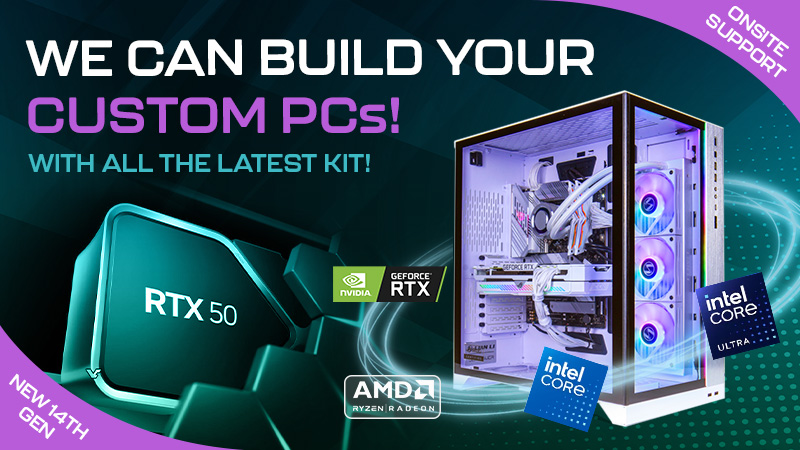

With nearly 40 years of experience, we guarantee premium custom PC builds. Just send us your specs and we’ll create a tailored quote using the best hardware suppliers in the UK.

Leasing this Custom PC includes HardSoft’s Three‑Year No‑Quibble Warranty with on‑site repairs, plus free installation and setup across all London boroughs and the Home Counties.

Your new device will include our Silver Support Plan, with fast response times, loan devices during repairs, a three‑year hardware warranty, unlimited online tech support and more.











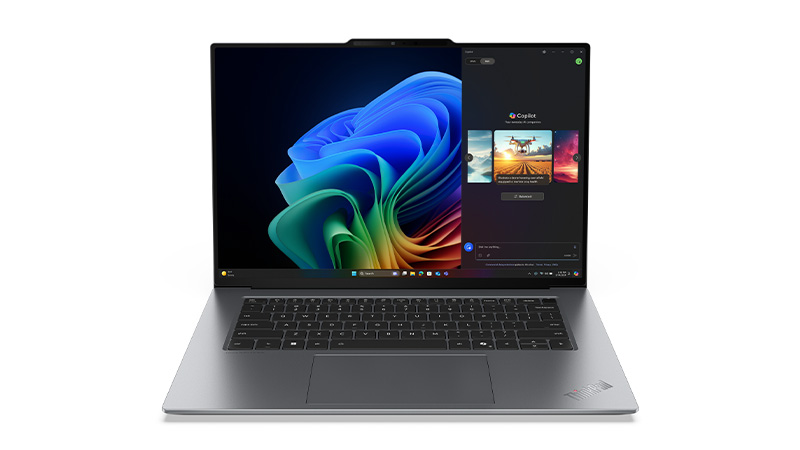
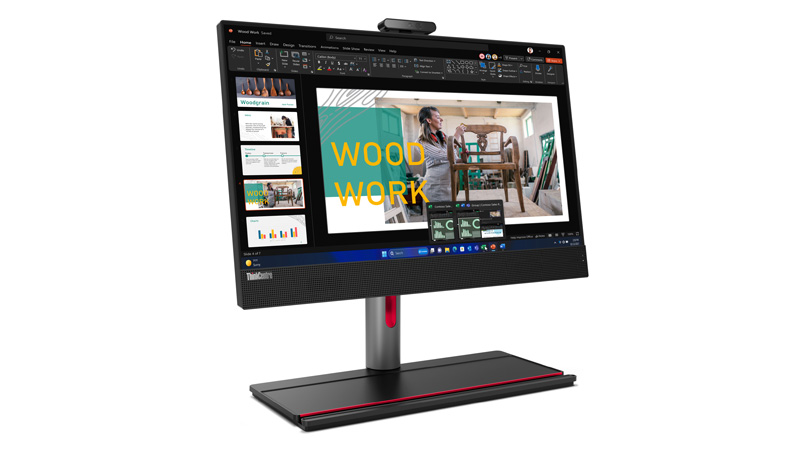
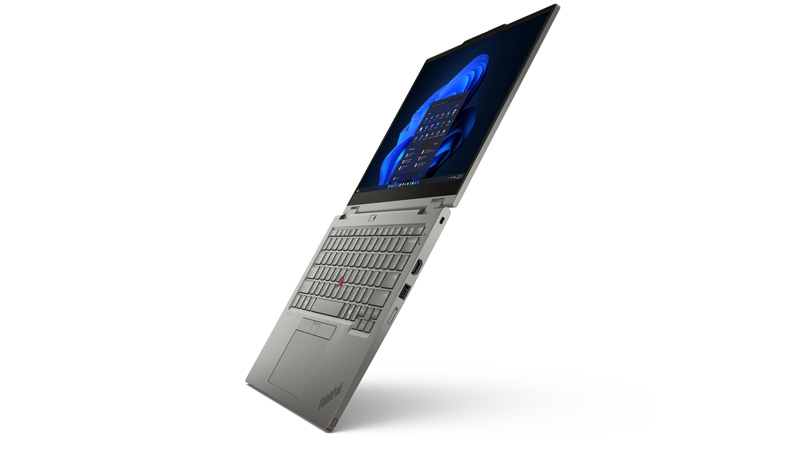
Get the performance your team needs with Lenovo’s business range — ThinkBook, ThinkPad, desktops, and more. From equipping individual teams to standardising devices across your organisation, Lenovo offers a practical, cost‑effective solution that keeps your workforce productive and future‑ready. One simple monthly payment, no upfront costs, and the flexibility to upgrade as your business grows.
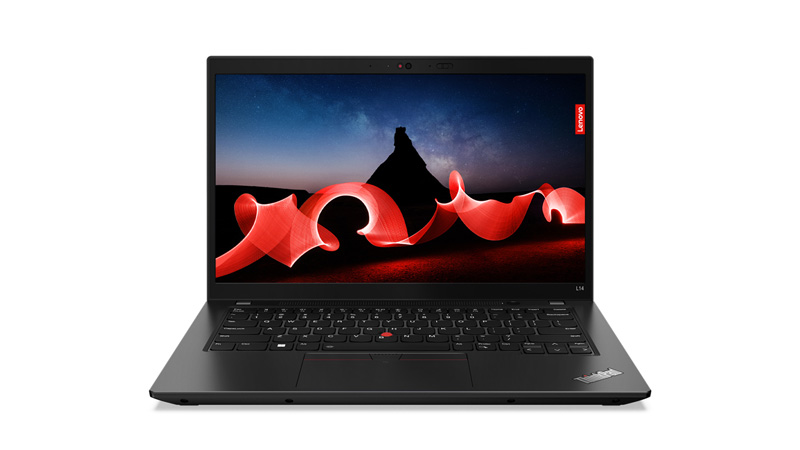

Are Lenovo laptops good for business use?
Yes – Lenovo’s business range spans entry-level ThinkBook devices, built for everyday productivity and standard security needs, up to premium ThinkPads designed for more demanding roles requiring extra durability and longevity. Find out whether a ThinkBook or a ThinkPad is right for your business.
What is the difference between Lenovo ThinkPad and ThinkBook laptops?
ThinkPads are Lenovo’s premium business line, known for military-grade durability testing, strong security features and excellent keyboards. ThinkBooks are a more budget friendly business range with a sleeker consumer-style design, aimed at smaller business and cost-conscious buyers.
What is the lifespan of a Lenovo laptop?
Lenovo business laptops, particularly ThinkPads, typically last 5-7 years thanks to their durable build and long-term driver support. Consumer-grade Lenovo laptops tend to have a slightly shorter practical lifespan.
Are Lenovo ThinkPads good for remote and hybrid working?
Yes, ThinkPads are well suited to remote and hybrid work, offering strong battery life, robust security features and reliable build quality for use outside the office. Many also include enhanced webcams and noise-cancelling microphones for video calls.
What security features for Lenovo business laptops offer?
Lenovo business laptops typically include fingerprint readers, IR cameras for facial recognition, TPM chips, and Lenovo’s ThinkShield security suite for device and data protection. Many models also feature physical webcam shutters and optional privacy screens. HardSoft can also layer additional protection on top, such as endpoint security and phishing-simulation software when you lease your devices with us.
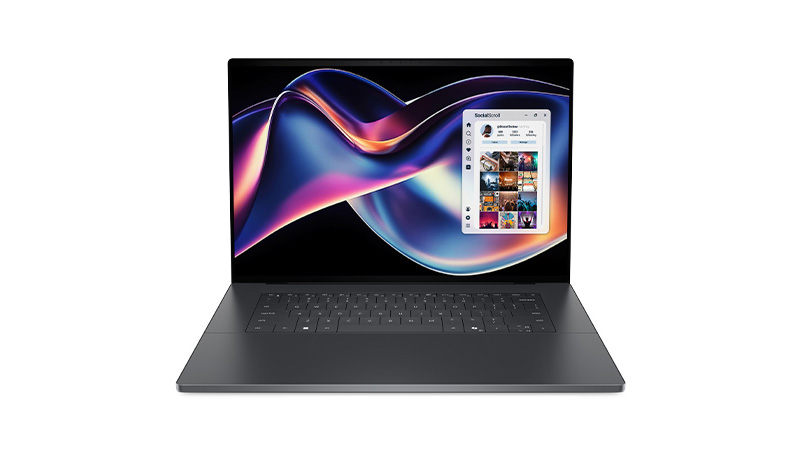
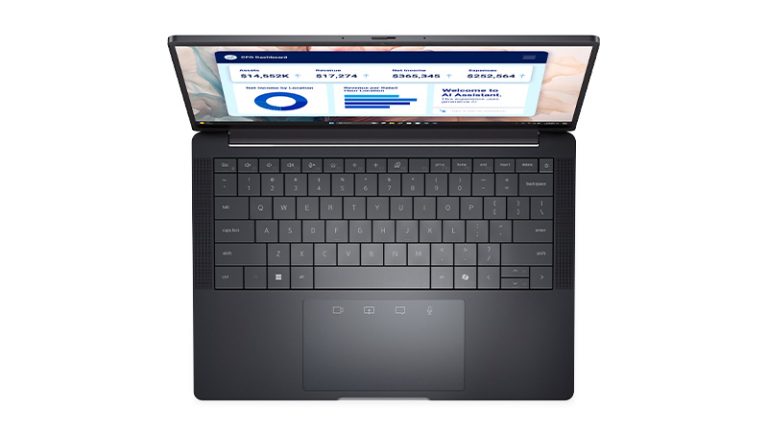
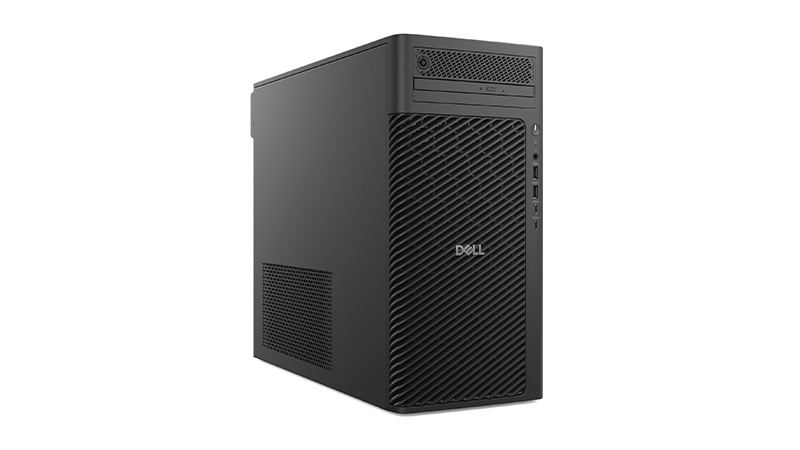
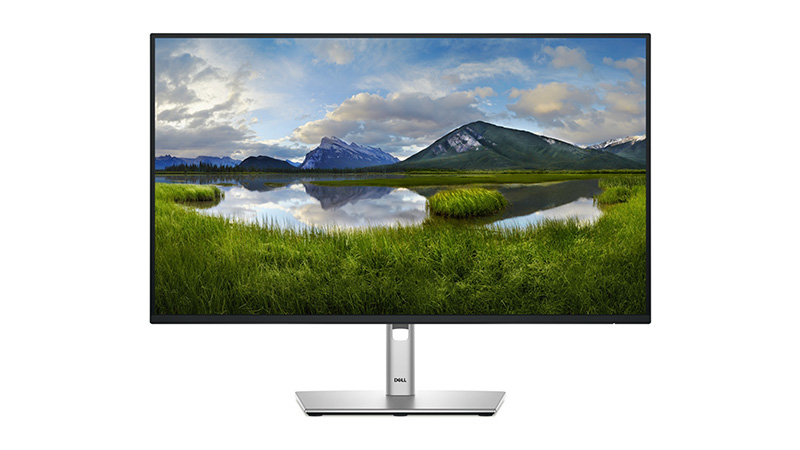
Explore Dell’s most powerful business devices, from Dell Pro and Dell Pro Max workstations to XPS laptops and high-performance displays. Built for demanding workloads, Dell technology delivers the performance, reliability, and scalability teams need to stay productive. Get the setup your team needs on a flexible monthly subscription with no upfront costs and seamless upgrades.
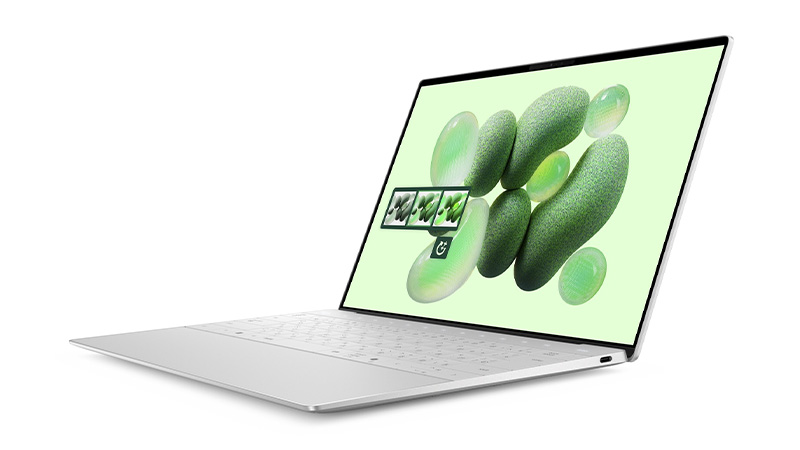
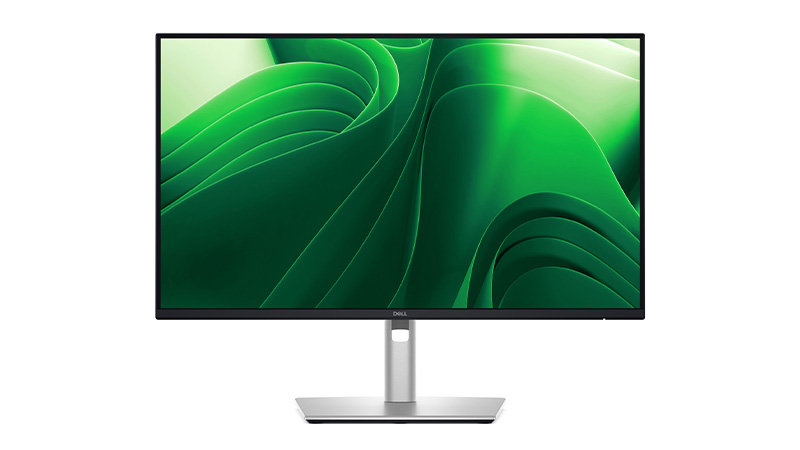
What is the lifespan of a Dell laptop?
A well-maintained Dell laptop typically lasts 4-6 years, depending on the usage and build quality. Business-tier models such as the Dell Pro range are built for longer working life than consumer models.
Which is better a Dell or HP laptop?
Both brands offer strong business laptops; The Dell Pro range is known for durability and enterprise manageability, while the HP’s EliteBook range often edges ahead on design and display quality. The “better” choice usually comes down to specific business needs, budget and existing IT fleet standardisation.
What is Dell's Base, Plus and Premium laptop tiers?
Dell recently restructured its entire laptop range into three simple tiers, replacing the old Inspiron, Latitude, and XPS naming. See our full breakdown of what separates each tier, and which one fits your budget and performance needs.
Which Dell laptop is best for business?
It depends on the role: the Dell Pro 14 and Dell Pro 13 Plus suit remote and hybrid employees who need portability and long battery life, the Dell Pro 14 Essential is a budget friendly option. The Dell Pro 16 Plus model is built for power users like engineers and video editors who need workstation performance. See our full comparison to match a specific model to your team’s workload and budget.
How much RAM does a business laptop need?
For general office work, 8-16GB of RAM is sufficient, while users running multiple applications, virtual machines or data-heavy software should look at 16-32GB. Choosing more RAM upfront also extends the useful life of the laptop as software demands grow.
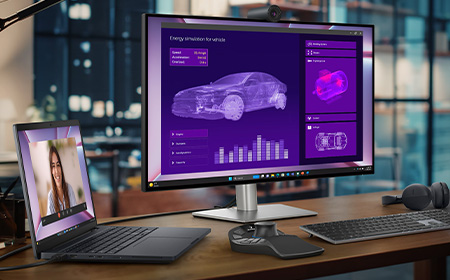

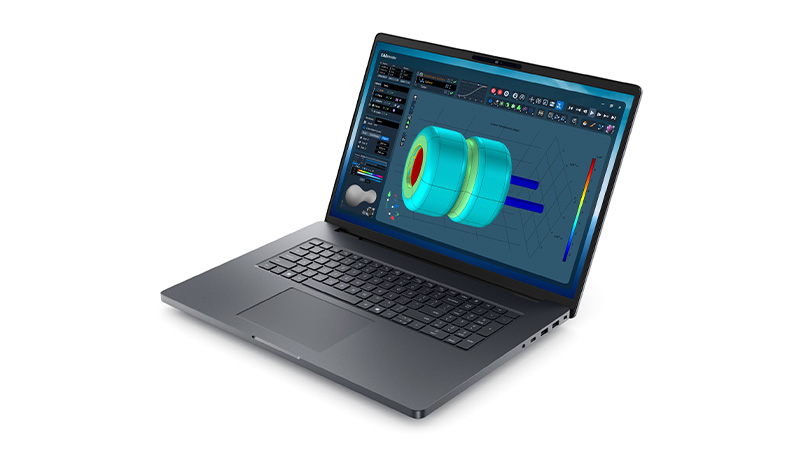
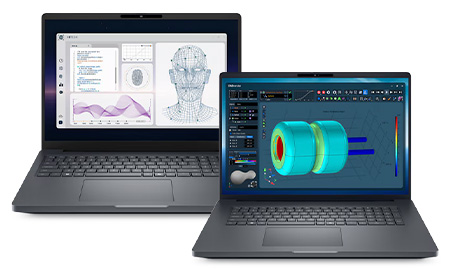
If you’re looking for a laptop that handles demanding work, like AI development, engineering, 3D modelling, heavy video editing, or complex data analysis, the Dell Pro Max range is built exactly for that.

In short: a proper mobile workstation. These laptops use the newest Intel Core Ultra processors, NVIDIA’s professional RTX Pro “Blackwell” graphics, and super‑fast DDR5 memory.
They’re built to stay cool, stay stable, and stay fast, even when you throw huge files, long renders, or intense simulations at them.
Business‑friendly features like vPro management, strong firmware security, and long‑lasting batteries are standard across the range, which makes them just as suitable for IT‑managed fleets as for independent pros.
Dell keeps things simple with three tiers:
If you’re not sure which you need, the tier usually matches the intensity of your workflow.
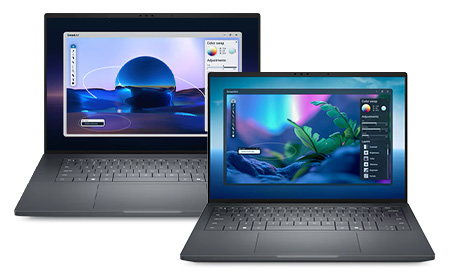
These are great if you want the best mix of portability and performance. They offer:
They’re ideal for creators, engineers, and hybrid workers who need workstation power without carrying a brick around.
The 16‑inch model can even be configured with RTX Pro 500/1000 graphics and 1TB SSD for a properly capable mobile workstation.
If you need maximum power, no compromises, the Plus models are where you should look.
The Pro Max 16 Plus is built for the toughest workloads and includes:
It’s the sort of machine that breezes through advanced simulations, huge renders, or multi‑layer video editing.
The Pro Max 18 Plus ramps this up even further. It offers:
It’s essentially a mobile workstation tower disguised as a laptop, and it’s built for engineers, VFX artists, and data pros who need serious expansion and screen real estate.
Workstation‑Grade CPUs. Intel’s Core Ultra H and HX processors offer high core counts, strong turbo speeds, and integrated AI acceleration. The Ultra 9 285HX, for example, is one of the most powerful mobile processors available.
Professional NVIDIA RTX Pro Graphics. These GPUs are made for stability and performance in professional apps (think SolidWorks, CATIA, Autodesk, Adobe). Blackwell‑generation RTX Pro GPUs ensure fast rendering, smooth modelling, and long-term driver reliability.
Fast Memory & Generous Storage. DDR5/LPDDR5x memory across the line enables smooth multitasking. Larger models can scale from 32GB all the way up to workstation‑class capacities. SSD options also range from 512GB up to several terabytes depending on the configuration.
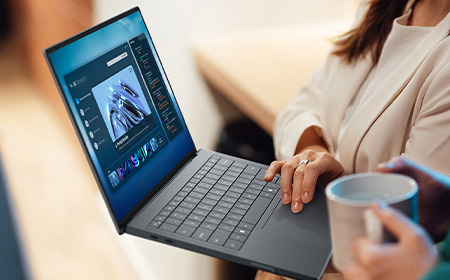
High‑Quality Displays. On some models, like the Pro Max 16 Premium, you’ll find standout options such as a 4K Tandem OLED panel, perfect for colour‑accurate creative work.
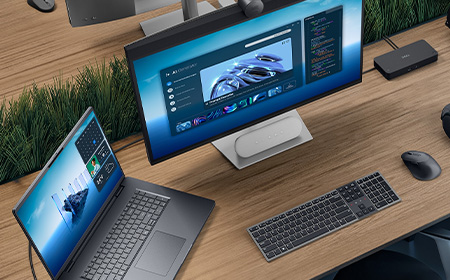
You’re the target audience if you regularly run:
If your projects push standard business laptops to their limit, the Pro Max range is built exactly for you.
You might like: Dell Pro vs Dell Pro Max vs Dell Premium: Which One Is Right for You?
The Dell Pro Max lineup is a smart choice if you need workstation‑level muscle with the flexibility of a laptop. With its clear tiering structure, excellent performance scaling, premium display options, and enterprise‑ready features, it gives professionals a reliable platform for the most demanding workloads.
Whether you’re designing, modelling, analysing or creating, Dell Pro Max gives you the power to do your best work anywhere.


Lenovo’s 2026 portfolio is broad, stretching from ultra‑durable student devices to powerful mobile workstations and enterprise‑grade desktops. This guide breaks down each family — Entry Business, ThinkPad, ThinkCentre, and ThinkStation.
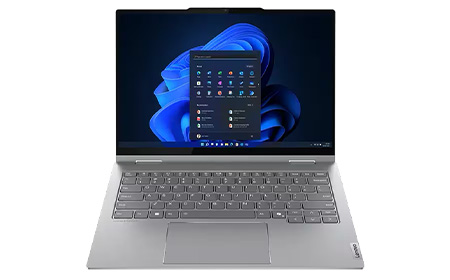
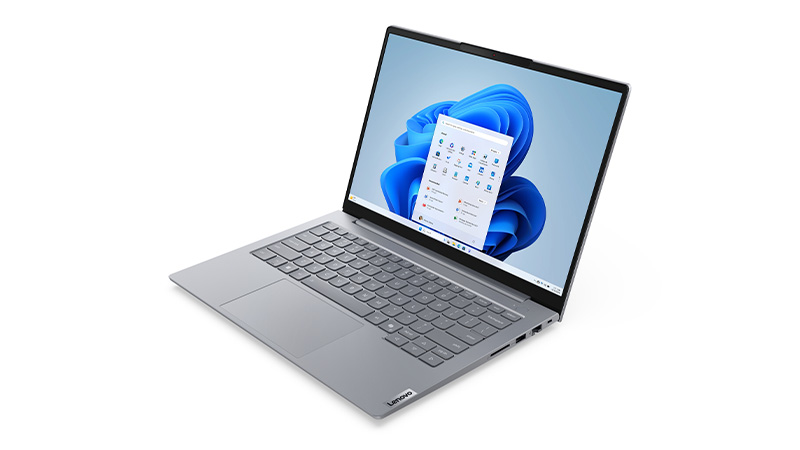
ThinkBook models provide a middle ground between consumer and enterprise laptops and are known for:
Use ThinkBook when budgets are tight, but your organisation still needs core business features.
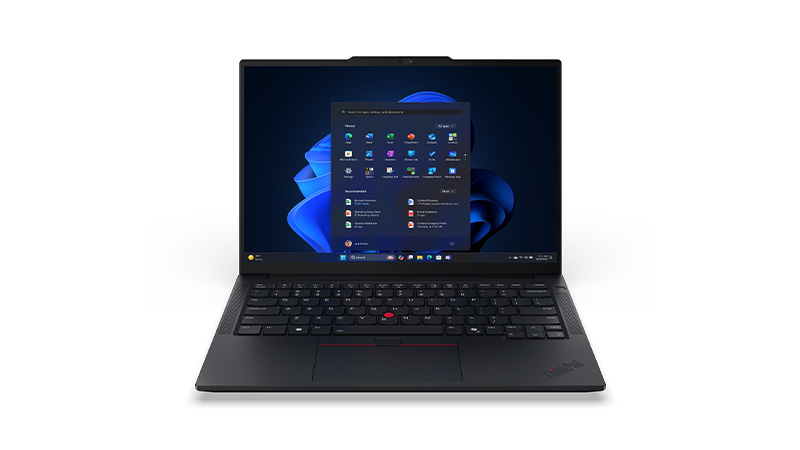
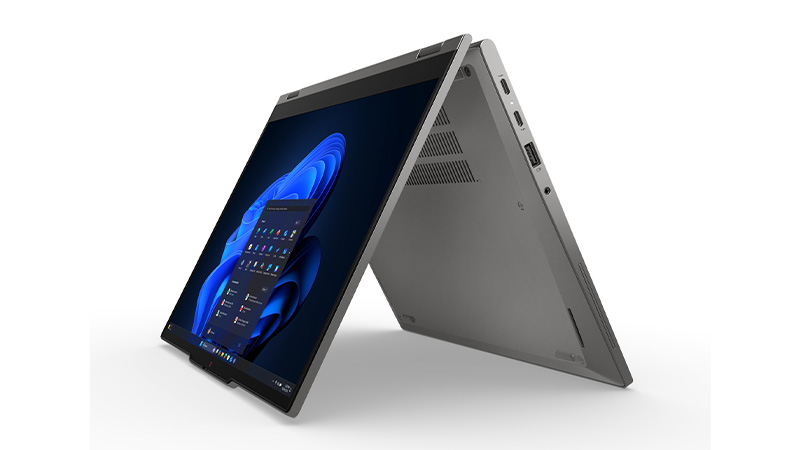
ThinkPad is Lenovo’s leading business laptop family, engineered for durability, security, long battery life, and consistent performance across all models.
E Series. Entry‑level ThinkPads offering reliable performance at a lower cost. Perfect for SMEs or departments that need solid, stylish devices without a large investment.
L Series. A step up from the E Series with better build quality and more features, while still being cost‑effective. The L Series is also one of Lenovo’s most environmentally friendly ranges.
T Series. This is ThinkPad’s most popular business line, offering the best blend of performance, portability, battery life, and security. Excellent for larger organisations and demanding professionals.
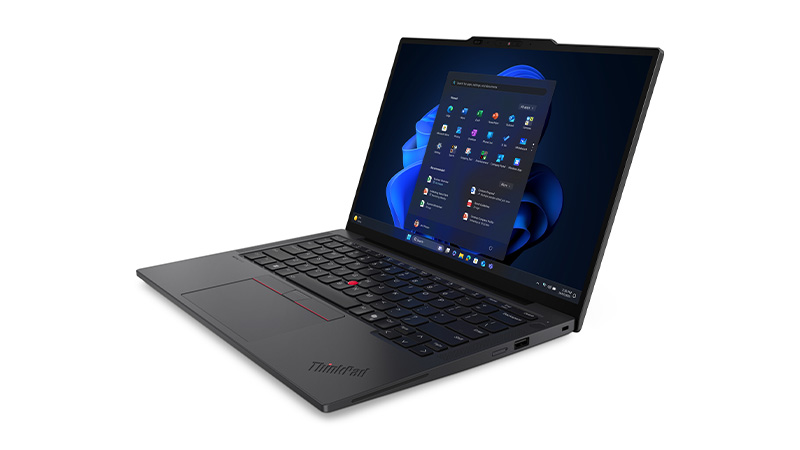
X Series. Compact and powerful 13″ models designed for users who travel frequently or work between locations.
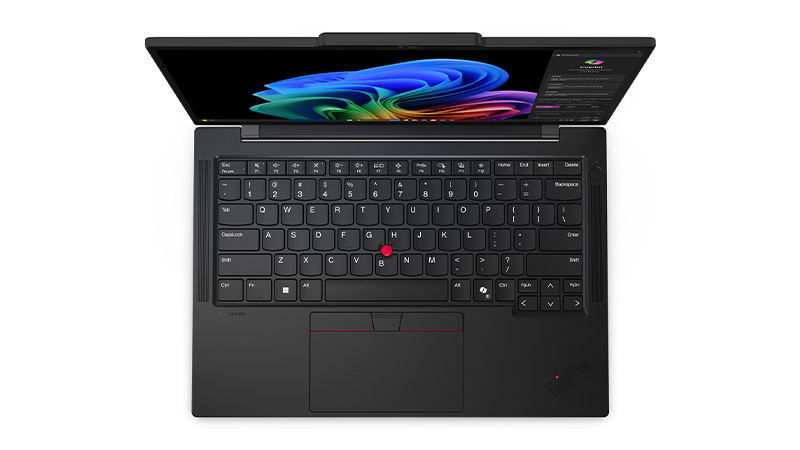
X1 Series. Ultra‑premium ThinkPads built with premium materials, next‑gen Intel® Core Ultra processors, and AI acceleration for workloads like collaboration, multitasking, and productivity.
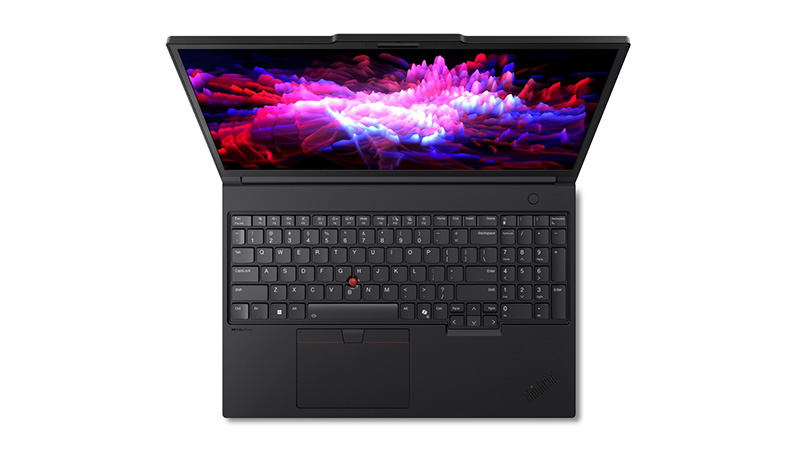
P Series. Mobile workstations offering high‑end CPUs, professional GPUs, and workstation‑grade reliability.
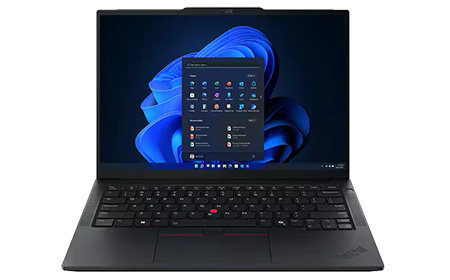
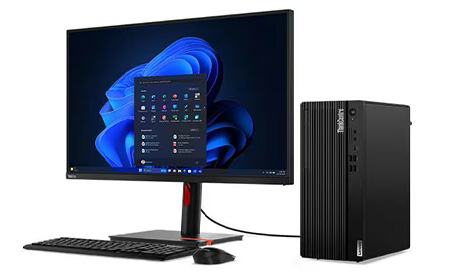
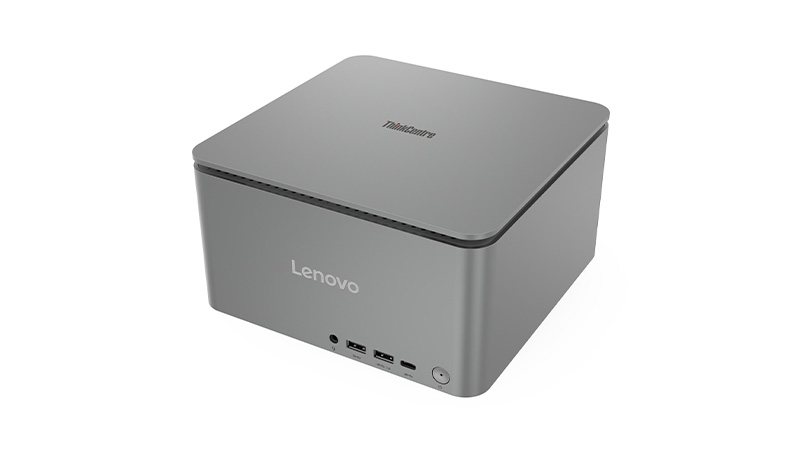
ThinkCentre desktops are Lenovo’s reliable business PCs built for stability, security, and long‑term fleet deployment.
Built for business reliability. Designed for day‑to‑day office tasks, offering productivity, and sustainability.
Multiple space‑saving form factors:
Tiered performance options:
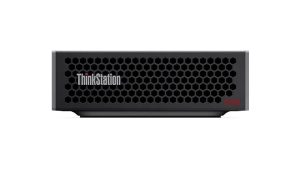
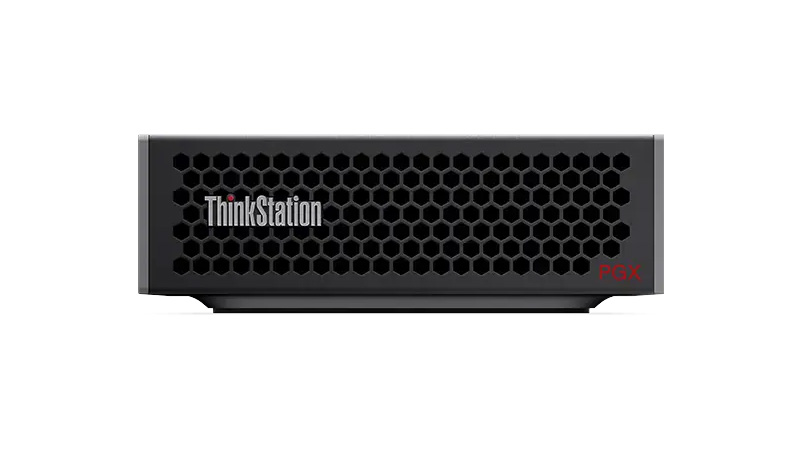
ThinkStation workstations are high‑performance machines intended for professionals who require extreme computing power, graphical performance, and ISV‑certified reliability.
Designed for the most demanding workloads. Including engineering, design, simulation, VFX, AI, and complex data processing.
High‑end CPU options:
Professional GPU support. Including NVIDIA RTX, Radeon Pro, and even multi‑GPU configurations in higher‑end models.
Engineered with advanced thermals. Chassis inspired by precision engineering (Aston Martin design elements in P5, P8, PX models), ensuring cool, stable, long‑term operation under load.
Highly expandable. Supporting large RAM capacities (up to 2TB on PX models), multiple storage drives, and extensive configurability for evolving workflows.
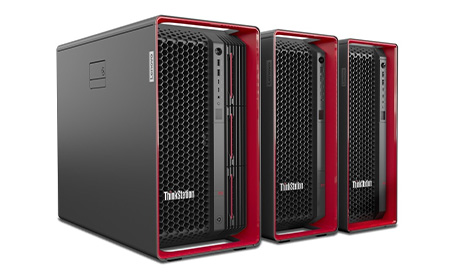
Best for SMEs that need reliable, great‑value devices without over‑investing.
These ranges suit everyday office tasks, short‑lifecycle deployments, and environments where cost‑efficiency matters more than advanced features.
The ThinkPad family gives businesses a choice of durability and performance levels. The E Series works well for basic business use on a budget, while the L Series offers dependable, sustainable devices for general workloads.
The T Series serves as the all‑round professional standard. For mobility‑focused teams, the X Series delivers lightweight portability, and the X1 range adds premium design and executive‑level features. When maximum performance is needed, the P Series provides workstation‑grade power for technical users.
Ideal for offices, contact centres, and organisations that prefer stable desktop fleets. They offer easy manageability, reliability, and long-term deployment consistency.
Designed for the most demanding compute environments, ThinkStation models support engineers, designers, developers, and anyone running intensive workloads that require true workstation performance.
Lenovo’s portfolio makes it easier than ever for organisations to match each user with the right device. Whether you need dependable office desktops, premium business ultrabooks, or workstation‑grade power, Lenovo offers a clearly structured ecosystem designed to support every workflow.


Computer leasing offers businesses a flexible, cost-effective way to access the latest technology without the upfront expense of purchasing hardware outright.

Computer leasing is a financial arrangement where businesses rent IT equipment — such as laptops, desktops, servers, and accessories — for a fixed period. Instead of buying devices outright, companies pay a regular fee (weekly or monthly) and benefit from:
Learn more about the Benefits of Computer Leasing for Your Business


Some businesses hesitate to lease due to misconceptions. Here are a few myths debunked:
HardSoft offers customisable leasing plans to suit different business models:


Leasing also supports sustainability and IT lifecycle management. With services like HardSoft’s Boomerang, businesses can:
When choosing a leasing provider, it’s important to understand the terms:
Learn more about The Pitfalls and Hidden Costs of Leasing

Computer leasing is a smart, scalable solution for modern businesses. It offers financial flexibility, access to cutting-edge tech, and built-in support — all while reducing risk and improving operational efficiency. Whether you’re looking to equip a remote team, refresh your IT infrastructure, or manage device lifecycles, leasing can be tailored to meet your needs.