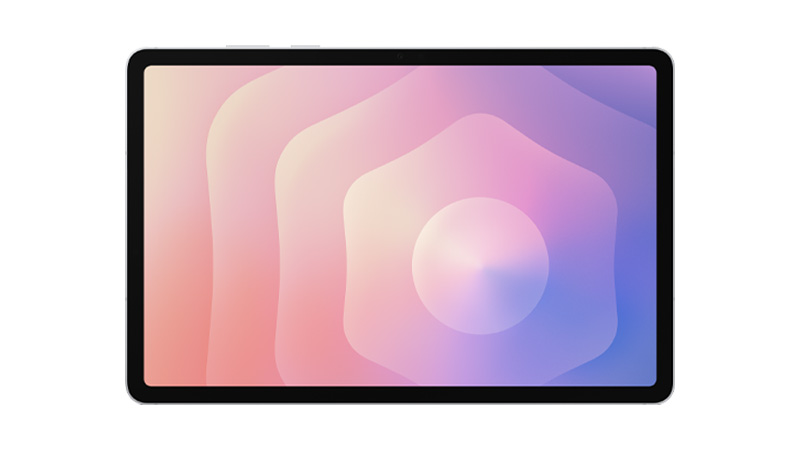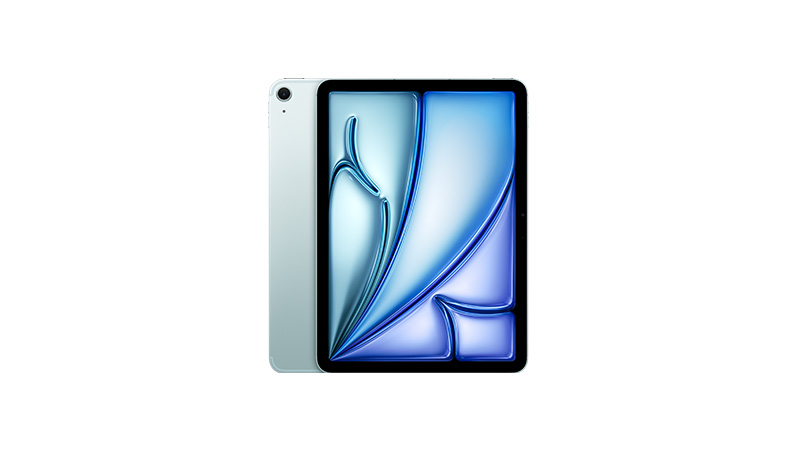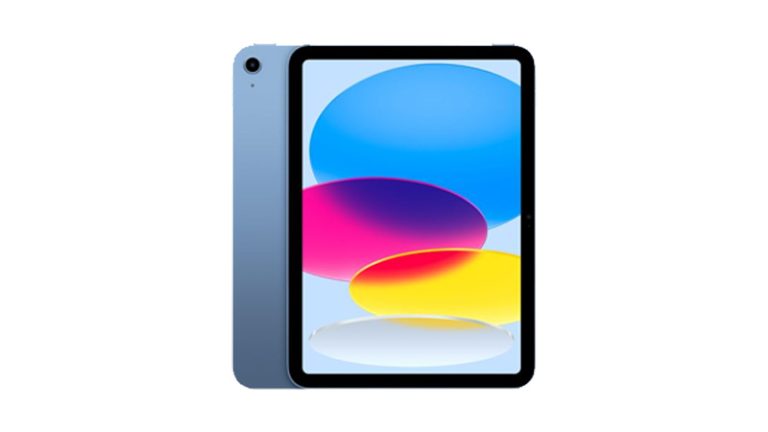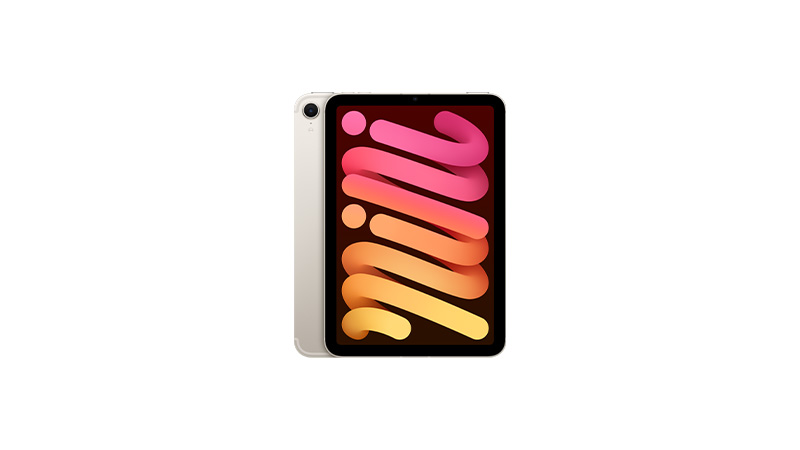
Apple iPad mini


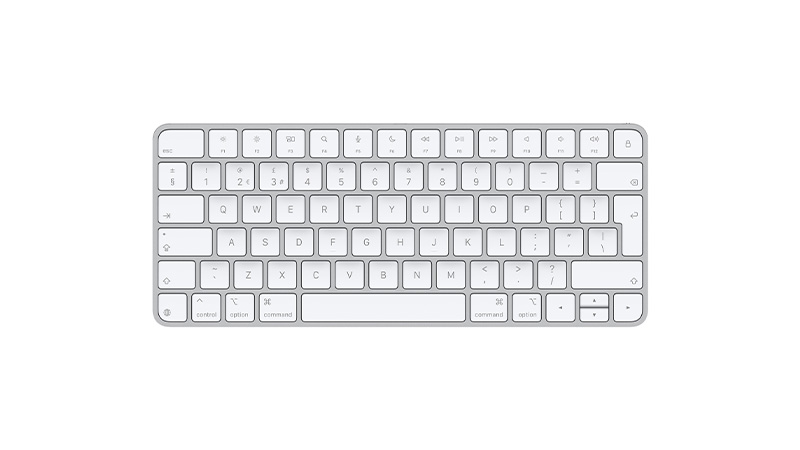
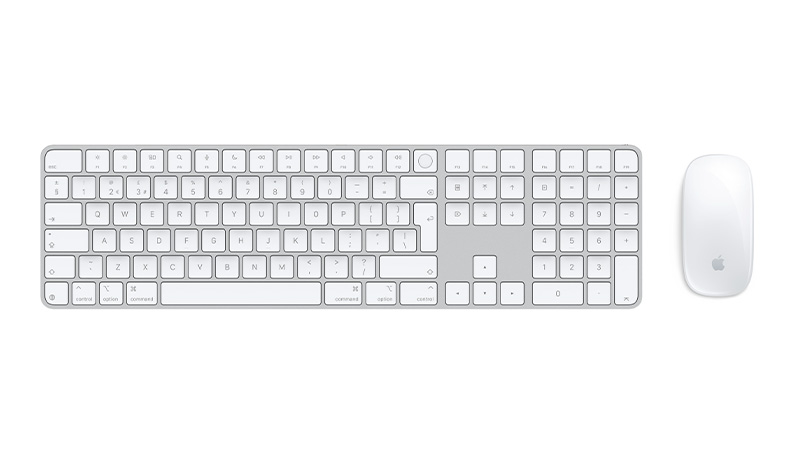
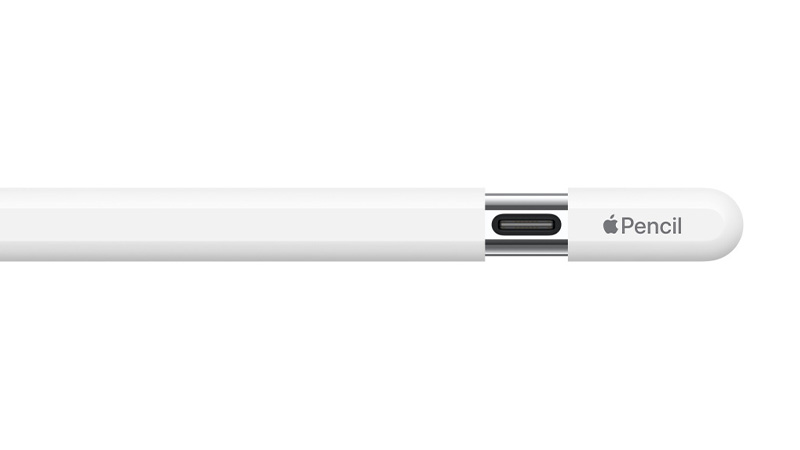
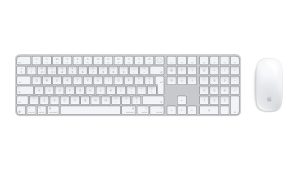
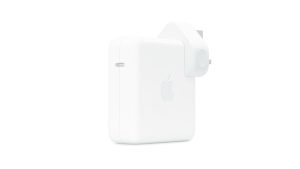
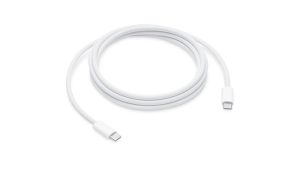
Lease Apple accessories to complete your team's setup without upfront costs, from a Magic Keyboard and Magic Mouse 2 (with or without Touch ID and a numeric keypad) for comfortable everyday typing, to an Apple Pencil or Pencil Pro for note-taking and creative work on iPad, a Smart Folio to protect an iPad Air on the move, and the cables and 96W USB-C power adapters that keep every device charged and ready – all designed to integrate seamlessly with Apple hardware on flexible monthly payments with no upfront cost and lifetime support included.

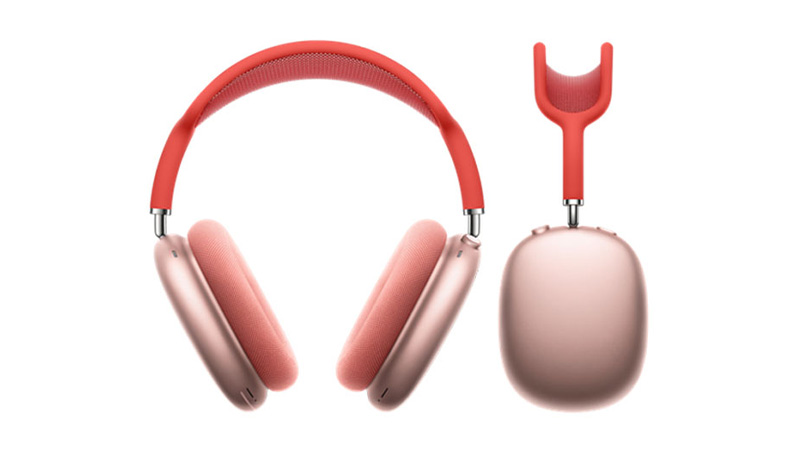








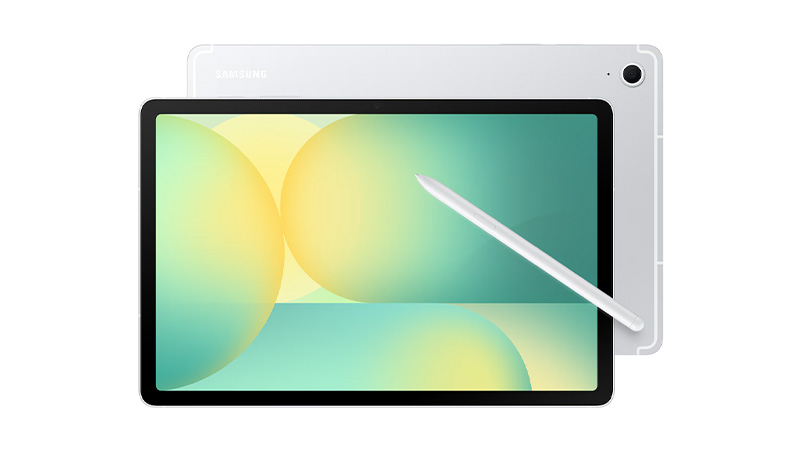
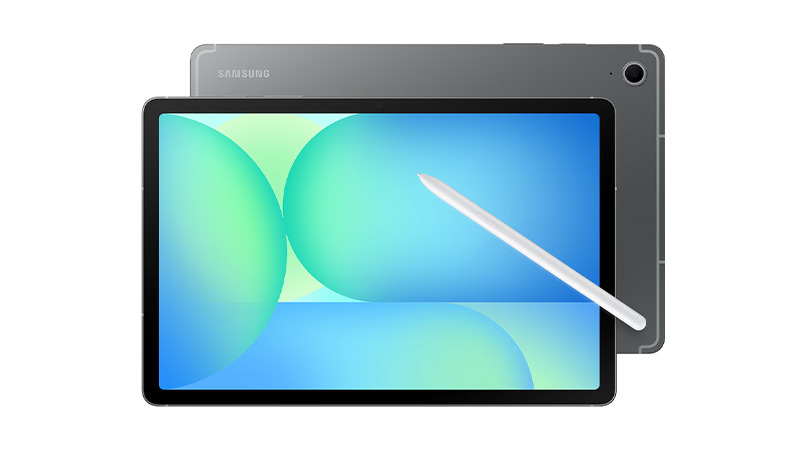
Discover the complete range of tablets designed for work, study and creativity. From Apple’s iPad family — including iPad, iPad Mini, iPad Air and iPad Pro — to Samsung’s Galaxy Tab A and Tab S series, find the perfect device for portability, performance and productivity. Pair your tablet with the latest accessories to enhance how you work, create and stay connected.

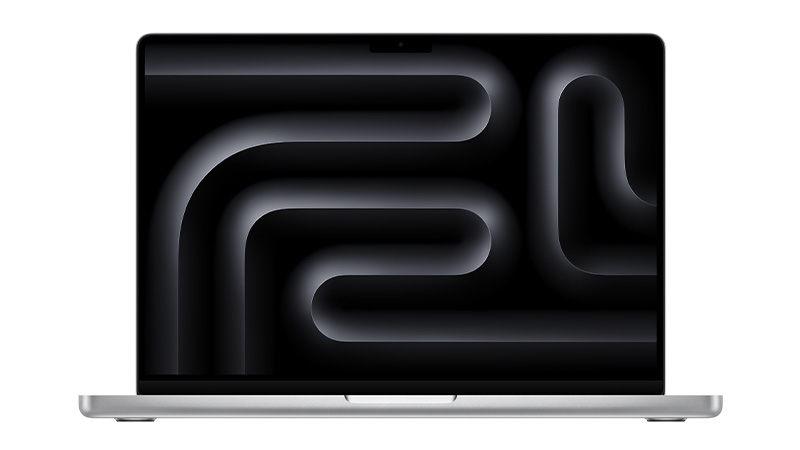
Explore the full range of Apple MacBooks for business, including MacBook Air, MacBook Pro, and MacBook Neo. Designed for performance and long‑term value, MacBooks are ideal for teams that need reliable devices with predictable running costs. Choose the right model with flexible monthly pricing, expert support, and full device lifecycle management — all from one trusted provider.
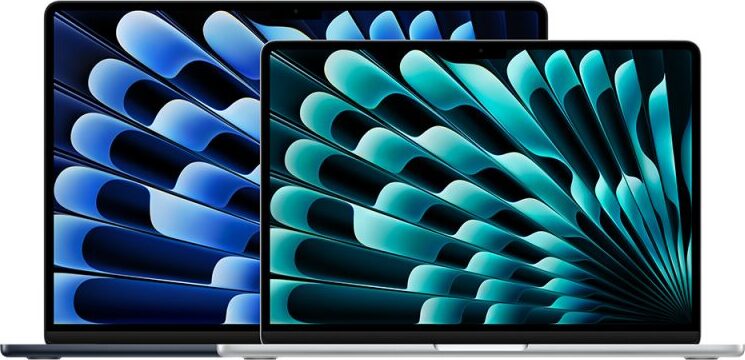

Which Apple MacBook offers the best value for money?
The MacBook Air (M4) is the best all-round value, pairing strong everyday performance and all-day battery life with a lightweight design at a mid-range price. For more demanding workloads, the entry-level MacBook Pro (M4) offers better long-term value thanks to its greater performance headroom.
What is the cheapest Apple MacBook?
The MacBook Neo is Apple’s most affordable laptop starting from £699 (or available to lease from £3.72 + VAT per week with HardSoft). It uses the A18 Pro chip, a 13-inch Liquid Retina display and comes in four colours, making it ideal for students, light office use or as a secondary device.
What is Apple's M-Series chips, and why are they important?
Apple’s M-series chips are the processors used in modern MacBooks. Unlike previous MacBook processors supplied by Intel, M-series chips are designed by Apple and combine several components, including the CPU, GPU, and memory architecture, into a single system. This design helps improve performance and power efficiency across the MacBook range.
How to transfer data from an old MacBook to a New MacBook?
The simplest method is Apple’s built-in Migration Assistant, which transfers your files and apps directly to your new MacBook without deleting anything from the old one or overwriting macOS. For the best results, use it during initial setup process and, where possible, connect the two Macs with a Thunderbolt cable to speed up large transfers. Further guidance is available in our MacBook data transfer guide.
What support is available when switching from Windows to Mac?
When switching from Windows to Mac, HardSoft offers a range of migration and setup support options. For example, customers purchasing a new Apple MacBook Pro (14″ or 16″) can take advantage of a free one-to-one Mac Migration with a Dedicated Apple Expert.

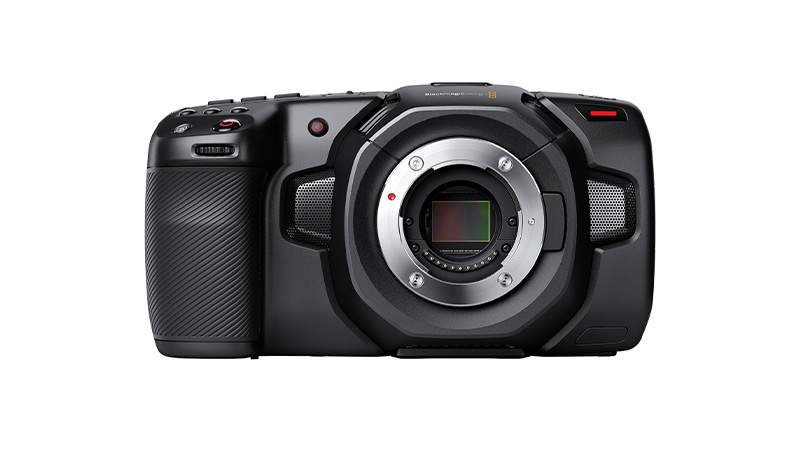
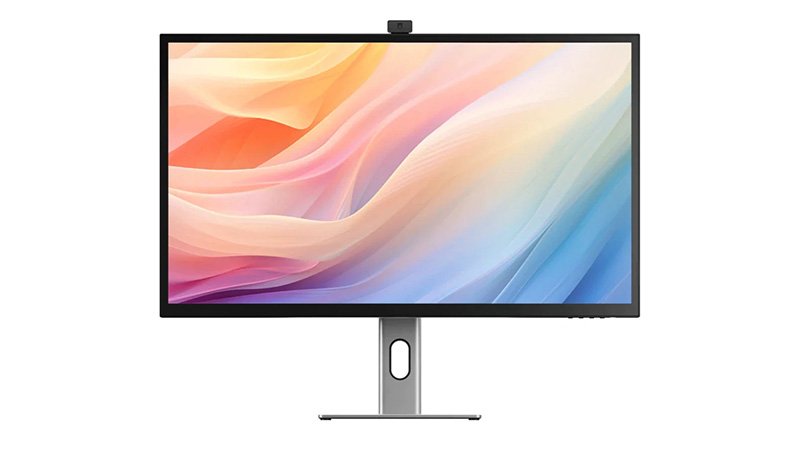
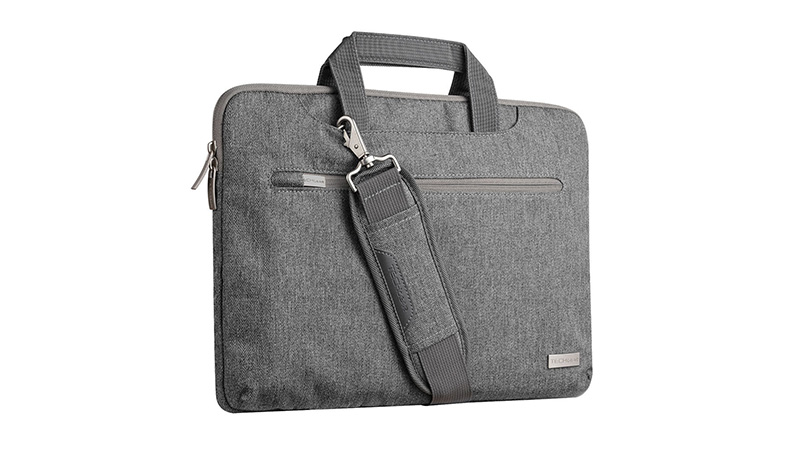
Complete your business setup with tech accessories you can lease alongside your devices from docking stations that turn a single laptop connection into a full multi-monitor workstations, to wireless audio for hybrid meetings, protective cases for laptops on the move, premium keyboards and styluses, smartwatches for staying connected, and cameras for content creation and video calls – all chosen to work seamlessly together so your business gets a complete, ready-to-use setup on flexible monthly payments with no upfront cost and lifetime support included.








Apple continues to redefine performance across the Mac lineup. The M4 generation set new standards for efficiency and AI‑ready workflows, and the newer M5 chips push this even further with major gains in AI acceleration, GPU power, and memory bandwidth. This guide explores both M4 and M5 chips.
Apple’s M4 chips focused on efficiency gains, improved graphics, and stronger machine‑learning acceleration. The new M5 series, however, represents a much larger architectural leap, especially for AI.
Let’s dive further into each of these powerhouse chips.

Fast. M4 is a standout 21% faster than its predecessor, the M3 chip. Configurations are limited to a maximum 10-Core CPU and 10-Core GPU.
Most affordable. The M4 chip is the lowest-cost option when it comes to the new M4 processor range.
Good upgrades. The SSD on 14-inch MacBook Pro, Mac mini, and iMac can be upgraded to a maximum capacity of 2TB, and RAM to a maximum capacity of 32GB.
Great for most industries. M4 Apple MacBooks, Mac minis and Apple iMacs have a maximum 10-Core CPU and 10-Core GPU, and can support one external display, meaning they are suited to the day-to-day needs of most people — but perhaps not those that need an above average amount of storage space for their work.
Limited model choice. It’s worth noting that the M4 is exclusively available for Apple MacBook Pro 14″, Apple iMac and Mac mini — the 16” Apple MacBook Pro offers options for M4 Pro or M4 Max only.
Faster. This version features an 14-Core CPU, providing a significant upgrade in processing power, and an 20-Core GPU. This makes M4 Pro products great for handling graphics-intensive tasks.
Mid-priced. Considering the price, this may not be the most budget-conscious option — but the extra cost is worth it for creative professionals, software developers, or anyone else that requires a high-powered machine than the standard M4 for their work.
Better upgrades. RAM on M4 Pro models can be upgraded to a maximum of 64GB, enabling users to tackle larger projects on the go than the standard M4. The SSD can be expanded to a maximum capacity of 8TB on the mac mini and up to 4TB on the MacBook Pro 14 and 16”. Additionally, when opting for M4 Pro, you can choose a Space Black machine.
Great for creatives. The M4 Pro is significantly faster than the M4, with a maximum 14-Core CPU and 20-Core GPU, This makes the M4 Pro significantly more powerful for tasks like video editing, 3D rendering, and other graphics-intensive work.
Only available for MacBook Pro 14 and 16” and the Mac mini. iMac’s are only available with the standard M4 chip.
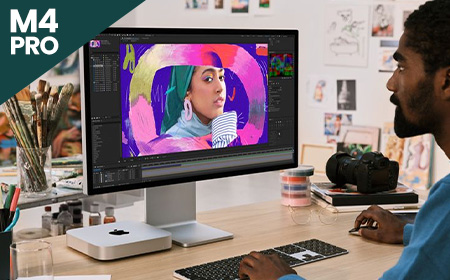

Fastest option. This version offers a choice between a 16-Core CPU, a substantial increase in processing power compared to the M4 Pro. This processor option also incorporates a 40-Core GPU.
Highest priced option. Considering the price, this won’t be the most cost-friendly choice for most people. However, the extra cost is worth it for creative professionals that require a very fast and high-spec laptop for their work, the increased core count ensures faster processing times and smoother multitasking.
Best upgrades. With support for up to 128GB of unified memory, and an SSD capacity of up to 8TB, the M4 Max has the biggest capacity for upgrades of the three M4 chips. Additionally, when opting for M4 Max, you can choose a Space Black machine.
Great for high-end creative professionals. Equipped with a maximum 16-Core CPU and 40-Core GPU and the capacity to support up to four external monitors, M4 Max is ideal for creative professionals who need a high-powered machine with great graphics for tasks such as video editing. The M4 Max offers a nano-texture display option, which reduces glare and reflections, providing a clearer and more consistent viewing experience. This is particularly valuable for creatives who require precise colour accuracy and detail.
Only available for MacBook Pros. Currently, you can only purchase MacBook Pro 14″ and 16″ with this option – iMac’s are only available with the standard M4 chip while mac mini give you the option of M4 or M4 Pro.
More about the difference between Apple M4 chips.
Fast. M5 delivers a major speed boost with up to a 10‑core CPU (up to four super cores + six efficiency cores), offering up to 15% faster multithreaded performance than M4.
Its new 10‑core GPU with a Neural Accelerator in each core provides over 4× the peak GPU compute performance for AI vs M4.
Most affordable. As the entry-level chip in the M5 lineup, it powers the most affordable M5‑based devices, including the 13-inch Macbook Air and 15-inch MacBook Air and iPad Pro.
Good upgrades. The base M5 boosts unified memory bandwidth to 153GB/s, nearly 30% higher than M4. Devices using M5 also benefit from faster storage performance and next‑generation AI acceleration.
Great for most industries. With up to a 10‑core CPU, 10‑core GPU, and improved AI capabilities, M5 suits general business use, productivity, education, and creative light‑to‑medium workloads.
Limited model choice. The base M5 is currently found in select devices such as the 13-inch MacBook Air, 14‑inch MacBook Pro, and iPad Pro, while larger MacBook Pro models and pro workflows require M5 Pro or M5 Max.
Also read: NVIDIA DGX vs Apple M5

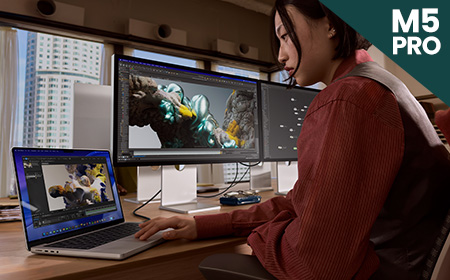
Faster. M5 Pro introduces a new Fusion Architecture, combining two silicon dies for a major performance uplift. It features up to an 18‑core CPU and a next‑generation GPU with up to 20 cores, delivering up to 30% CPU improvement vs M4 Pro.
Not the most budget‑friendly. The M5 Pro sits firmly in the higher price bracket. However, some M5 MacBook Pro 14″ configurations are now £100 cheaper than the previous M4 Pro equivalents, specifically the 16GB RAM / 1TB SSD and 24GB RAM / 1TB SSD models. This makes these configurations unexpectedly better value than before.
Better upgrades. Unified memory bandwidth increases to 307GB/s, and SSD performance is up to 2× faster. The GPU includes a Neural Accelerator in each core, providing more than 4× peak GPU compute performance vs the previous generation.
Great for pro workflows. Ideal for data modelling, video and audio post‑production, coding, STEM applications, and AI‑enhanced tasks.
Limited model choice. M5 Pro is available only in the 14‑inch and 16‑inch MacBook Pro models and does not appear in entry‑level models or the MacBook Air.
Fastest. M5 Max scales performance further with an 18‑core CPU and up to a 40‑core GPU, offering the highest GPU compute in the M5 family. Its GPU architecture includes Neural Accelerators in every core and delivers over 4× the peak GPU compute performance vs M4 Max.
The most expensive option by far. M5 Max models sit at the very top of Apple’s pricing, with the 16‑inch M5 Max MacBook Pro starting from a significantly higher price point compared with previous generations. This chip is only worth the investment for users with extremely demanding workloads.
Good upgrades. Unified memory bandwidth reaches 614GB/s, the highest of any Apple Silicon laptop chip. GPU and media engine improvements double encoding engines and significantly boost ray‑tracing performance.
Great for demanding industries. Best suited to 3D animation, large‑scale AI/ML workloads, complex simulations, high‑end video workflows and other GPU‑intensive pro environments.
Limited model choice. M5 Max is exclusive to the 14‑inch and 16‑inch MacBook Pro models only.

| Device | M4 | M4 Pro | M4 Max | M5 | M5 Pro | M5 Max |
|---|---|---|---|---|---|---|
| MacBook Air 13" | Yes | No | No | Yes | No | No |
| MacBook Air 15" | Yes | No | No | Yes | No | No |
| MacBook Pro 14" | Yes | Yes | Yes | Yes | Yes | Yes |
| MacBook Pro 16" | No | Yes | Yes | No | Yes | Yes |
| iMac | Yes | No | No | No | No | No |
| Mac mini | Yes | Yes | No | No | No | No |
M4 is available for the MacBook Air 13″ and 15″, MacBook Pro 14″, Mac mini and iMac. This chip is a good choice for everyday use and less data-intensive workloads.
M4 Pro is the mid-level option, available for MacBook Pro 14″ and 16″ as well as the Mac mini. This chip is a good choice for people with slightly more data-intensive workloads, who require higher spec capacity.
M4 Max is the fastest and most efficient of the M4 lineup, and is available for MacBook Pro 14″ and 16″. Laptops with this chip are better suited for those with heavily data intensive workloads, and creative professionals who need a high-powered laptop with a lot of storage space, as these laptops offer the most upgrades.
M5 is available for the 13-and 15-inch MacBook Air, 14‑inch MacBook Pro, as well as iPad Pro — giving it broad appeal across both laptop and mobile productivity devices. It is the entry‑level M5 option and a strong choice for everyday business users who want improved AI performance and modern speed.
M5 Pro is the mid-tier option and is exclusive to the 14‑inch and 16‑inch MacBook Pro models. It introduces Apple’s new Fusion Architecture, an 18‑core CPU, and a more powerful GPU, making it ideal for professionals handling more demanding workloads such as video production, coding, and multi‑tasking.
M5 Max is the top‑tier option for the M5 generation and is also exclusive to the 14‑inch and 16‑inch MacBook Pro. With an 18‑core CPU, up to 40‑core GPU and massive memory bandwidth, it is best suited to high‑end creative professionals, AI developers, and users working with extremely intensive graphics or simulation workloads.


Apple Business Manager (ABM) is a free, web-based portal designed to help organisations deploy and manage Apple devices at scale.
Apple Business Manager (ABM) is a free, web-based portal designed to help organisations deploy and manage Apple devices at scale.
Whether you’re a startup or an enterprise, ABM simplifies device enrolment, app distribution, and policy enforcement — especially when paired with a Mobile Device Management (MDM) solution.
ABM provides IT administrators with a centralised platform to:
It integrates with Apple’s Device Enrolment Program (DEP) and Volume Purchase Program (VPP), streamlining workflows for organisations using macOS, iOS, and iPadOS devices.
To get started, your organisation must
Once verified, you can begin enrolling devices and linking them to your MDM server.
Learn more about Creating an Apple Business Manager Account
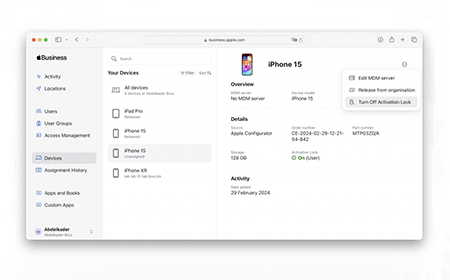
Technically, ABM can function without an MDM. However, using ABM without an MDM like Shepherd or Jamf limits functionality:
Pairing ABM with an MDM unlocks full automation, security, and scalability.
Explore the blog: Do you need an MDM with Apple Business Manager?
Choose an MDM solution (e.g. Shepherd, Jamf).
In ABM, go to Settings > MDM Servers > Add MDM Server.
Upload the public key from your MDM.
Assign devices to the MDM server.
Configure automatic enrolment profiles in your MDM.
This ensures devices are managed from the moment they’re activated.
ABM supports bulk app purchasing and deployment via the Volume Purchase Program (VPP).
You can:
This streamlines app management across departments and roles.
Learn more about How To Distribute Apps with Apple Business Manager
Security: Remotely lock or wipe lost/stolen devices.
Efficiency: Automate device setup and app deployment.
Scalability: Easily manage growing Apple fleets.
Compliance: Enforce security and privacy policies.
BYOD Support: Manage employee-owned devices securely.
Learn more about the Benefits of Apple Business Manager


New Device Rollouts: Seamless setup for new hires.
Remote Work: Manage devices without physical access.
Device Refresh Cycles: Prepare for upgrades with minimal disruption.
BYOD Management: Secure employee-owned devices.
Apple Business Manager is a powerful tool for any organisation using Apple hardware. While it can operate independently, pairing it with an MDM solution like Shepherd or Jamf unlocks its full potential. From device enrolment to app deployment, ABM simplifies IT workflows and enhances security.
For more detailed guidance, explore the full blog series linked throughout this guide.

Shepherd MDM is HardSoft’s proprietary Mobile Device Management (MDM) solution, designed specifically for Apple devices and tailored to meet the needs of small to medium-sized businesses.
Shepherd is a cloud-based MDM system that allows businesses to:
It’s built with SMEs in mind, offering a streamlined interface and expert support for macOS, iOS and all other platforms.
Learn more about how to Protect your Digital Flock with Shepherd MDM
Shepherd integrates seamlessly with Apple Business Manager (ABM), enabling:
This integration simplifies the deployment and management of Apple hardware across your organisation.
Learn more about Shepherd MDM and Apple Business Manager

These features provide granular control over device usage, enhance cybersecurity, and streamline IT operations.
To link Shepherd with ABM:
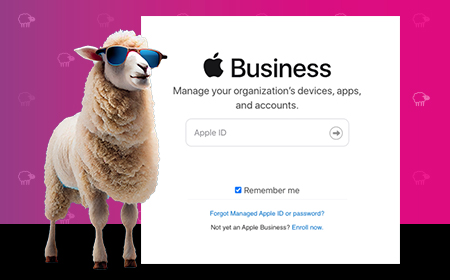
With so many MDM options out there, Shepherd stands out by offering:
Learn more about how Shepherd compares to other MDM solutions
Shepherd DDM enhances:
Learn more about Protecting Your Flock of Business IT Devices with Shepherd MDM

Shepherd MDM is a robust, affordable, and user-friendly solution for businesses managing Apple devices. Its seamless integration with Apple Business Manager and rich feature set make it an ideal choice for SMEs looking to enhance security, streamline operations, and future-proof their IT infrastructure.
For more detailed guidance, explore the full blog series linked throughout this guide.