
MacBook Neo vs Air: Performance, Value, and What Businesses Should Know
This guide compares the MacBook Neo and the MacBook Air M5 for business teams — what each one offers, the specs that actually matter at work, and how to match the right machine to the right role.

Quick Summary
These are Apple’s two most affordable laptops but they’re built on different foundations.
The Neo runs an A-series chip — the same A18 Pro found in the iPhone — while the Air runs Apple’s M5 silicon. That single difference shapes everything: memory, connectivity, and how each machine copes with a heavy day’s work.
On leasing, the Neo starts from around £3.72 +VAT per week and the Air from £6.91 — so the Neo is close to half the cost. But cost is only half the decision. The rest comes down to what your people actually do all day.
Let’s look at each machine on its own terms.
At a Glance: MacBook Neo vs. MacBook Air M5
| Feature | MacBook Neo | MacBook Air M5 |
|---|---|---|
| Chip | Apple A18 Pro (iPhone-class) | Apple M5 |
| CPU / GPU | 6-core / 5-core | 10-core / up to 10-core |
| Memory | 8GB unified (fixed) | 16GB base, up to 32GB |
| Base storage | 256GB or 512GB | 512GB or 1TB |
| Display | 13″ Liquid Retina, 500 nits | 13.6″ or 15.3″ Liquid Retina |
| Ports | 1× USB-C 10Gbps + 1× USB 2.0 | Thunderbolt 4 + MagSafe |
| External displays | One 4K @ 60Hz | Multiple |
| Touch ID | 512GB model only | Yes |
| Battery | Up to 16 hours | Up to 18 hours |
| Sizes | 13″ only | 13″ and 15″ |
| Starting price (Apple) | From £699 | From £1,299 |
| Leasing from HardSoft | From ~£3.72/week | From ~£6.91/week |
MacBook Neo: The Specs That Matter for Business
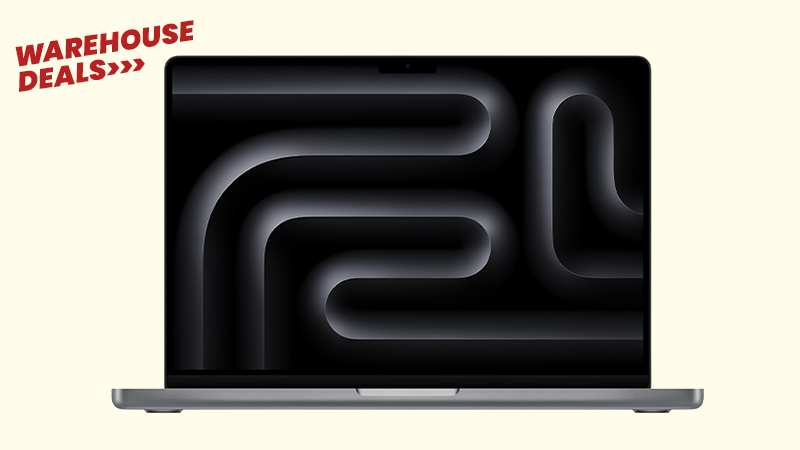
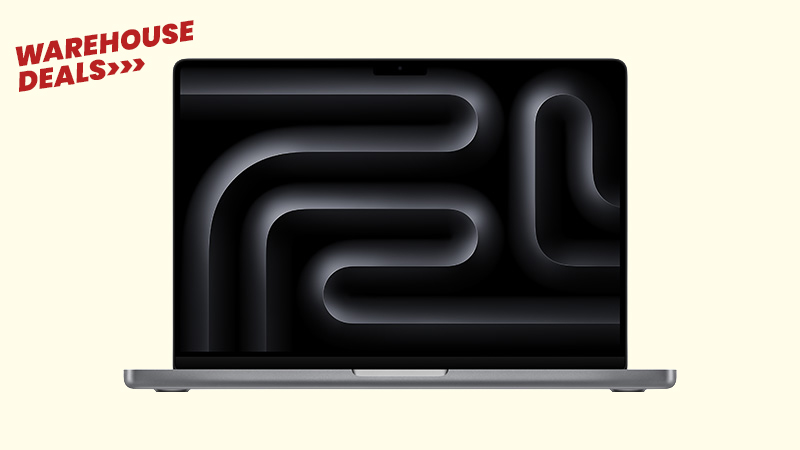
The Neo is the most affordable Mac Apple has ever made, and for a large slice of any workforce it’s all the laptop they need.
Performance. The A18 Pro pairs a 6-core CPU with a 5-core GPU and a 16-core Neural Engine, with Apple Intelligence built in. It flies through the everyday: email, Microsoft 365 and Google Workspace, web-based CRMs, video calls and general multitasking. It’s a phone-class chip, so it’s not built for sustained heavy lifting — but most business roles never ask it to.
Memory. The Neo has 8GB of unified memory, with no option to add more now or later. That’s comfortable for someone living in a couple of apps and a handful of tabs. However, if you push it with dozens of tabs plus several apps at once, it starts to feel tight. See How Much RAM Should You Order in Your Next Mac? for why this matters over a multi-year lease.
Connectivity. Two USB-C ports (one fast 10Gbps, one basic USB 2.0), Wi-Fi 6E, and support for one external 4K display. There’s no Thunderbolt, so a busy dual-monitor dock is out of the box — though a USB-C dock solves most of that (more below).
Display, battery and build. A bright 13″ Liquid Retina screen (500 nits, a billion colours), up to 16 hours of battery, a silent fanless design, and four colours to choose from. Note two trade-offs: Touch ID is only on the 512GB model, and there’s no backlit keyboard or fast charging.

MacBook Air: The Specs That Matter for Business
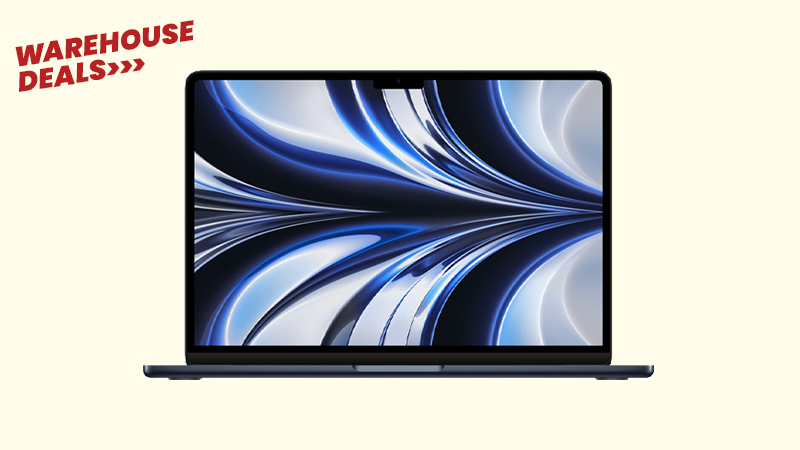
The Air is the default “everyday professional” Mac — noticeably more capable under the hood, and built to stay comfortable across a longer lease.
Performance. The M5 steps up to a 10-core CPU, up to a 10-core GPU, and more than twice the Neo’s memory bandwidth. That headroom is what keeps things smooth when the workload is sustained — heavy multitasking, larger datasets, creative apps, and anything that runs hard for long stretches without slowing down.
Memory. The Air starts at 16GB and configures up to 32GB. On Apple Silicon, memory is the single biggest factor in how well a machine ages, so this is the spec that most justifies the extra weekly cost for demanding roles — and the main reason not to under-spec someone you’re equipping for three years.
Connectivity. Thunderbolt 4 plus MagSafe charging, and support for multiple external displays. This is the practical difference for desk-based staff: full docking, faster peripherals, and a proper multi-monitor setup from a single connection.
Display, battery and build. A choice of 13.6″ or 15.3″ Liquid Retina — useful when someone wants more screen without moving up to a MacBook Pro — plus up to 18 hours of battery, a backlit keyboard, fast charging, and Touch ID as standard.
Turning Either Into a Full Desk Setup
Both machines make great desk workstations with the right accessories — and you can easily add these to any lease with HardSoft.
A USB-C or Thunderbolt docking station turns a single laptop port into a full desk, complete with an external display, wired network, and charging.
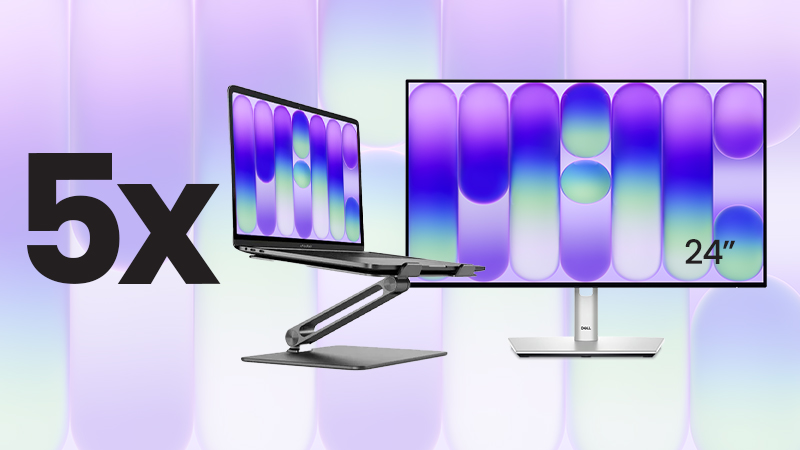
For teams standardising on the Neo, we’ve packaged it up: the MacBook Neo Desktop Bundle pairs five 512GB Neos (with Touch ID) with Dell 24″ USB-C hub monitors and Alogic stands that lift the screen and help airflow on the fanless chassis. That’s five complete workstations for £39 +VAT per week (around £7.80 a desk).
Matching the Machine to the Role
| Role | Best Fit | Why |
|---|---|---|
| Admin, operations & reception | Neo | Email, 365/Workspace, web CRMs — smooth, silent, cost-effective |
| Frontline, field & retail | Neo | Point-of-sale, scheduling, a browser — no headroom wasted |
| New starters & second devices | Neo | Fast, affordable and easy to deploy at scale |
| Sales, account management & leadership | Air | All-day calls, presentations and endless tabs fill 8GB fast |
| Marketing | Split | Neo for writers and social; Air for designers and heavier creative |
| Design, development & power users | Air (min.) | Adobe, IDEs, Docker and simulators need M5 and 16GB+ |
The Leasing Maths
Bought outright, the Neo (£699) and the Air (£1,299+) are £600 apart per person — a gap that grew after Apple’s June 2026 price rises. Spread across a lease, the gap is about £3.19 a week per device. Leasing makes the price gap small enough to choose each laptop for the job, not the price tag.
Why Lease With HardSoft
Leasing keeps a mixed rollout simple:
- One predictable weekly cost across every device, whatever the mix
- Flexi — switch devices at 12 months, cancel after 12, or own the kit at the end for £1
- Pure — our most affordable option, with a simple refresh at expiry
- Support and Asset Protection Cover built in
- Dave, your dashboard — every leased device managed in one place
- Award-winning, carbon neutral and, 40 years in business
Which Should You Lease?
For a typical team, the Neo is the smart, cost-effective choice — admin, reception, frontline, retail and single-app roles, and with a dock or the Desktop Bundle it makes an excellent office workstation too.
For the people who multitask heavily, work docked across multiple monitors, or run creative and development tools, the Air’s M5 chip, 16GB+ memory and Thunderbolt aren’t a luxury — they’re what keeps those roles productive across the life of the lease.
So it’s rarely “Neo or Air” for the whole business. The best answer is usually both, matched to how each person works — and because leasing narrows the cost gap to a few pounds a week, that mix is easy to build and easy to adjust as your team changes.
Lease the Neo from under £4 a week, or the Air from under £7. Speak to our team to map the right setup for your business.